
Most Claude Code problems have quick fixes, and most fall into a handful of categories. This guide walks through the common ones in order, from setup errors to a stuck agent to usage limits, with the fix for each. Start at the top; the first section solves a surprising number of issues on its own.
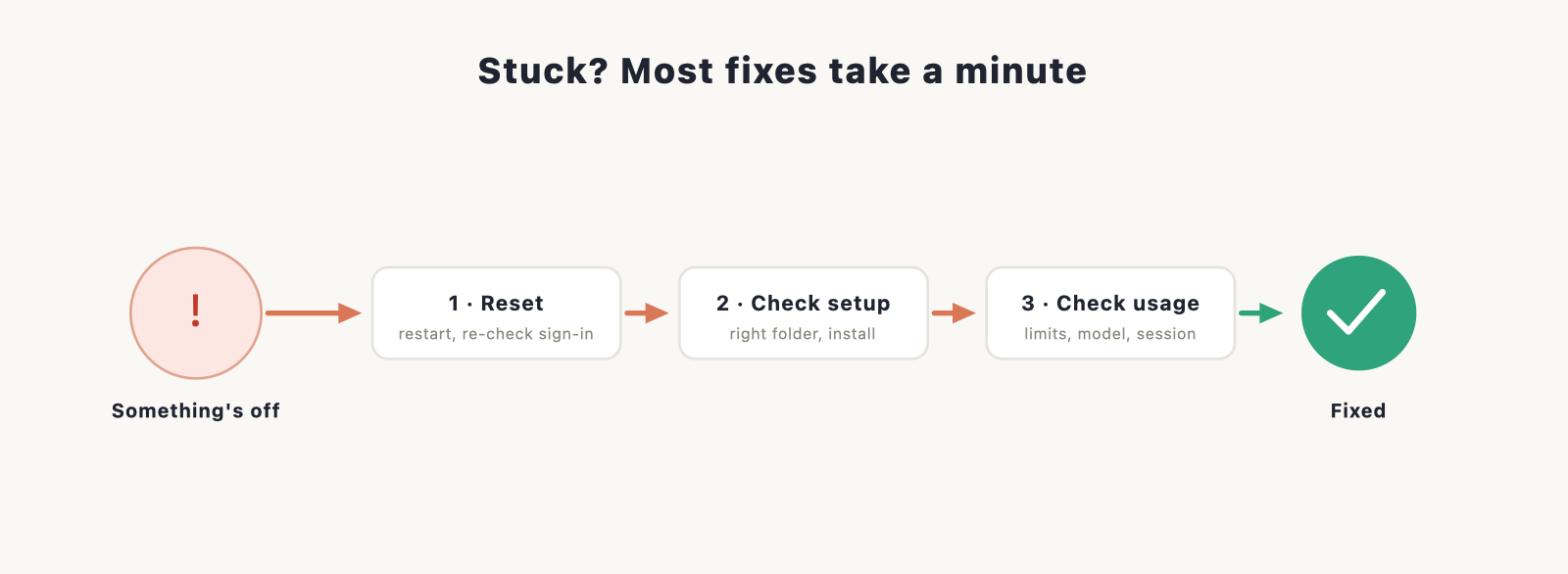
If you haven’t installed Claude Code yet, our install guide is the place to start. For everything else, work down this page.
Start here: the two-minute reset
Before digging in, try the basics. They fix more than you’d think.
- Restart Claude Code. Close the app (or your terminal) and open it again.
- Check you’re signed in. A silent sign-out looks like a lot of other problems.
- Check your internet connection. Claude Code needs to reach Anthropic to work.
If that didn’t help, find your problem below.
Install and sign-in problems
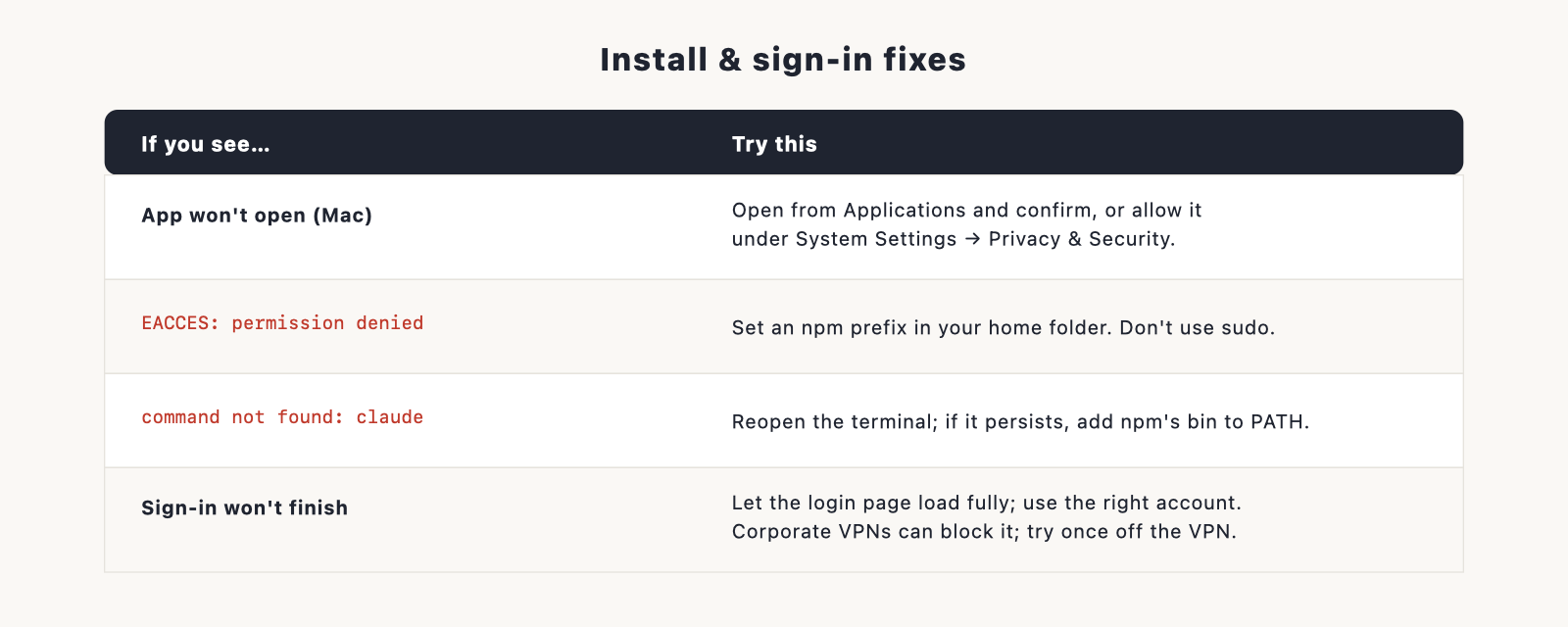
These hit during setup. Our install guide covers setup in full; here are the usual snags and fixes.
- The desktop app won’t open on Mac. macOS may block an app from the internet. Open it from your Applications folder and confirm you want to open it, or allow it under System Settings, Privacy and Security.
EACCES: permission deniedwhen installing the CLI. A global npm install failed on a permissions wall. Set an npm prefix in your home folder so you’re not writing to a system directory, and avoidsudo, which causes more trouble later.command not found: claudeafter installing the CLI. Close and reopen your terminal first. If it persists, your npm global bin folder isn’t on your PATH, which the prefix fix above also resolves.- Sign-in won’t complete. Make sure the browser login page finished loading and that you’re using the right account. Corporate networks and VPNs sometimes block the callback, so try once off the VPN.
“Claude Code can’t see my files”
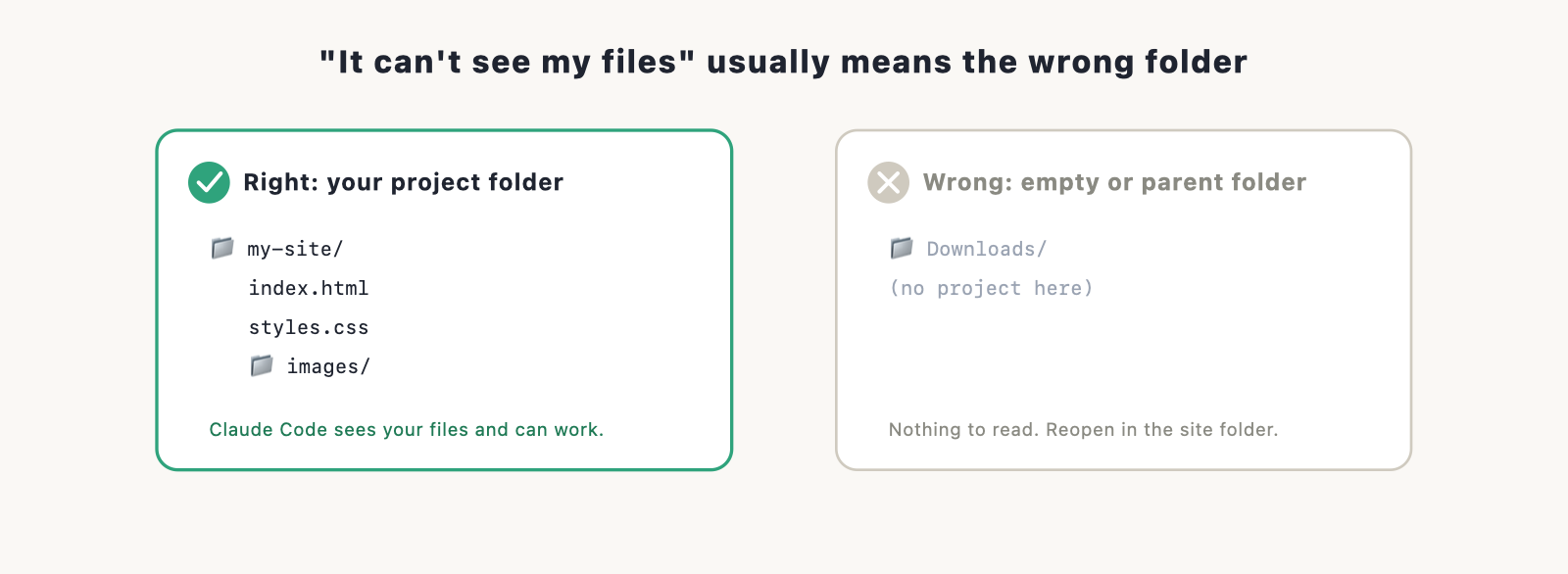
Claude Code works inside a project folder, so this almost always means it’s pointed at the wrong place. Make sure you opened it in the folder that actually contains your site, not an empty folder or a parent directory. In the app, check which project is open; in the terminal, check you ran it from the right folder. If your files are there but it still can’t read them, a permissions prompt may be waiting for your approval.
It gets stuck, loops, or goes off track
Sometimes the agent spins on a problem or heads in the wrong direction. When that happens:
- Stop it and redirect. You don’t have to let it finish. Interrupt and clarify what you actually want.
- Be more specific. Vague requests produce wandering work. Describe the exact outcome.
- Break the task down. Ask for one small change at a time instead of a big sweeping one.
- Use plan mode for anything large, so you approve the approach before it touches files.
- Start a fresh session if the conversation has gotten long and muddled. A clean start often works better than fighting a tangled one.
If it changed something you didn’t want, you can undo it. Because Claude Code commits to Git, every step is reversible; ask it to revert the last change, or restore from your Git history. Our Git with Claude Code guide covers that safety net.
“You’ve hit a limit” or usage errors
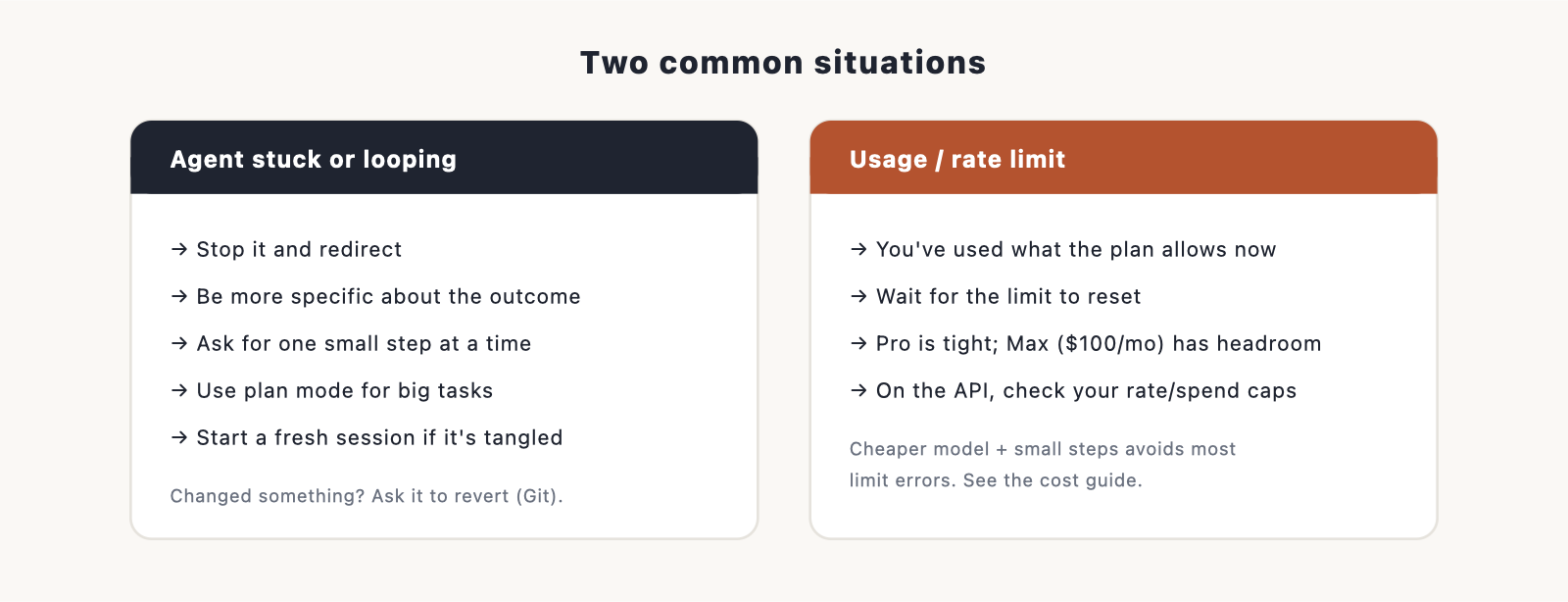
If Claude Code says you’ve reached a usage or rate limit, you’ve used up what your plan allows for now.
- On Claude Pro, the token allowance is fairly tight, so heavy sessions can hit it. Wait for the limit to reset, or move up to Max ($100 a month) for much more headroom.
- On the API, this can mean a rate limit or a spending cap you set. Check your account.
Heavy building is the usual cause, so the habits in our Claude Code cost guide both reduce errors and keep the bill down. The short version: use a cheaper model for routine edits, work in small steps, and start fresh sessions.
A deploy failed
If the problem is publishing your site rather than building it, that’s its own topic. The most common fix is to copy the build-log error and paste it to Claude Code to fix. Our deploy guide has the full troubleshooting list for Vercel and Netlify.
Where to get more help
If your problem isn’t here, the quickest paths are Anthropic’s official Claude Code documentation and the active community forums, where most error messages have already been asked and answered. When you search, paste the exact error text; it’s the fastest way to a match.
Frequently asked questions
Why isn’t Claude Code working? Most often it’s a silent sign-out, a lost internet connection, or being pointed at the wrong folder. Restart it, confirm you’re signed in, and check you opened the right project. That clears the majority of cases.
Why can’t Claude Code see my files? It’s almost always opened in the wrong folder. Make sure it’s in the folder that contains your site, not an empty or parent directory.
Claude Code is stuck in a loop. What do I do? Stop it, then give a more specific, smaller request. For big tasks use plan mode, and if the session has gotten long, start a fresh one.
I hit a usage limit. How do I fix it? You’ve used what your plan allows for now. Wait for it to reset, or move to Max for more headroom. The cost guide has habits that avoid this.
How do I undo a change Claude Code made? Ask it to revert the last change, or restore from your Git history. Every step is committed, so nothing is permanent.
