
In 2026 you can describe a business in one sentence, hit generate, and watch a full website appear in under a minute. Copy, layout, images, even a logo and a contact form. The demos are impressive, and for once they mostly hold up.
The gap is in the details. These tools vary a lot, most “free” plans hide a catch, and the price you see on the pricing page is rarely the price you pay next year. So this list sorts through the eleven best AI website builders available right now, what each one is actually good at, and where the free tier quietly stops being free.
Here is the honest thesis I will carry through the whole piece: AI does the heavy lifting and gets you about 80% of the way there. Then you finish the last 20% by hand. That means fixing the copy so it is accurate and sounds like you, swapping the generic stock photos for real ones, and checking the SEO basics like page titles and headings. If you skip that part, you end up with a site that looks like a thousand other AI drafts. If you want the fuller picture first, our guide to how to build a website from scratch covers the ground an AI builder skips.
What an AI website builder actually does
The pattern is the same across almost every tool here. You answer a few questions about your business, or you type a single prompt describing what you want. The AI then generates a first draft: a layout, written copy, images, and usually a color scheme and fonts to match. You refine what it made, either in a drag-and-drop editor or by chatting with the AI. Then you publish.
Set your expectations honestly, though. If you accept the first draft as-is, you get a generic-template result that reads like every other AI site, because the model reaches for the same phrasings and the same stock imagery. The customization is where the value lives. And watch the money: on most builders the free plan puts a custom domain, ad removal, or actual publishing behind a paid tier, and that paid tier almost always renews at a higher rate than the first-year price you sign up for.
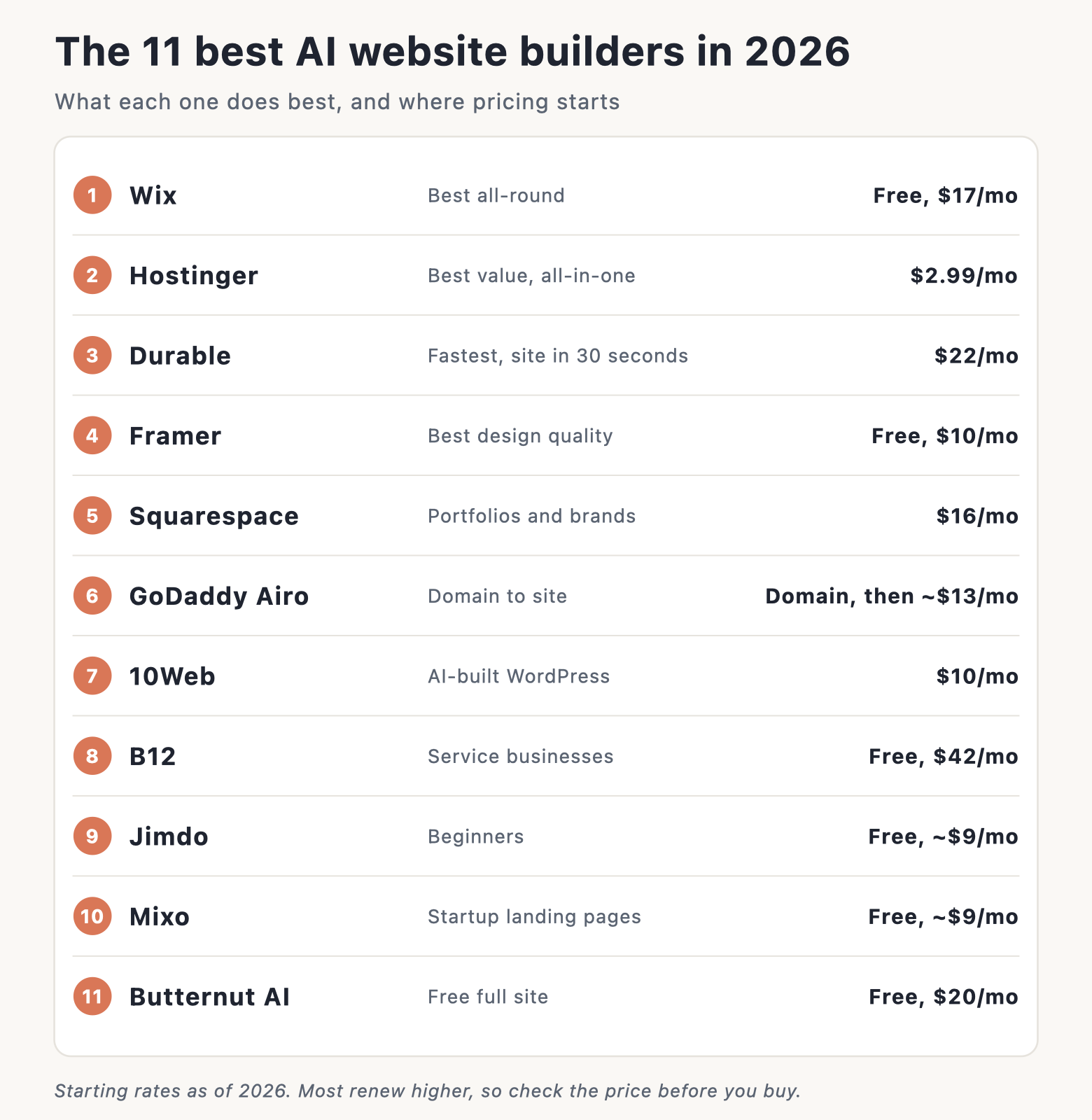
The 11 best AI website builders in 2026 at a glance
Here is the short version before the full reviews. Prices are the starting rates as of 2026, and most are promotional annual or multi-year rates that renew higher.
| Builder | Best for | Free option? | Starts at (2026) |
|---|---|---|---|
| Wix | Most people, all-round | Yes (with Wix ads) | $17/mo |
| Hostinger | Value, all-in-one | Trial only | ~$2.99/mo |
| Durable | Speed, solo businesses | Free to build | ~$22/mo |
| Framer | Design quality | Yes (subdomain) | $10/mo |
| Squarespace | Portfolios, creative brands | Trial only | $16/mo |
| GoDaddy Airo | Buying a domain too | Free with a domain | ~$13/mo |
| 10Web | AI-generated WordPress | Trial only | $10/mo |
| B12 | Service businesses | Yes (publishes) | $42/mo |
| Jimdo | Beginners | Yes (subdomain) | ~$9 to $11/mo |
| Mixo | Validating a startup idea | Yes (subdomain) | ~$9/mo |
| Butternut AI | A free full site | Yes (unlimited drafts) | $20/mo |
The 11 best AI website builders in 2026, reviewed
1. Wix: best for most people
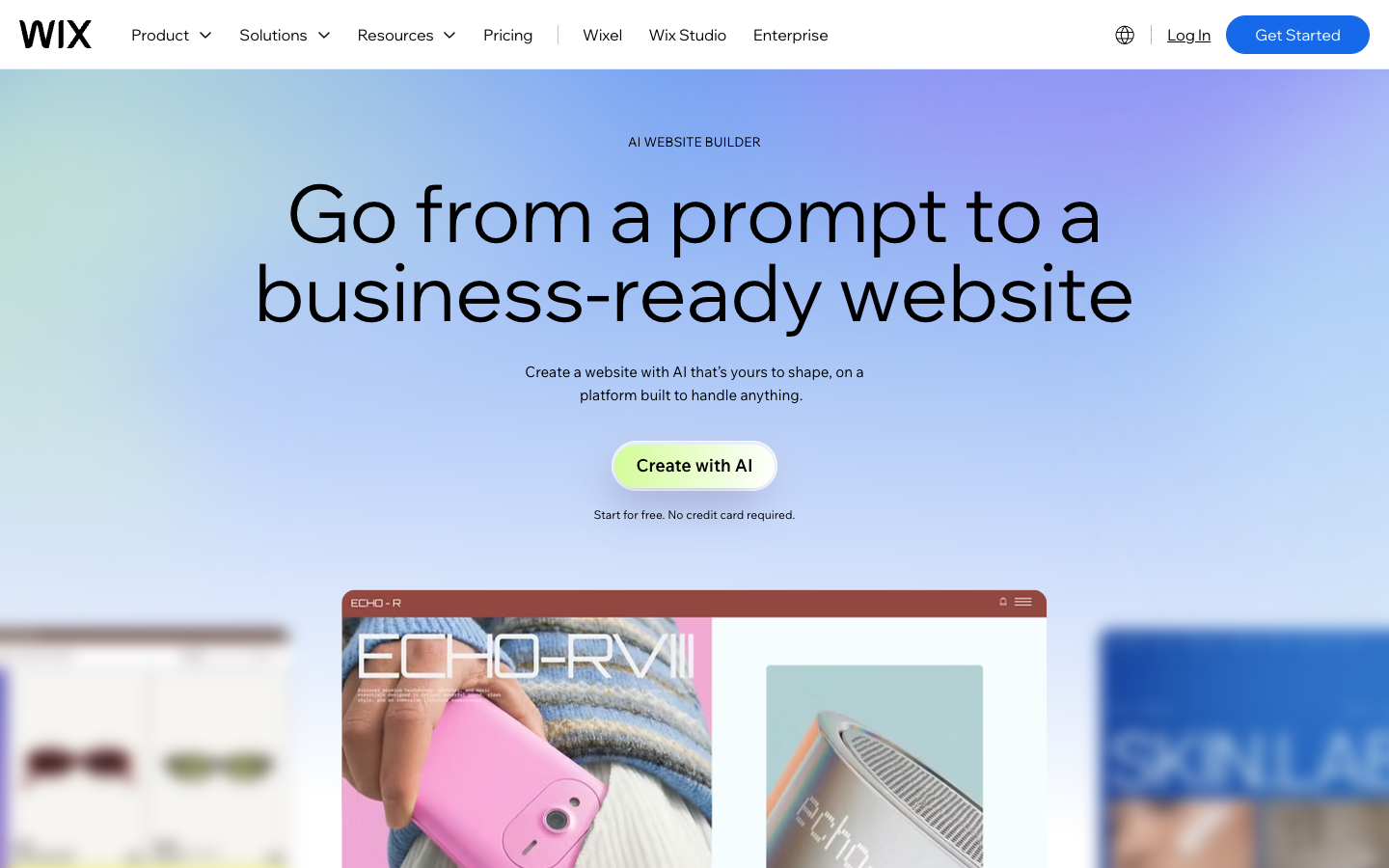
Wix is the one I point most people to first, because it does the widest range of things well. Its conversational AI builder asks about your business, then generates a full site with copy, images, and layout in one pass. The part that sets it apart is what happens next: you keep the full drag-and-drop editor, so nothing the AI made is locked. You can move, delete, and rewrite anything.
Pricing as of 2026 starts at $17 a month on an annual plan, and it costs more if you pay month to month. There is a free plan that never expires, which is rare at this level. The catch: the free plan shows Wix ads and gives you no custom domain, only a wixsite.com subdomain, and the sheer number of options can overwhelm first-timers who just want something simple and fast.
2. Hostinger: best for value
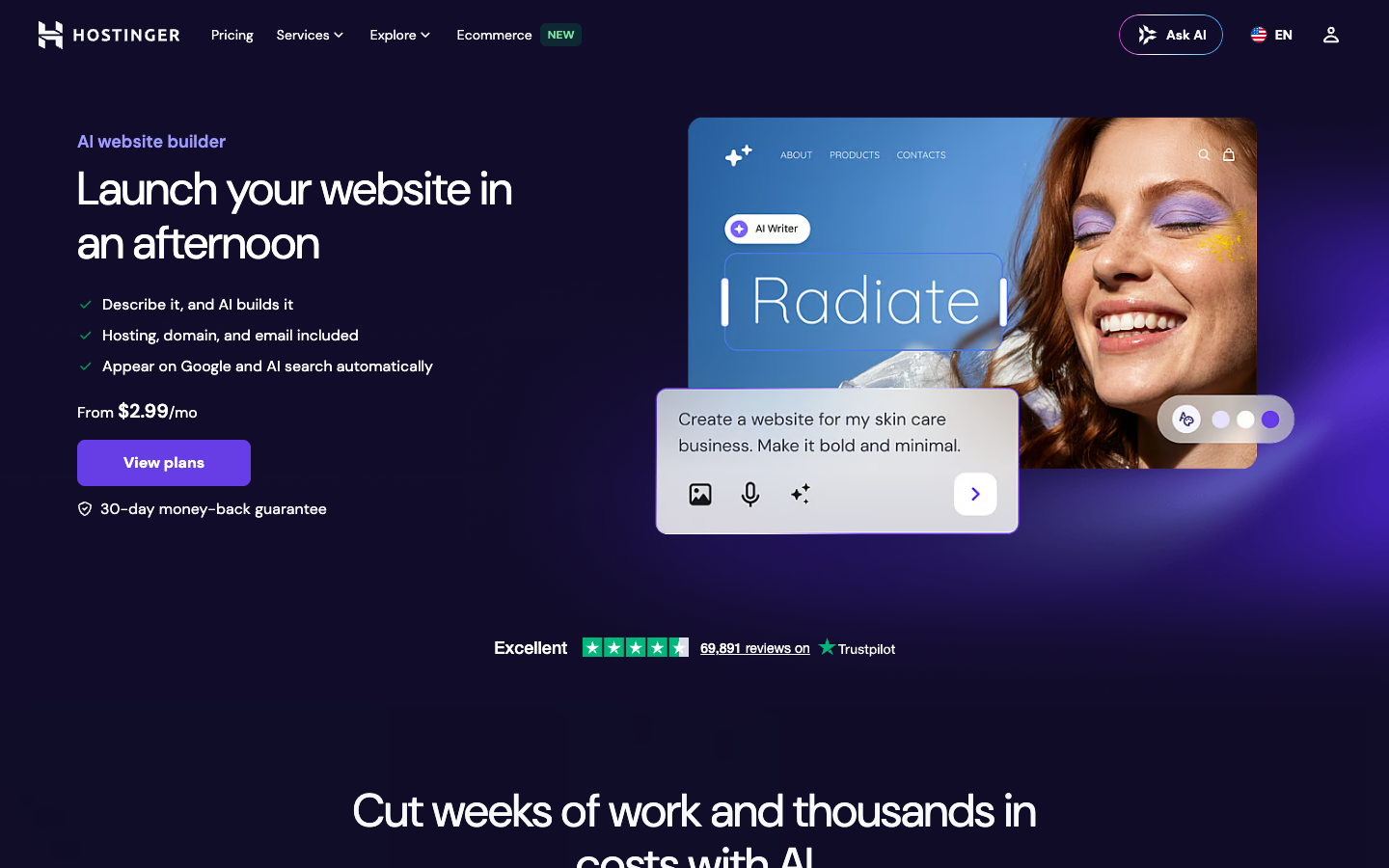
Hostinger folds the AI builder into a hosting plan, which is why it comes out cheapest by a wide margin. You describe your site and it generates the copy, images, and layout, and it throws in an AI writer, AI image and logo tools, and AI help for SEO. Hosting, a free domain, and email are all bundled, so there is nothing extra to buy on top.
Pricing starts from around $2.99 a month as of 2026, but that number comes with a condition. The catch: the headline price needs a multi-year commitment, and it renews at a higher rate of around $10.99 a month once the initial term ends. There is a free trial tier with limited AI credits so you can test it before you commit. For a full breakdown of the hidden line items, see our guide to what a website costs.
3. Durable: best for speed
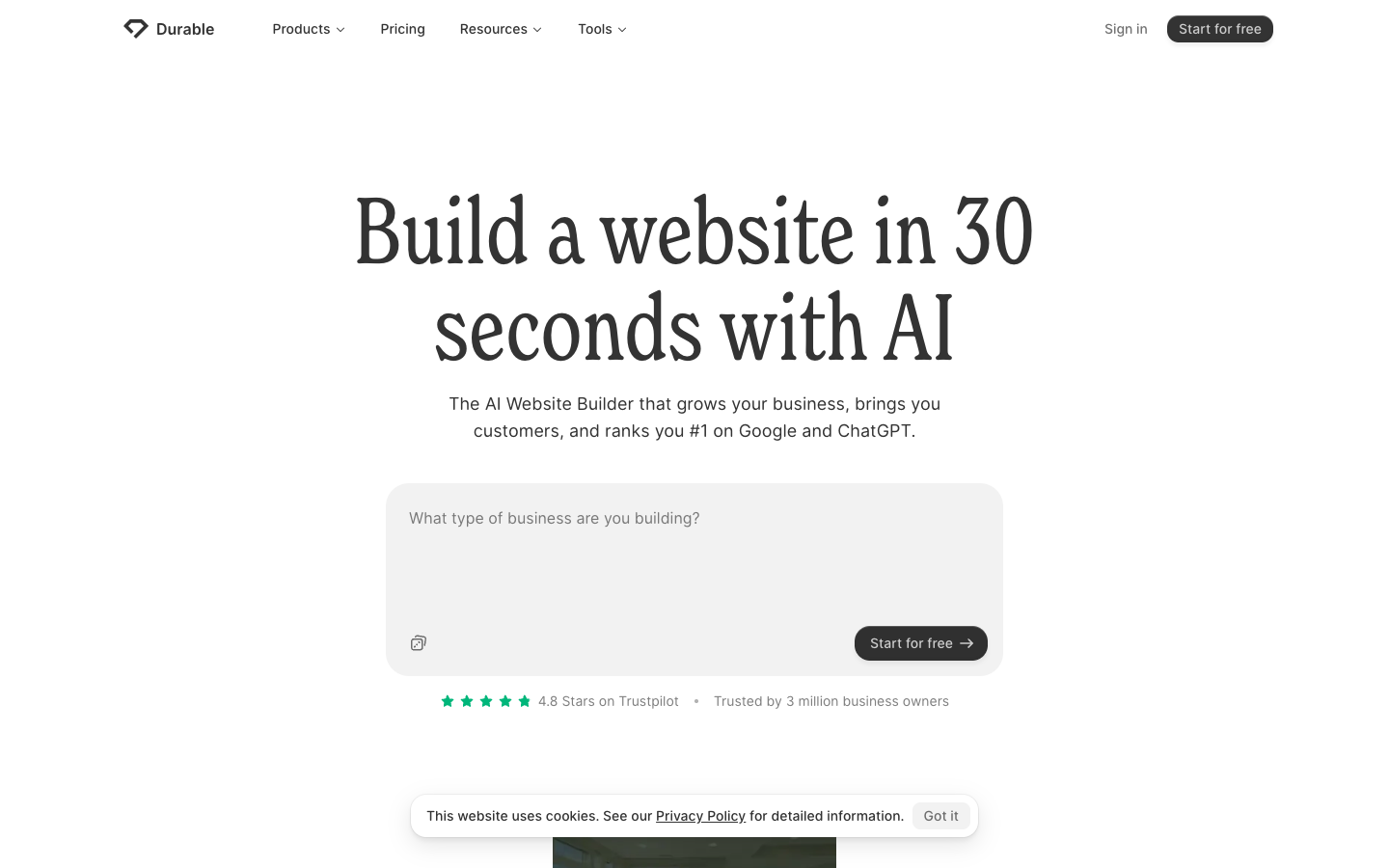
Durable is built for people who want a site live yesterday. It builds a working site in about 30 seconds from a few answers, and it is aimed squarely at solo operators and service businesses. What you get is more than a site, too: it bundles a simple CRM, invoicing, an AI blog writer, and a chatbot, so it works like a small business toolkit rather than a page maker.
You can generate and preview a site for free, then pay to publish. Pricing starts from around $22 a month as of 2026 on a monthly plan, with roughly 15% off if you pay annually. The catch: it is more a business-in-a-box than a design tool, so if you care about pixel-level layout control, you will hit its limits fast.
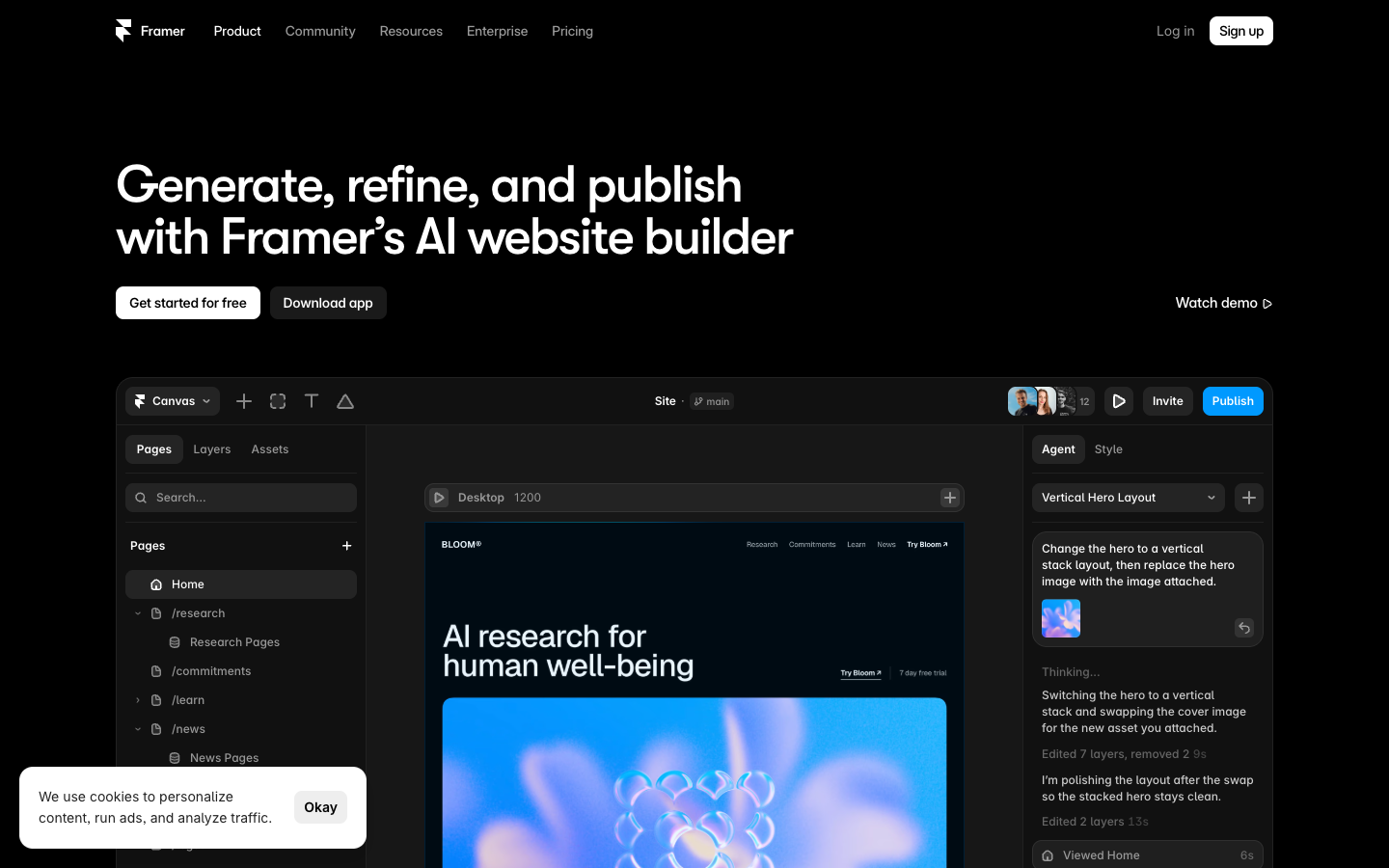
4. Framer: best for design quality
Framer is where the output stops looking like an AI draft and starts looking like a design studio made it. Its AI Wireframer turns a prompt into a layout, there are AI agents that work directly on the canvas, and it includes AI translation for multi-language sites. The results are animation-rich and pixel-precise, which is why designers and marketers gravitate to it.
There is a free tier that publishes to a Framer subdomain, and a custom domain needs a paid plan. Paid plans start at $10 a month as of 2026 on an annual term. The catch: it has a steeper learning curve than the others here, and the same design freedom that designers love can overwhelm someone who is not one.
5. Squarespace: best for portfolios and creative brands
Squarespace has long been the pick for people who want a site to look good with almost no effort, and its AI features now match that reputation. Blueprint AI guides a prompt-to-site setup on every plan, and Design Intelligence generates text and images for you. All of it sits inside templates that have won design awards, so even the first draft tends to look polished.
There is no permanent free tier, only a 14-day trial that does not ask for a card. Paid plans start at $16 a month as of 2026 on an annual plan, or around $21 to $25 month to month. The catch: there is no free plan to fall back on, and the layouts are less flexible than what you get from Wix or Framer.
6. GoDaddy Airo: best for launching when you are also buying a domain
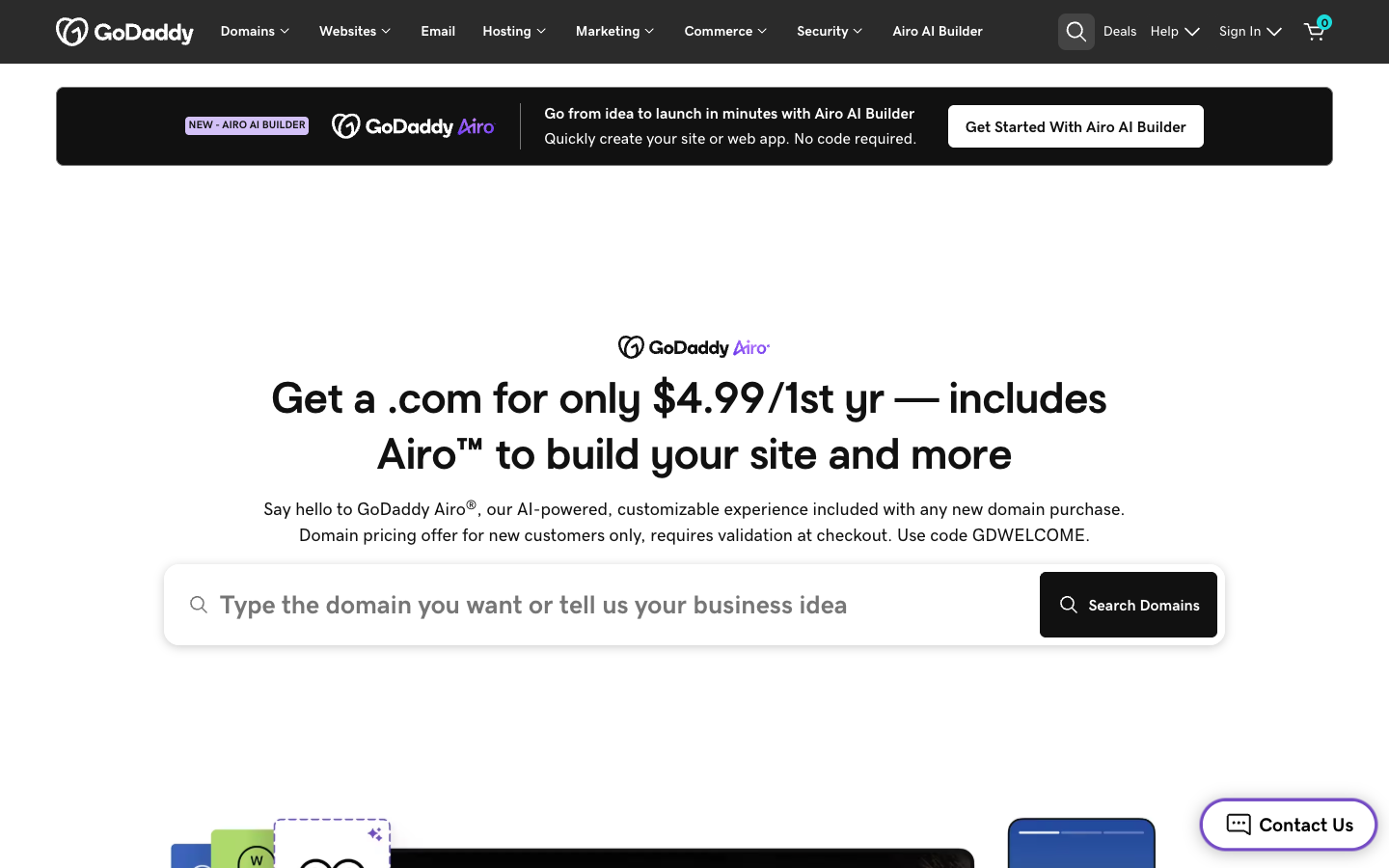
Airo makes the most sense when you are registering a domain anyway. Give it your domain or your business idea and it generates a site plus a logo, copy, images, email, and marketing material in one go. There is an Airo option for WordPress too, if you want to grow into that later rather than stay in the simple builder.
Airo comes free with a new domain, and domains start from around $4.99 for the first year, while the paid builder runs about $13 a month as of 2026. The catch: the pricing is bundled with a domain and renews higher after year one, and the design depth is limited compared with a dedicated builder.
7. 10Web: best for AI-generated WordPress
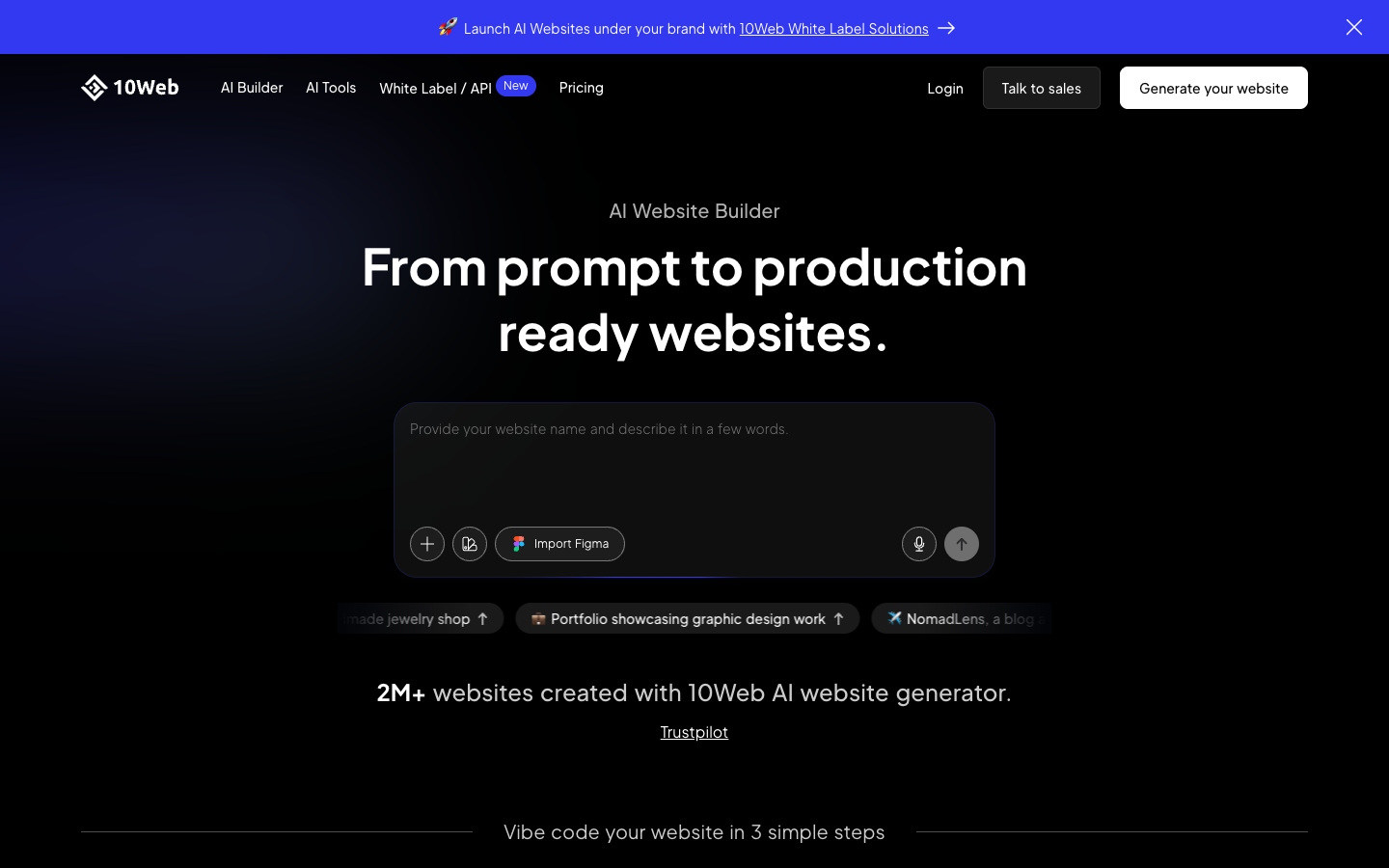
10Web is the answer for anyone who wants the power of WordPress without building it by hand. Its agentic builder creates a full WordPress site from a prompt, and it can even recreate an existing site you point it at. An AI Co-Pilot handles content, images, and SEO, and the whole thing runs on managed Google Cloud hosting with speed optimization built in.
There is no permanent free tier, just a 7-day trial that requires a card, and publishing needs a paid plan. Pricing starts at $10 a month as of 2026 on an annual plan, or around $20 month to month. The catch: you are committing to WordPress, which has more moving parts than a closed builder, and there is no free tier to grow from.
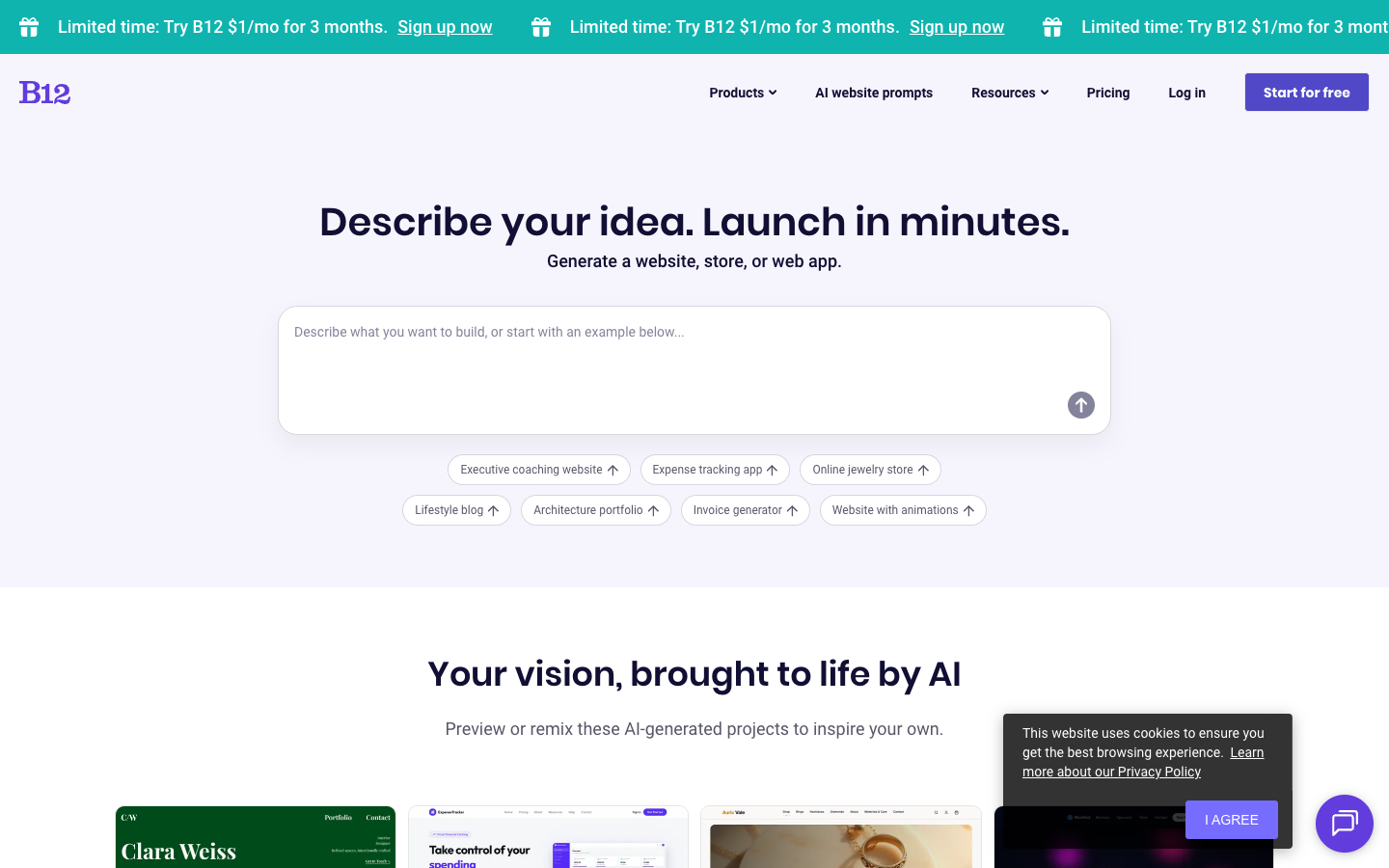
8. B12: best for service businesses
B12 is aimed at lawyers, consultants, accountants, and other service firms that need a site to do real work. It generates a full draft site from a description of your business, and you edit it by talking to a natural-language AI agent. The client tools are the real draw: online scheduling, intake forms, invoicing, contracts with e-signature, and email marketing all come built in.
There is a free plan at $0 that publishes to a b12sites.com subdomain, though a custom domain needs a paid plan. Paid plans start at $42 a month as of 2026 on an annual plan, or $49 month to month, and there is a $1 a month promo for the first three months. The catch: the paid plans cost more than a plain builder, so B12 is overkill if all you need is a simple brochure site.
9. Jimdo: best for beginners
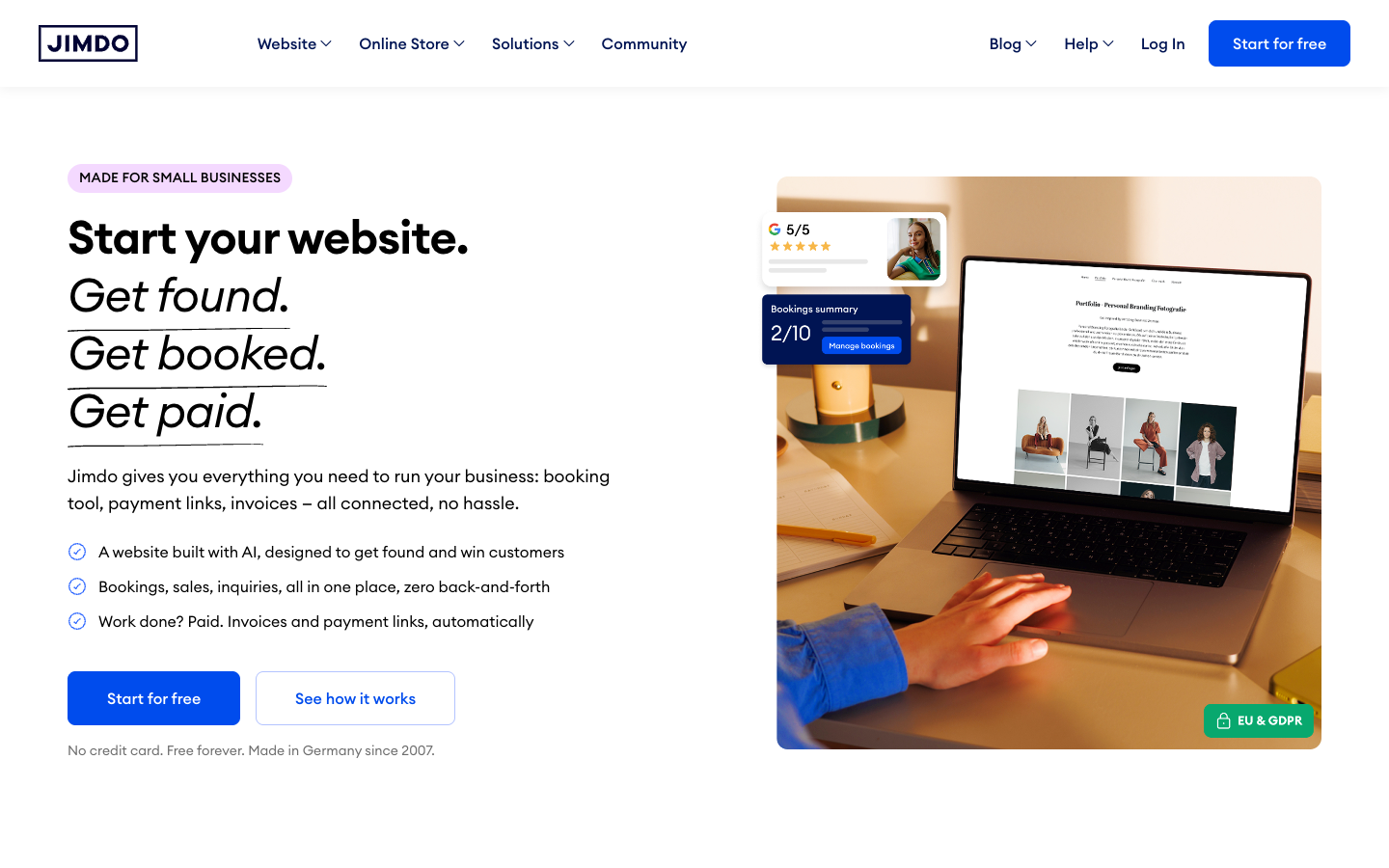
Jimdo is the gentlest on-ramp of the bunch. A short question-and-answer flow builds a working site in about three minutes, with no jargon to trip over. Its plans now fold in booking, payment links, and invoices, which makes it a tidy fit for small local businesses that need a site and a couple of tools and nothing more.
There is a free “Play” plan that lives on a jimdosite.com subdomain. Paid plans start from around $9 to $11 a month as of 2026 on an annual plan. The catch: the design options are limited, so Jimdo suits simple sites far better than complex ones.
10. Mixo: best for validating a startup idea
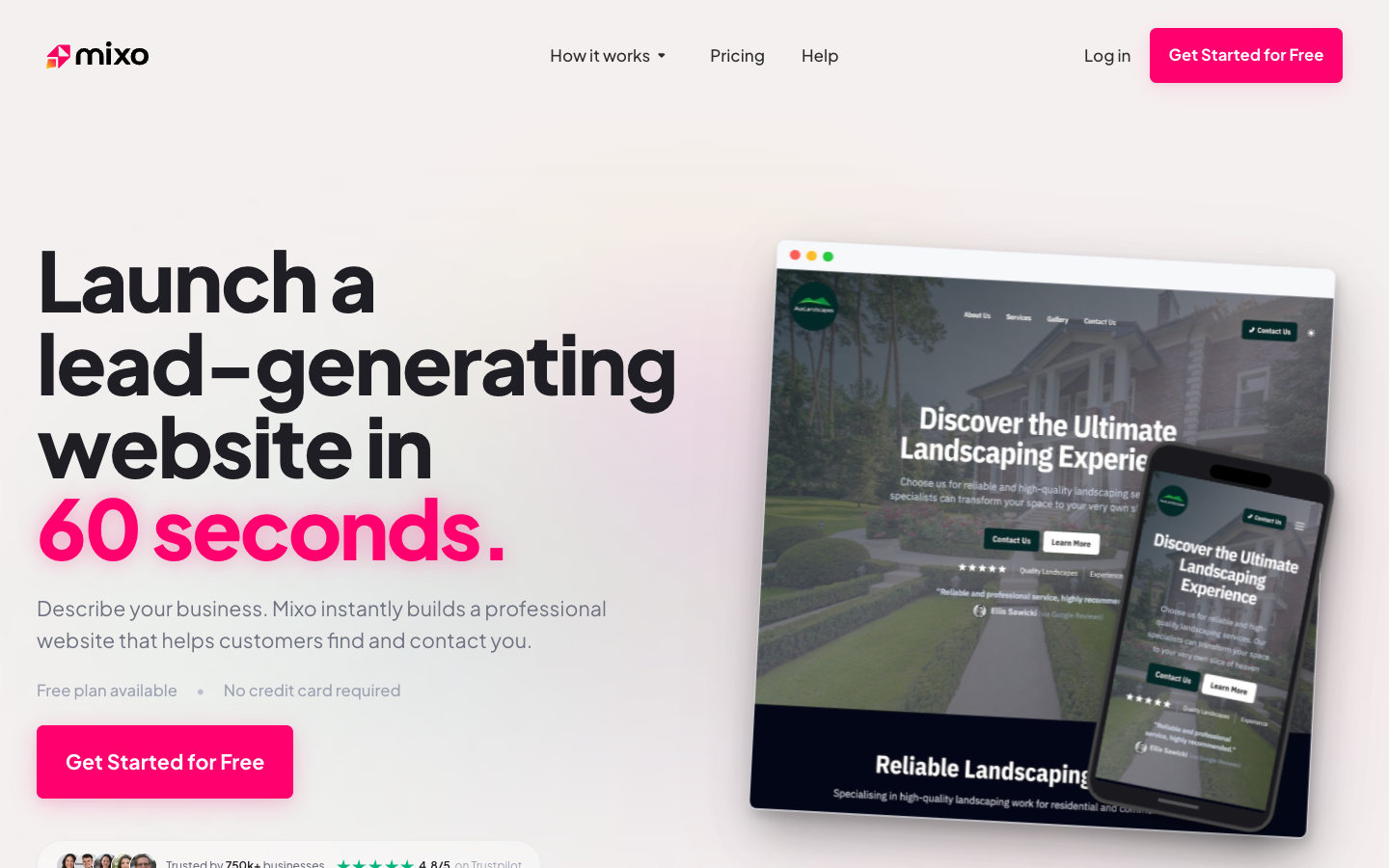
Mixo is a focused tool with one job it does well. Describe an idea and it produces a landing page with copy, images, and a built-in email or waitlist capture form in seconds, and it can do this in multiple languages. It is the fastest way to put an idea in front of real people and see whether anyone signs up before you build the actual product.
There is a free tier on a Mixo subdomain that does not require a card, and paid plans start from around $9 a month as of 2026, with a custom domain reserved for the paid plans. The catch: it is built for landing pages and waitlists, not full multi-page sites, blogs, or online stores, so you will outgrow it the moment your idea becomes a real business.
11. Butternut AI: best for a free full site
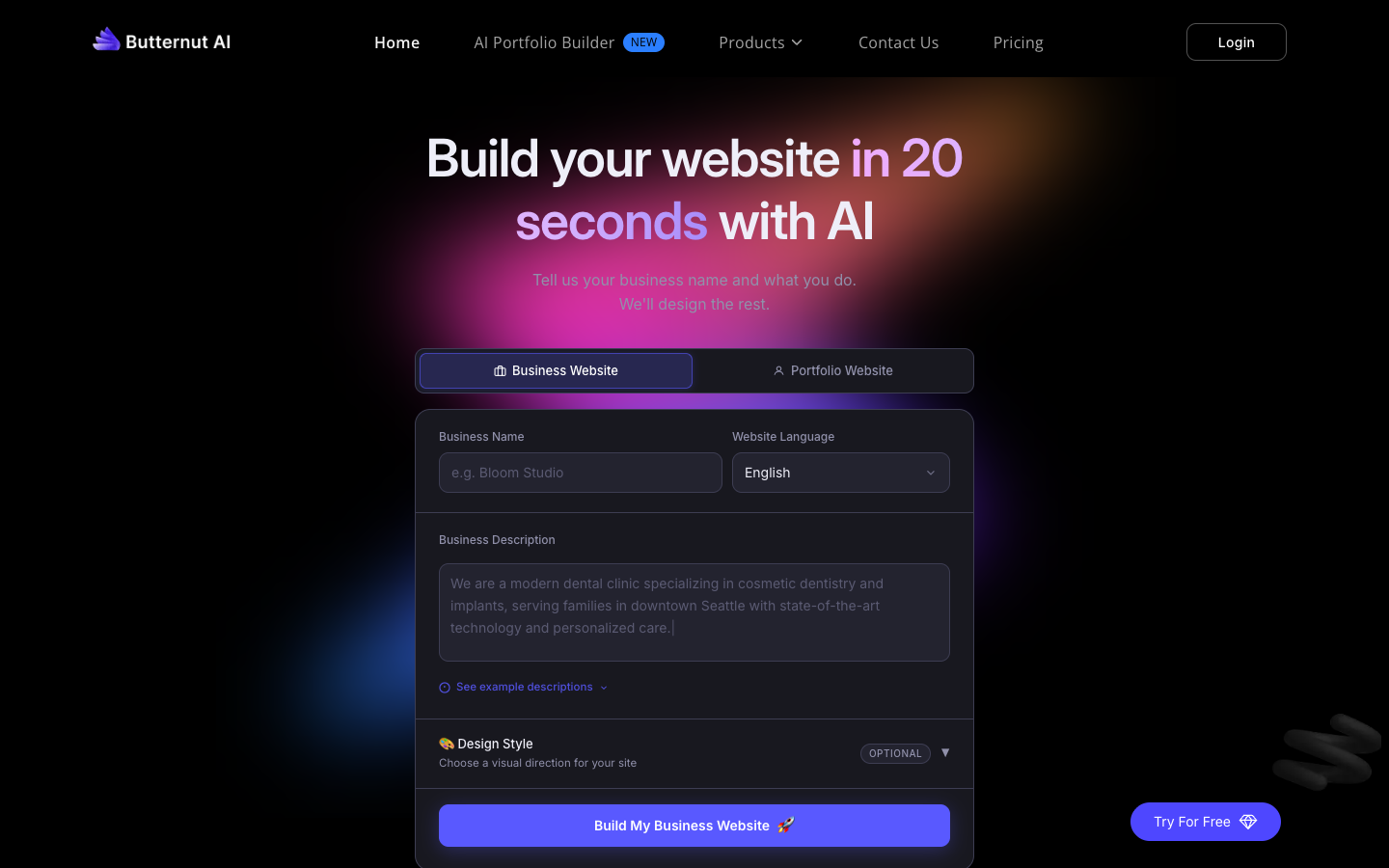
Butternut earns its spot for one reason: the free plan is unusually generous. Describe your business and it generates a complete multi-page site, and the free plan lets you build and edit unlimited drafts, where most rivals cap you or block publishing. If you want to see how far an AI builder can take you without paying, this is the one to try.
The paid plan is a flat $20 a month as of 2026. The catch: it is newer and less established than the big names here, with a smaller set of templates and features, so you are trading polish and depth for that open free tier.
AI website builders vs AI app builders
One quick distinction, because the two get confused. The tools in this article are prompt-to-website builders: they make marketing sites, blogs, and stores. A separate group of prompt-to-web-app tools, often called “vibe coding,” generates custom applications with real code, and that group includes Lovable, Bolt, v0, and Replit, along with AI coding tools like Claude Code. Reach for the app builders when you need a custom tool or a piece of software; reach for the site builders on this list when you need a normal website.
How to choose the right AI website builder
The right pick depends less on which tool is “best” and more on what you are building and how much editing you are willing to do. Run through this checklist:
- What you are building. A brochure site, an online store, a portfolio, and a web app all point to different tools. Match the builder to the job.
- Does the free tier actually publish? Some free plans let you build but not go live, and most withhold a custom domain until you pay.
- The renewal price, not just the intro price. The first-year rate is often promotional. Check what it becomes in year two before you commit.
- Can you export your site? Some builders let you take your content elsewhere; others lock you in. Know which before you invest months of work.
- E-commerce and SEO needs. If you plan to sell or rank in search, confirm the builder handles payments, product pages, and editable page titles and meta descriptions.
- How much editing you will do. Every tool here needs a human finishing pass. If you want minimal fuss, favor the simpler builders; if you want control, favor the flexible ones.
If none of these fit and you would rather stay outside the AI category entirely, our roundup of the best traditional website builders covers the non-AI options.
How we chose these AI website builders
We only included tools active in 2026 that have a real prompt-to-site AI feature, so we left out builders that have shut down and pure no-code tools with no AI generation behind them. We checked every price live rather than trusting old listings, and we judged each tool on the quality of what it generates, how easy it is to use, how honest its free tier is, and the value you get for the money.
Frequently asked questions
Are AI website builders any good?
Yes, for a first draft. The best ones get you about 80% of the way to a finished site in minutes. The remaining 20%, fixing the copy, replacing generic images, and checking SEO, is still on you, and it is the part that separates a good site from a generic one.
Is there a completely free AI website builder?
A few. Butternut AI lets you build and edit unlimited drafts for free, and Wix, Framer, Jimdo, Mixo, and B12 all have free tiers. Most of these free plans put you on a subdomain and hold a custom domain behind a paid plan.
Can I use my own domain on a free plan?
Usually not. Almost every free tier gives you a branded subdomain, like yoursite.wixsite.com, and connecting your own domain requires a paid plan. GoDaddy Airo is the exception, since it comes free with a domain you have already bought.
Can AI build a full multi-page website, not just one page?
Yes. Most tools here, including Wix, Hostinger, Squarespace, 10Web, and Butternut, generate full multi-page sites with a home page, about page, contact page, and more. Mixo is the outlier, since it is built for single landing pages.
Is AI-generated content bad for SEO?
Not on its own. Search engines rank content on quality and usefulness, not on how it was written. The risk is that AI drafts are generic and repetitive, so edit the copy to be specific and accurate, and fill in page titles and meta descriptions before you publish.
Do I own the website, and can I move it elsewhere?
You own your content, but portability varies. The WordPress-based option, 10Web, is the easiest to move, since WordPress is exportable by design. Closed builders like Wix and Squarespace make it harder to take a full site elsewhere, so check the export options before you commit if lock-in worries you.