
Claude Code’s cost is the question people ask most, and the honest answer is that it ranges from free-ish to “watch out” depending on how you use it. This guide breaks down how billing works, what actually drives the cost, a realistic figure for building a site, and the habits that keep the bill low. (Prices as of 2026; check Anthropic’s pricing page for the latest.)
For the bigger picture of what a website costs across every route, see our how much does a website cost guide.
Two ways you pay
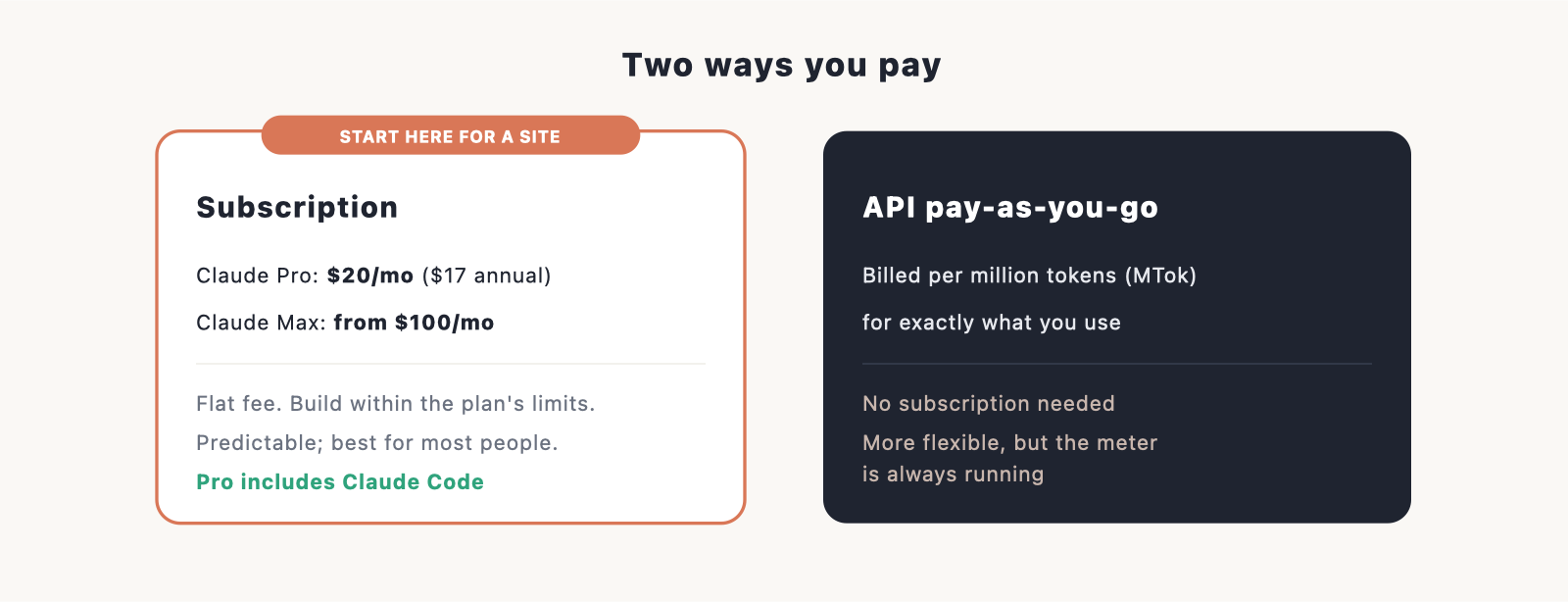
There are two billing models, and which one you’re on changes how you think about cost.
- A Claude subscription. Claude Pro is $20 a month ($17 if you pay annually) and includes Claude Code. Max starts at $100 a month for much higher usage. You pay a flat fee and build within the plan’s limits.
- Pay-as-you-go through the API. Instead of a subscription, you’re billed per million tokens for exactly what you use. More flexible, but the meter is always running.
Most people building a site should start on Pro. It’s predictable, and it includes everything you need.
What a token is, and what burns through them
AI tools measure work in tokens, which are roughly chunks of text. Every instruction you give and every response, including the code Claude Code reads and writes, uses tokens. A few things burn through them faster than people expect:
- Long sessions on a big project, because the whole context is in play each step.
- Asking for large, sweeping changes instead of small ones.
- Letting one conversation run for hours, so it carries a lot of history.
The model you use also sets the rate, which matters most on the API or when you exceed plan limits.
The models and their prices
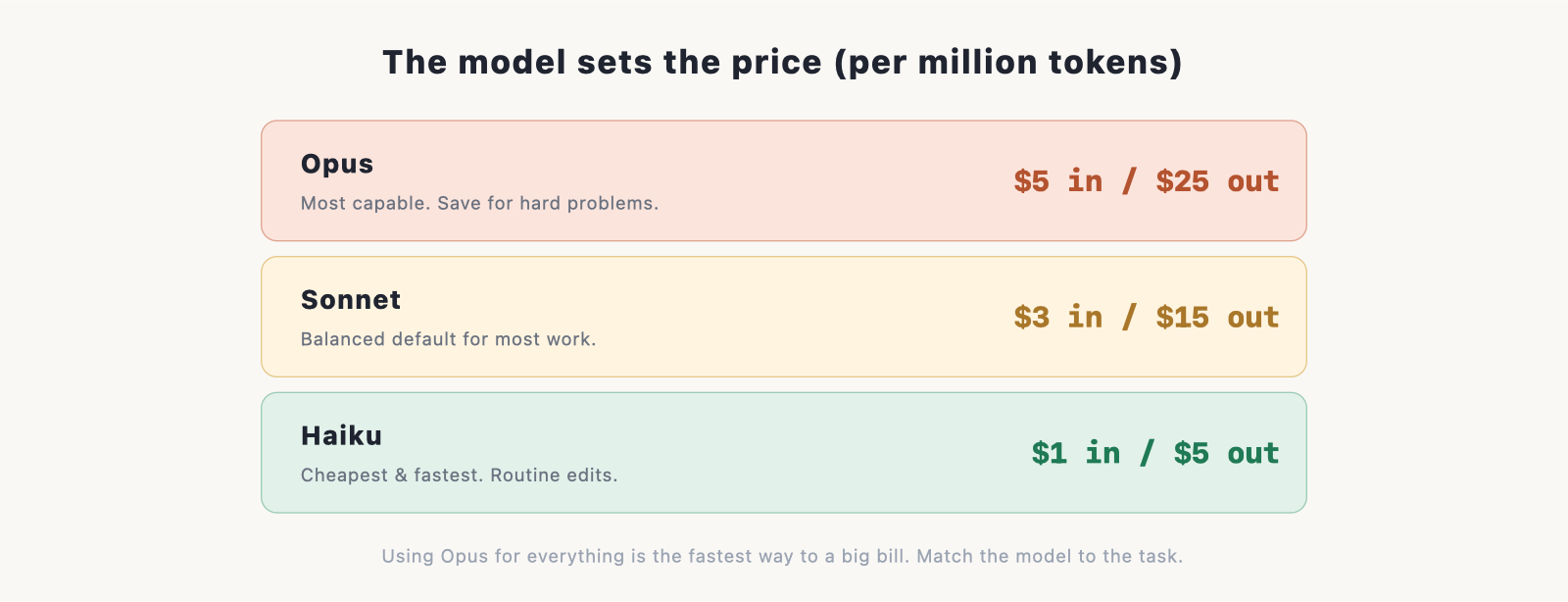
Claude Code can use different models, and they cost very different amounts per million tokens (MTok), priced as input / output:
- Haiku: about $1 in / $5 out. The cheapest and fastest, good for routine edits.
- Sonnet: about $3 in / $15 out. The balanced default for most work.
- Opus: about $5 in / $25 out. The most capable, best saved for hard problems.
Using Opus for everything is the quickest way to a surprising bill. Using Haiku or Sonnet for routine work and Opus only when you need it is the single biggest lever on cost.
A realistic cost to build a site
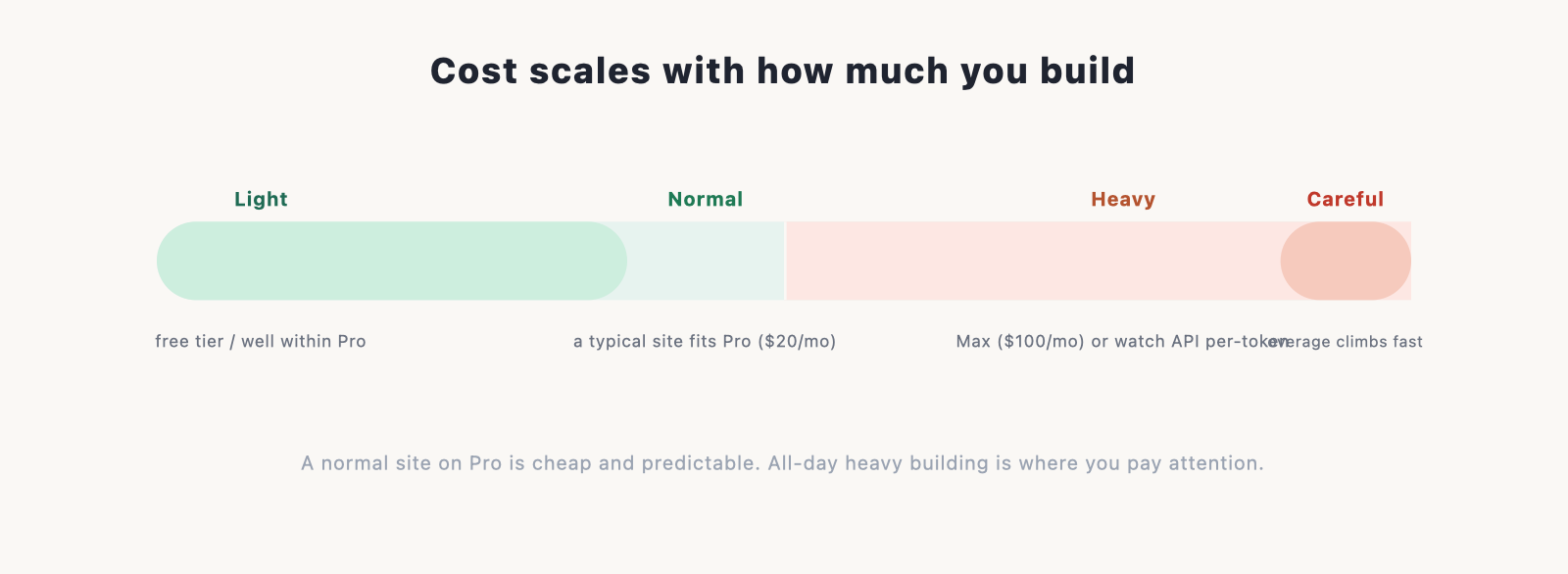
For a typical small site, like a portfolio or a brochure site, building it on a Claude Pro subscription usually fits inside the plan. You’re paying the flat $20 a month and not thinking about tokens. For heavier or longer projects, Pro’s allowance is fairly tight and you can hit the ceiling during an intense session; that’s where Max, at $100 a month, earns its place. Even Max can run dry in very heavy use, and once you go past a plan’s limits or use the API directly, the per-token cost adds up quickly. The takeaway: a normal site on Pro is cheap and predictable; heavy, all-day building is where you need to pay attention.
How to spend less
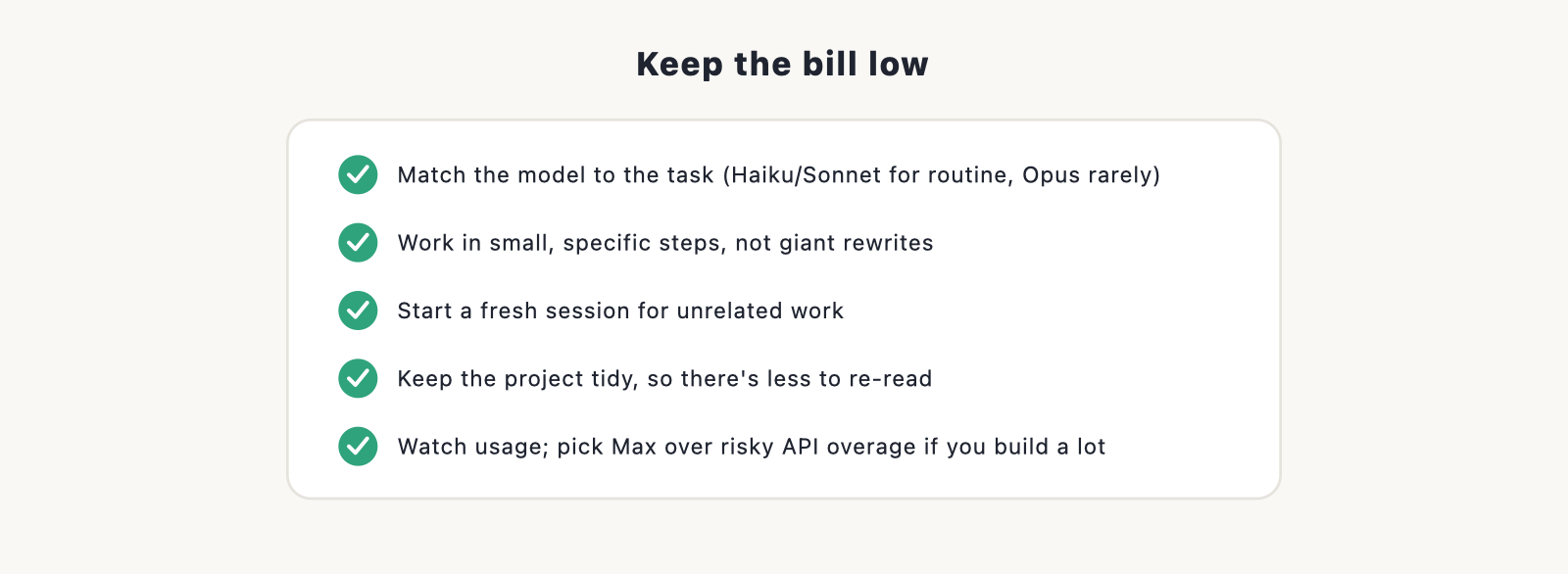
A little discipline keeps costs comfortably low.
- Match the model to the task. Haiku or Sonnet for routine edits, Opus only for the hard parts.
- Work in small, specific steps rather than giant rewrites.
- Start a fresh session for unrelated work, so you’re not carrying a huge conversation history.
- Keep your project tidy, so there’s less for the tool to read each time.
- Watch your usage in your account, and lean on Max if you build a lot rather than risking API overage.
Is it worth it?
For building and owning a real website, yes, for most people. On Pro at $20 a month you get a tool that builds, edits, and fixes real code, which compares well against a website builder subscription plus your time, or against hiring a developer. The cost only becomes a concern with heavy, sustained use, and even then it’s manageable if you follow the habits above. For a fuller comparison against builders and hiring, see how much does a website cost, and to weigh Claude Code against specific tools, see Claude Code vs Cursor and Claude Code vs Lovable.
Frequently asked questions
How much does Claude Code cost per month? It comes with Claude Pro at $20 a month ($17 annually), or Max from $100 a month for heavy use. You can also pay per token through the API instead of subscribing. (Prices as of 2026.)
Is Claude Code free? There’s a free Claude tier for the chat assistant, but Claude Code itself comes with Pro and above, or via paid API usage.
Why is my Claude Code usage so high? Usually long sessions on a big project, large sweeping requests, or using the most expensive model (Opus) for everything. Smaller steps, fresh sessions, and a cheaper model for routine work bring it down.
Which model is cheapest? Haiku, at roughly $1 in / $5 out per million tokens, versus Sonnet ($3 / $15) and Opus ($5 / $25). Use the cheaper ones for routine work.
Pro or Max? Pro ($20/mo) is plenty for a normal site. If you build a lot and keep hitting Pro’s limits, Max ($100/mo) is more generous and safer than risking per-token API overage.
