
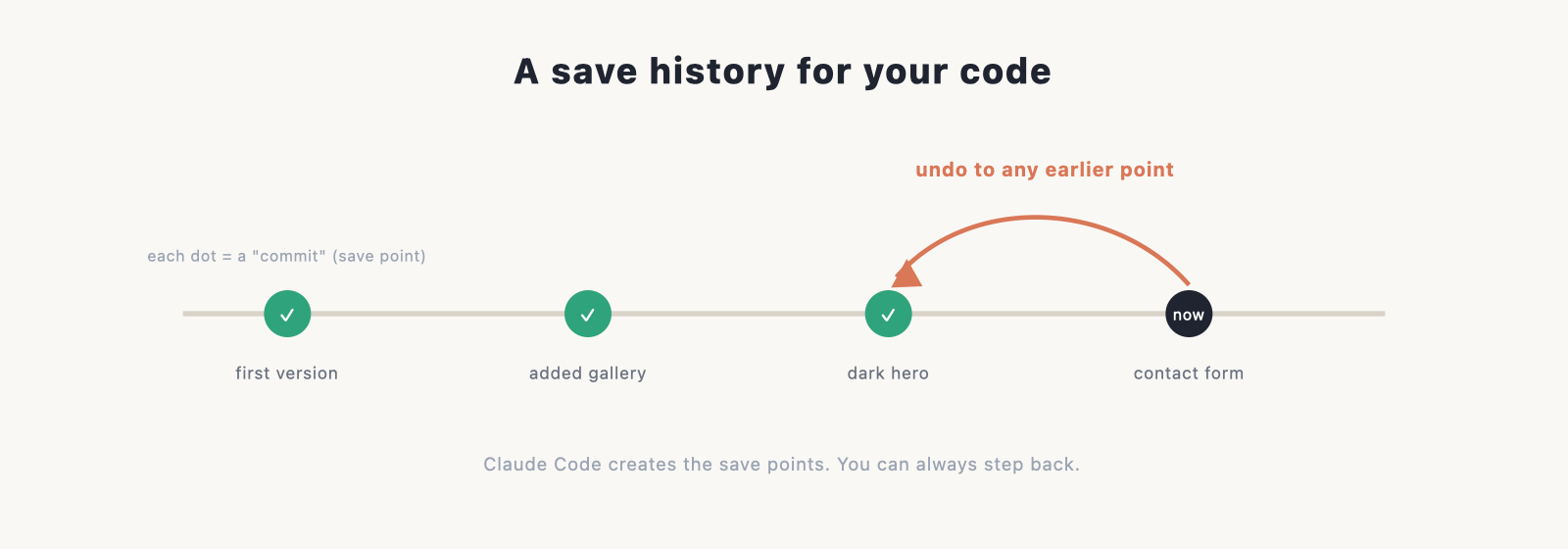
Git sounds like a developer-only thing, but it’s the single best habit for anyone building with AI. It’s a save history for your code, which means you can undo anything Claude Code does, try ideas without fear, and publish your site to the web. The good news: Claude Code handles the mechanics for you, so you get the safety net without learning a pile of commands. Here’s how it works.
New to Claude Code? Start with the main guide. This page is about the version-control piece.
Why this matters, especially with AI
Claude Code can make a lot of changes quickly, across many files. Most of the time that’s great. Occasionally a change isn’t what you wanted, or breaks something that was working. Without a save history, undoing it is guesswork. With one, you just roll back to the last good point. Version control turns “the AI changed something and now it’s broken” from a panic into a two-second fix.
What Git is, in plain English
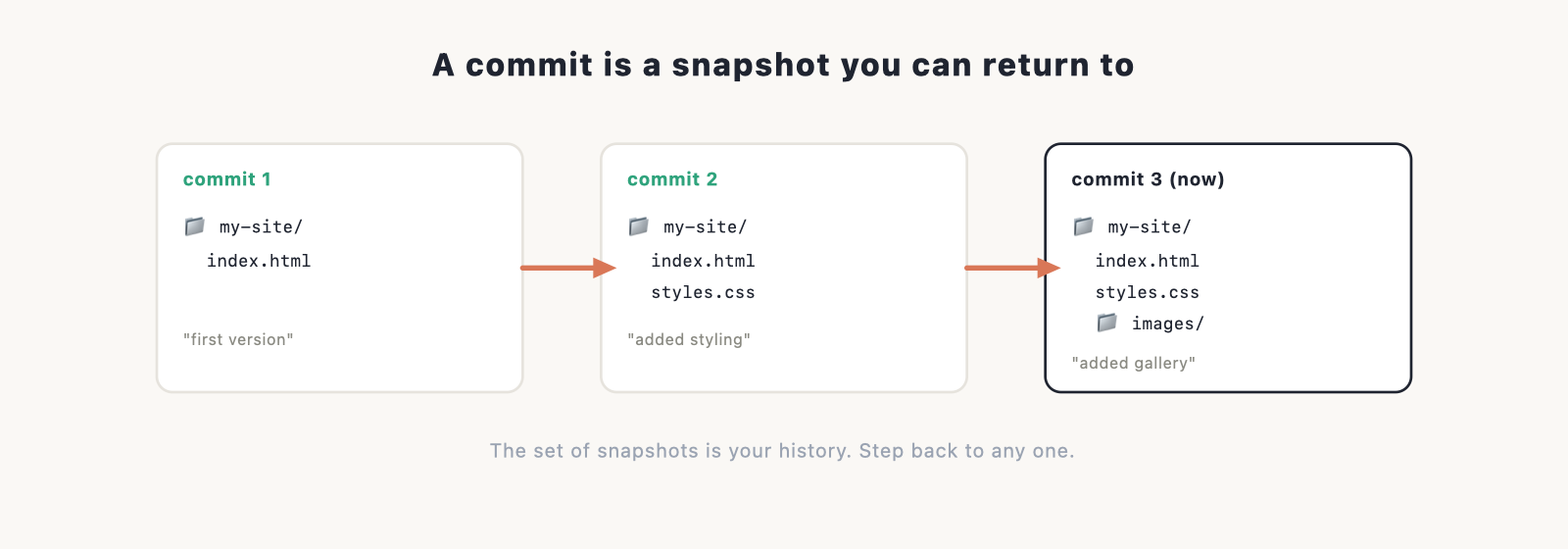
Git keeps snapshots of your project over time. Each snapshot is called a commit, and it’s like a save point in a game: a moment you can always return to. The full set of commits is your history, so you can see what changed, when, and step back to any earlier version. That’s the whole idea. Everything else is detail you mostly won’t need.
How Claude Code uses Git for you
You don’t have to run Git yourself. Claude Code can set it up and save your work as it goes. Just ask in plain language:
- “Initialise Git for this project and commit what we have.”
- “Commit this with a message describing what changed.”
From then on, you can have it commit after each meaningful step, so every stage of your site is a save point you can return to. You stay in plain English; Claude Code does the Git part.
Branches: trying things safely
A branch is a parallel copy where you can experiment without touching your working site. If you want to try a bold redesign or a risky change, ask Claude Code to “create a branch for this” and work there. If it turns out well, you keep it; if not, you throw the branch away and your main site is untouched. It’s the low-stakes way to experiment.
Pushing to GitHub
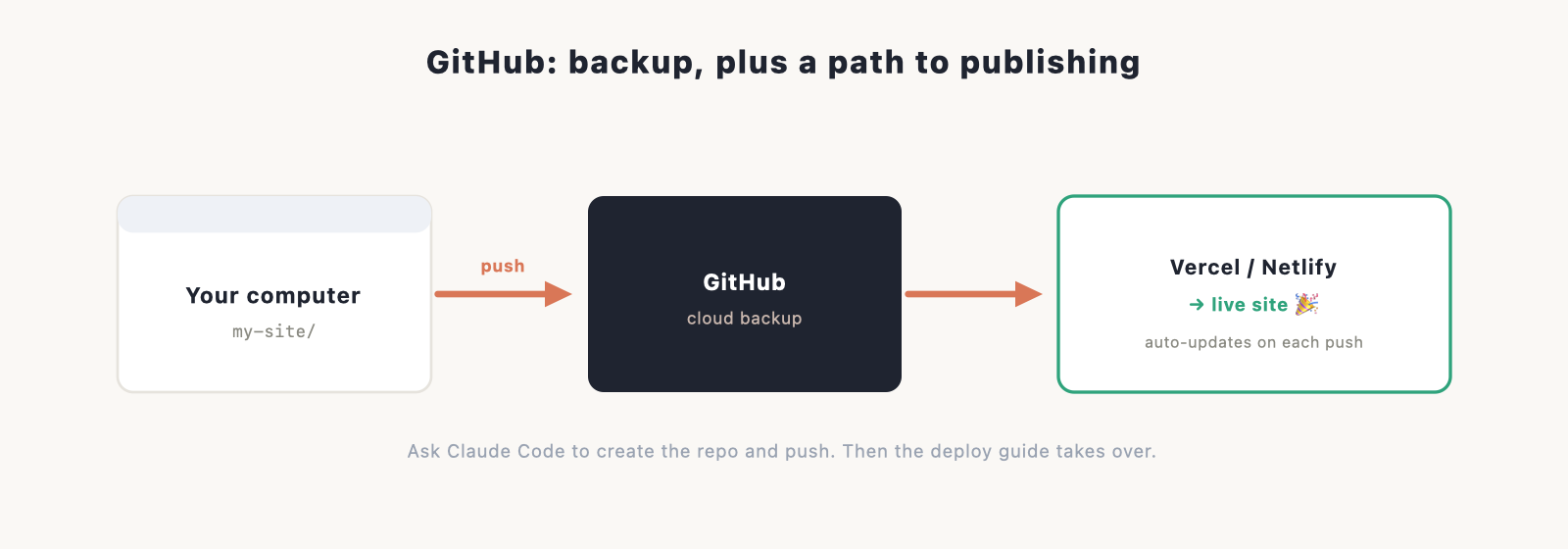
GitHub is a free service that stores a copy of your project in the cloud. Two reasons you want this: it’s an offsite backup of all your work, and it’s what lets hosts like Vercel and Netlify publish your site and update it automatically. Ask Claude Code to “create a GitHub repository for this project and push it,” and it walks through the steps.
Once your code is on GitHub, deploying is easy; our deploy guide picks up from there.
Undoing a change: your safety net
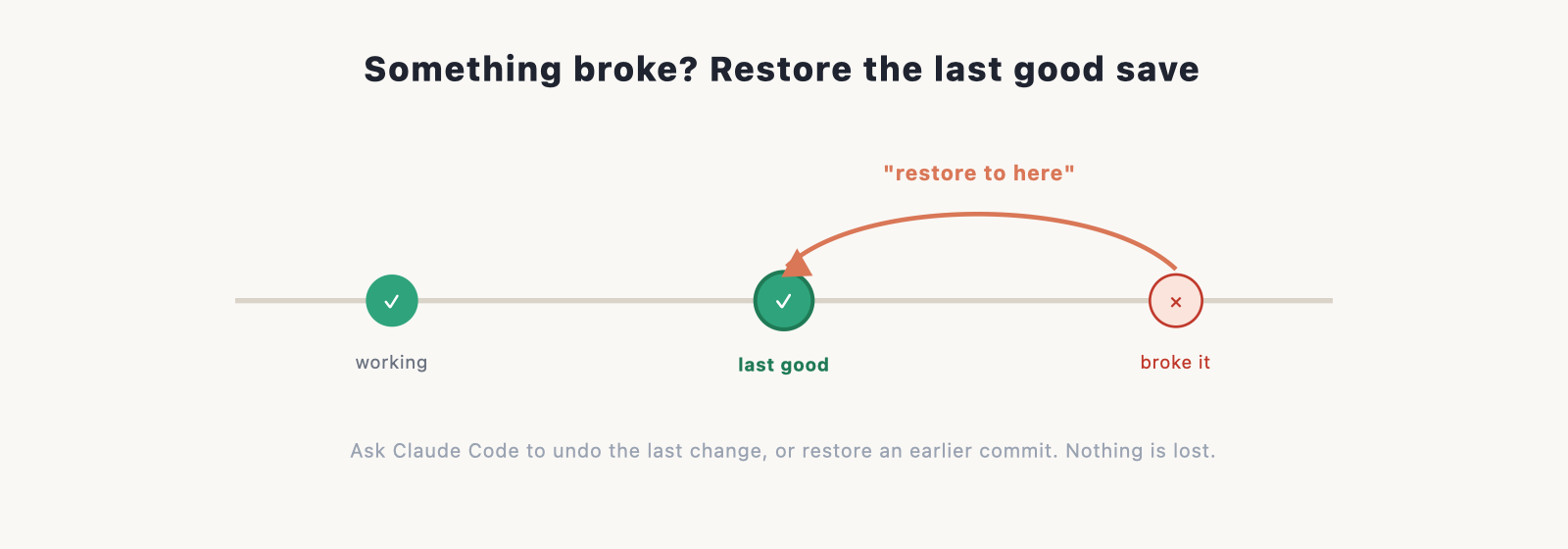
This is the payoff. If Claude Code makes a change you don’t like, you don’t have to fix it by hand. You can:
- Ask it to undo the last change, in plain language.
- Restore the project to an earlier commit, your last known-good save point.
Because every step was committed, nothing is ever lost, and you can experiment knowing you can always get back. If something does go wrong, our troubleshooting guide covers the rollback steps.
Do you need to learn Git commands?
No. For building a website with Claude Code, asking in plain English covers everything: commit, branch, push, undo. Learning a few Git basics later will make you faster and is worth it if you keep building, but it’s not a requirement to start. The safety net works whether or not you know the commands behind it.
Frequently asked questions
Do I need to know Git to use Claude Code? No. Claude Code handles commits, branches, and pushing for you when you ask in plain language. Learning Git later helps, but it isn’t required.
What is a commit? A saved snapshot of your project at a point in time, like a save point you can return to. Claude Code can create one after each step.
How do I undo something Claude Code did? Ask it to undo the last change, or restore the project to an earlier commit. Since every step is saved, nothing is permanent.
Do I need GitHub? Not to build, but you’ll want it: it backs up your work in the cloud and lets Vercel or Netlify publish and auto-update your site. Claude Code can set it up for you.
What’s a branch for? Trying something risky without touching your working site. If the experiment works you keep it; if not, you discard the branch and nothing is lost.
