
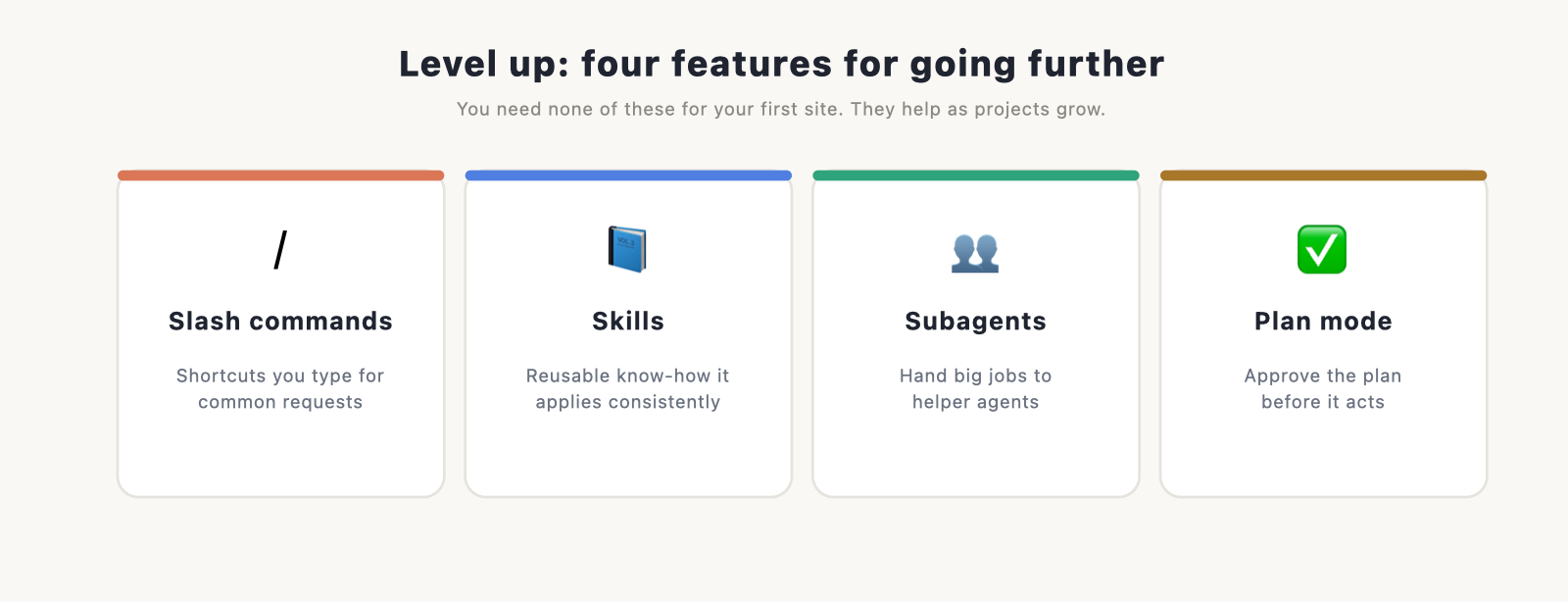
You don’t need any of these to build your first website. They’re the features you reach for once you’re comfortable and want to go faster and avoid mistakes. Slash commands are shortcuts you type, skills are reusable know-how, subagents hand big jobs to helpers, and plan mode lets you approve a plan before Claude Code touches anything. Here’s what each one does and when it’s worth using.
New to Claude Code? Start with the Claude code guide and come back when you want to level up.
Slash commands: shortcuts you type
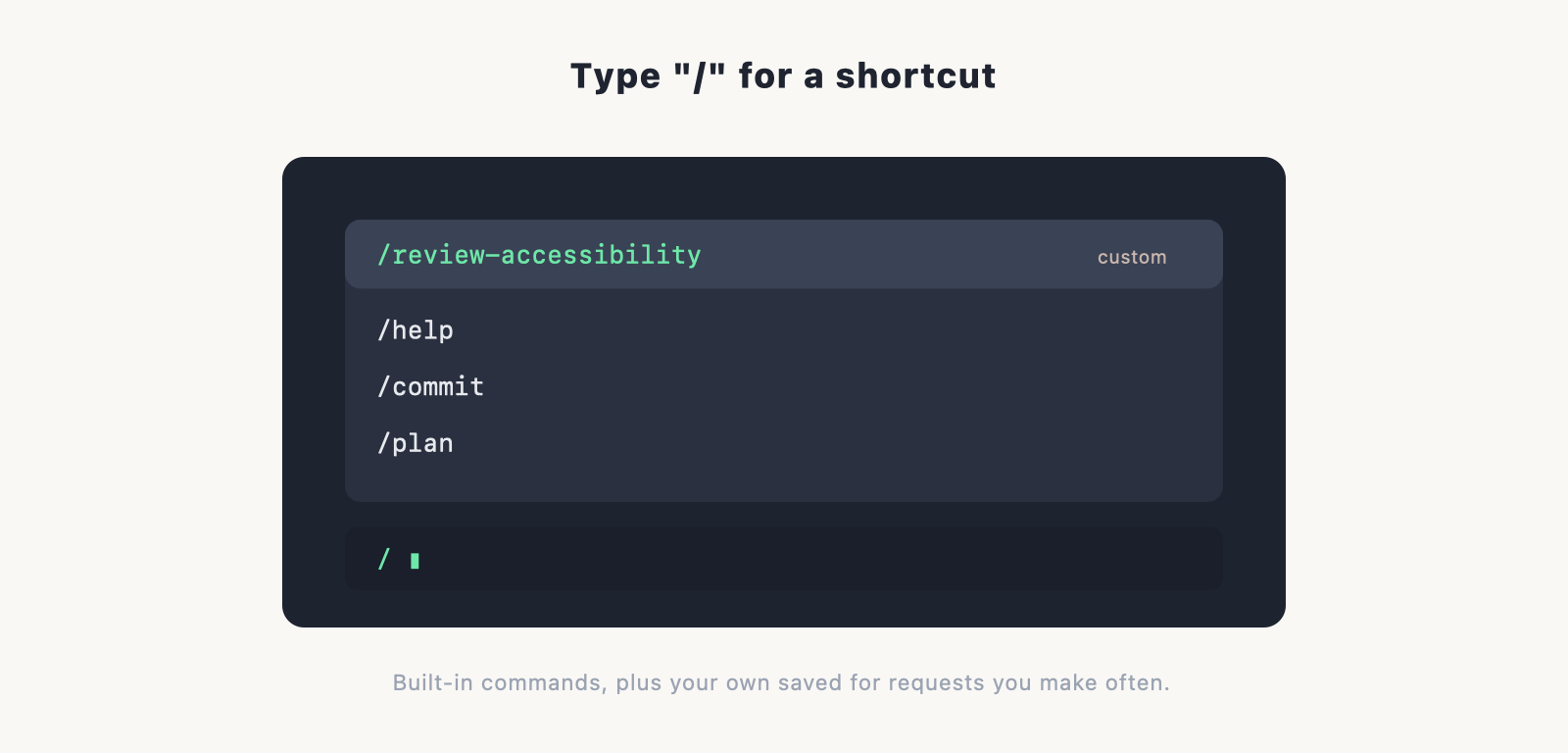
A slash command is something you type starting with a / to trigger an action quickly, instead of writing it out in full. There are built-in ones, like a help command, and you can make your own for things you do often. If you keep typing the same long instruction, “review this page for accessibility issues and fix them”, you can save it as a command and run it with a couple of keystrokes next time.
Think of slash commands as keyboard shortcuts for your most common requests.
Skills: reusable know-how
A skill is a packaged set of instructions or abilities that Claude Code can use when it’s relevant. Where a slash command is something you trigger, a skill is more like a playbook Claude Code can pick up on its own to handle a particular kind of task well. You can think of it as giving the tool a reusable recipe, so it does that job the same good way every time, without you spelling it out.
For website work, a skill might capture how you like a certain task done, so it’s handled consistently across projects.
Subagents: hand off the big jobs
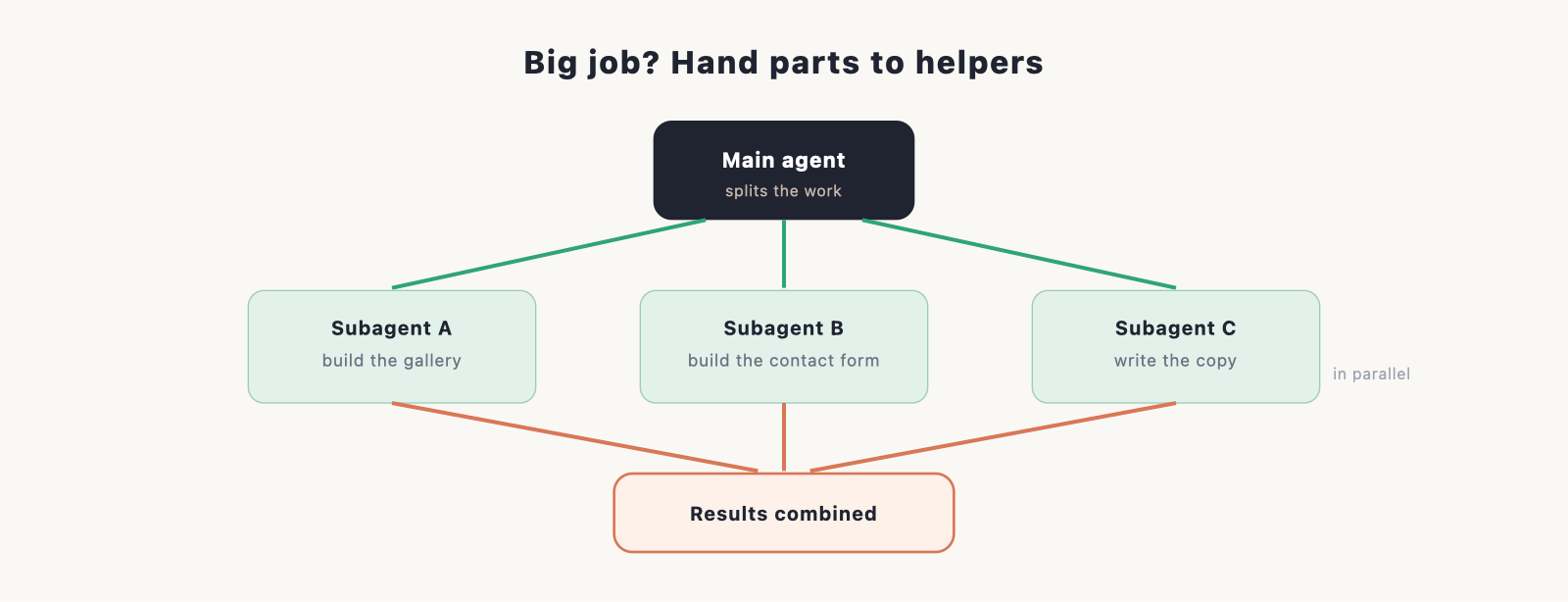
A subagent is a helper that Claude Code can hand a chunk of work to, with its own separate focus. For a large or multi-part job, the main agent can delegate pieces to subagents and bring the results back together. The practical benefit is that big tasks don’t clog up your main session, and work that can happen in parallel does.
You’ll mostly notice this on larger builds. For a single-page site you won’t need it; for a bigger project with many moving parts, it keeps things organised.
Plan mode: approve before it acts
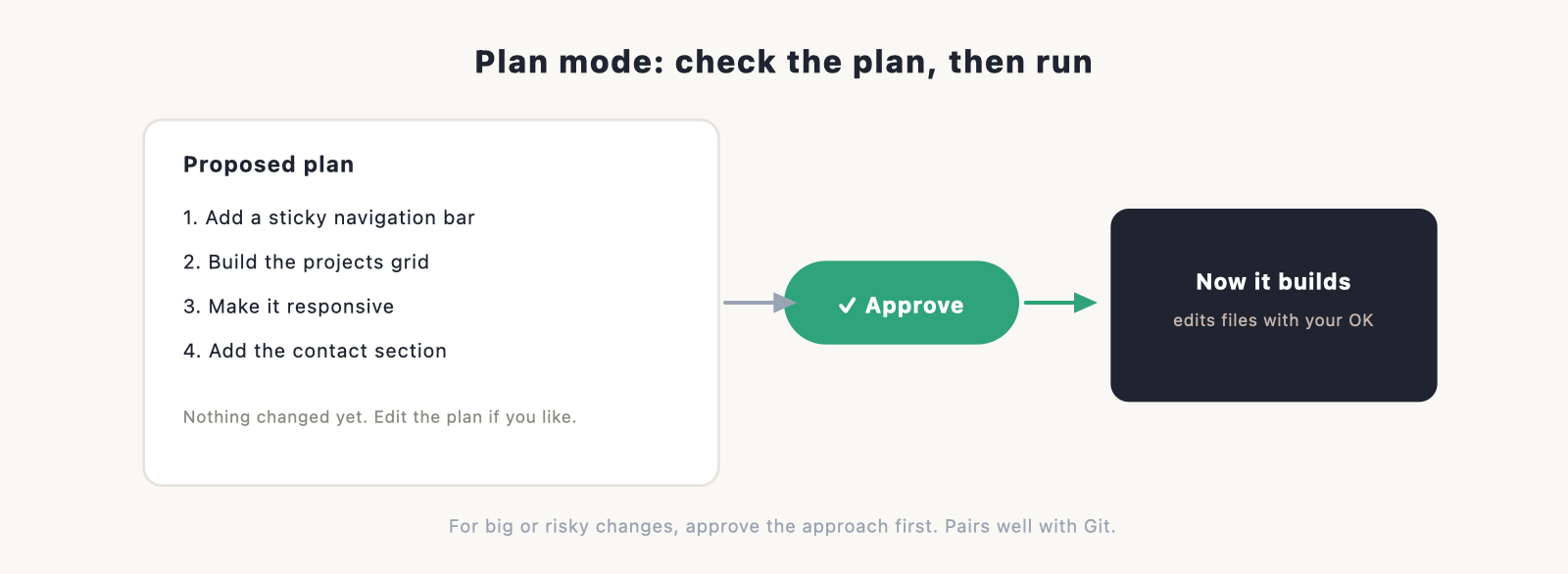
Plan mode is the safety feature of the group. Instead of changing files right away, Claude Code first lays out what it intends to do, step by step, and waits for your go-ahead. You read the plan, adjust it if needed, and only then does it start. For anything big or risky, this turns “hope it does the right thing” into “approve the right thing first.”
It pairs well with version control: plan mode prevents bad changes, and Git undoes any that slip through.
When to use each, on a website build
You won’t use all of these at once. A rough guide:
- Slash commands: when you find yourself repeating the same request. Save it, reuse it.
- Skills: when you want a particular kind of task handled the same way every time.
- Subagents: on bigger projects with separate parts, to keep work organised and parallel.
- Plan mode: any time a change is large or you want to check the approach before it happens.
For a simple site, you might use none of them and be perfectly fine. They’re tools for when the work grows.
Do you need these for your first site?
No. Your first portfolio or landing page needs none of this; describing what you want and reviewing the result is enough. These features matter as your projects get bigger and your habits get more deliberate. When you’re ready for more, the other two power features worth learning are CLAUDE.md, for setting your project’s standing rules, and MCP servers, for connecting outside tools and data.
Frequently asked questions
What is a slash command in Claude Code? Something you type starting with / to trigger an action quickly, instead of writing the full instruction. There are built-in commands, and you can create your own for things you do often.
What are Claude Code skills? Reusable, packaged know-how that Claude Code can apply to a particular kind of task, so it handles that job consistently without you re-explaining it each time.
What is a subagent? A helper Claude Code hands part of a job to, with its own focus. On big projects, the main agent delegates pieces to subagents and combines the results, keeping your main session clear.
What does plan mode do? It has Claude Code lay out its intended steps and wait for your approval before changing any files, so you can check the approach first. It’s the safety net for big changes.
Do I need these to build a website? No. A simple site needs none of them. They’re for going faster and safer as your projects grow.
