There are more types of websites than most people realize, and picking the right one is half the battle before you build anything. A booking page works nothing like an online store, and a personal blog has little in common with a membership site. This guide walks through 20 common types of websites with real examples you can visit, grouped into five categories so you can quickly find the one that fits your goal. For each type, you’ll see who it suits best and which platform makes the most sense to build it on. If you’re brand new to all of this and want the full setup walkthrough first, our step-by-step website guide covers the basics from domain to launch. Knowing the type you’re after saves real time and money, since the wrong choice can mean rebuilding on a different platform six months in. Skim the table below, then jump to the category that matches what you’re trying to do.
Types of websites at a glance
Here’s a quick reference for all 20 types. Scan the “best for” column to spot the one that matches your goal, glance at the example to picture it, and check the last column for the platform we’d reach for first. Those platform picks are starting points, not hard rules, and each is based on what the type actually needs to do well rather than on what’s trendy. If two rows look close, read the full section on each further down before you decide.
| Type | Best for | Example | Recommended platform |
|---|---|---|---|
| Small business | Local shops, services, trades | Joe Coffee | Wix |
| eCommerce | Selling physical products | Ripley’s | Shopify |
| Online marketplace | Connecting buyers and sellers | Fiverr | WordPress + marketplace plugin |
| Booking and appointment | Scheduling clients and sessions | Calendly | Wix or Squarespace with bookings |
| Directory | Listing businesses or resources | Yellow Pages | WordPress + directory plugin |
| Landing page | One focused offer or signup | Basecamp | a simple site builder |
| Portfolio | Showing creative work | Studio Signorella | Wix Studio or Squarespace |
| Personal | Your name and reputation online | Jane Fonda | Wix or WordPress |
| Blog | Publishing articles regularly | Matt Mullenweg | WordPress on Hostinger |
| Link-in-bio | Creators with many links | Linktree | Linktree or Carrd |
| Magazine and news | High-volume editorial content | The New Yorker | WordPress with scalable hosting |
| Entertainment | Streaming, games, interactive media | Pluto TV | Custom build or WordPress |
| Niche | One tight topic or product line | Newlyn | WordPress or a builder |
| Forum | Member discussion and Q&A | WordPress.org support | Bluehost |
| Wiki | Collaborative reference content | Fandom | MediaWiki or WordPress |
| Membership | Paid, gated content and community | Skillcrush | WordPress + membership plugin |
| Online course | Teaching and selling lessons | Coursera | WordPress + LMS plugin |
| Web app and SaaS | Software people use in a browser | Notion | Custom development |
| Event | Promoting and ticketing events | Eventbrite | Wix events |
| Non-profit | Causes, donations, volunteers | Jane Goodall Institute | Bluehost hosting |
Not sure which type you need?
Most people land here because they know their goal but not the label for it, which is fine. You don’t need the jargon to make the right choice. Run through these quick prompts, follow the arrow to the right group, and then read that type’s full section below to confirm it fits.
- Selling products? If you stock your own goods, you want an ecommerce site. If you’re connecting other buyers and sellers, look at an online marketplace instead.
- Sharing your work? Designers and photographers usually want a portfolio, while creators juggling lots of links do better with a link-in-bio page.
- Publishing content? A steady stream of articles points to a blog, and a larger editorial operation leans toward a magazine or news site.
- Booking clients? Service providers who schedule sessions need a booking and appointment website.
- Teaching or gating content? Structured lessons call for an online course site, and recurring paid access fits a membership website.
Once you’ve narrowed it down, it helps to know what a website costs for that type before you commit to a platform.
Business and commerce websites
These sites exist to make money or support a business directly, whether that means selling products, taking bookings, or generating leads. They tend to need clean navigation, trust signals like reviews and contact details, and a clear path to a purchase or an inquiry. The design should never make a visitor guess what to do next. If revenue is the point, this is where most projects start.
Small business websites
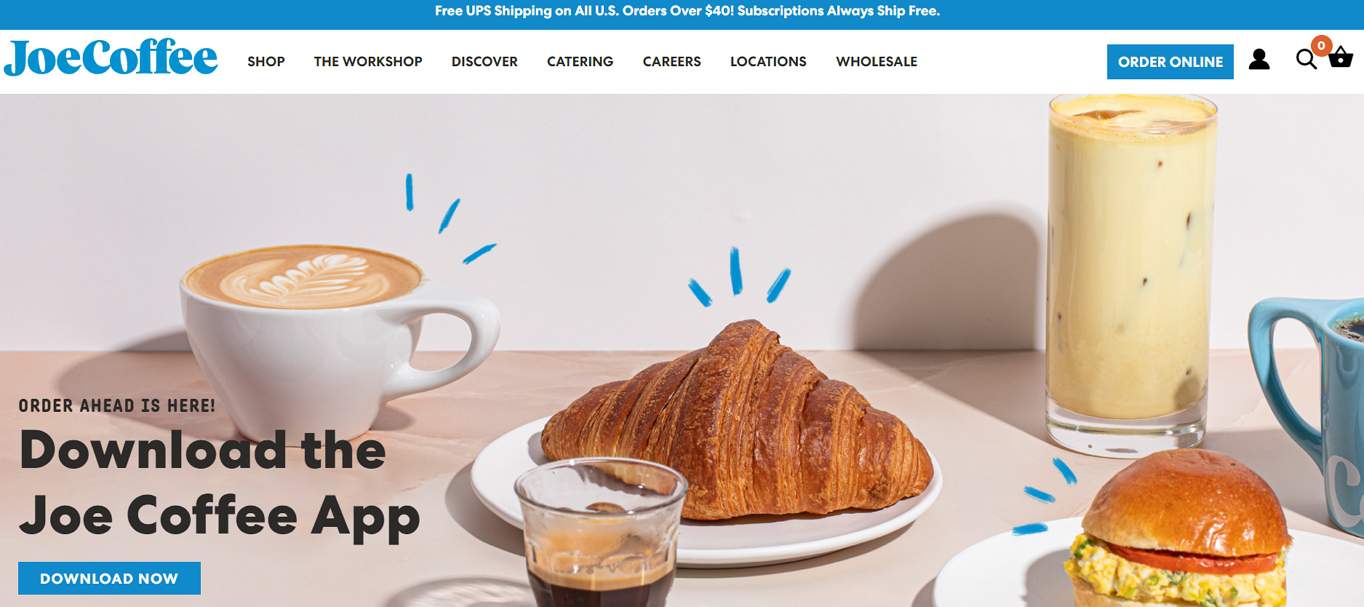
A small business website is the digital storefront for a local shop, service provider, or trade. It usually covers who you are, what you offer, your hours, and how to get in touch, plus a few reviews for good measure. The goal is simple: help nearby customers find you and trust you enough to walk in or pick up the phone. Even a five-page site beats relying on a social profile alone, because you control the look, the message, and the way people reach you. A good example is Joe Coffee, which keeps its menu, locations, and ordering front and center without clutter. For most owners, a drag-and-drop builder gets you live in a weekend without touching code, and you can bolt on a contact form or map in a few clicks.
eCommerce websites
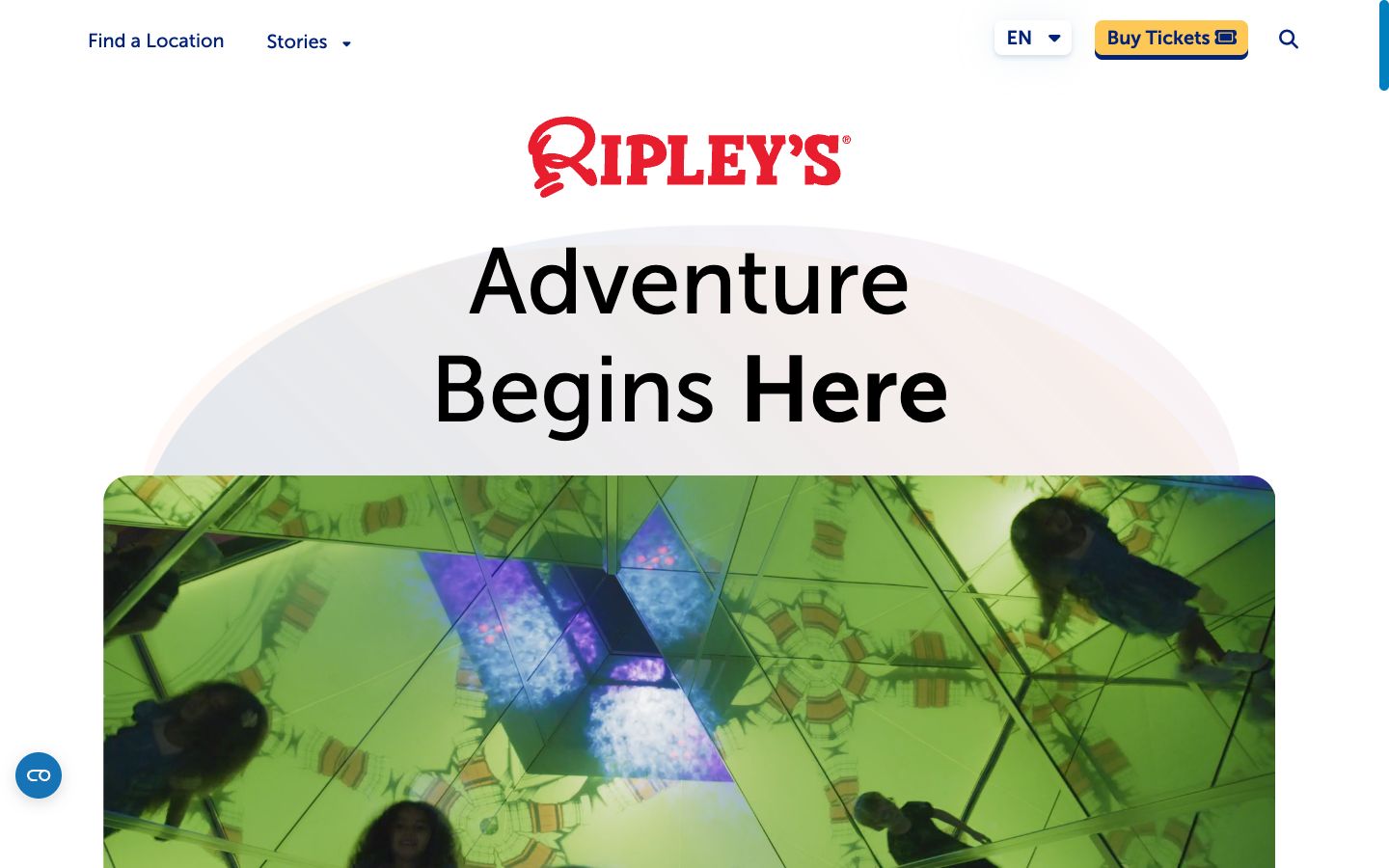
An ecommerce website sells physical or digital products directly to customers, with a catalog, cart, and checkout doing the heavy lifting behind the scenes. These sites live and die by their product pages, payment options, and shipping clarity, since a confusing checkout is the fastest way to lose a sale. You also need to think about inventory, taxes, and returns from day one. Ripley’s Believe It or Not! runs a full store alongside its attractions, mixing branded merchandise with ticket sales in one smooth flow. If you’re weighing platforms, our guide to building an online store breaks down the setup step by step, from your first product to your first order.
Online marketplaces
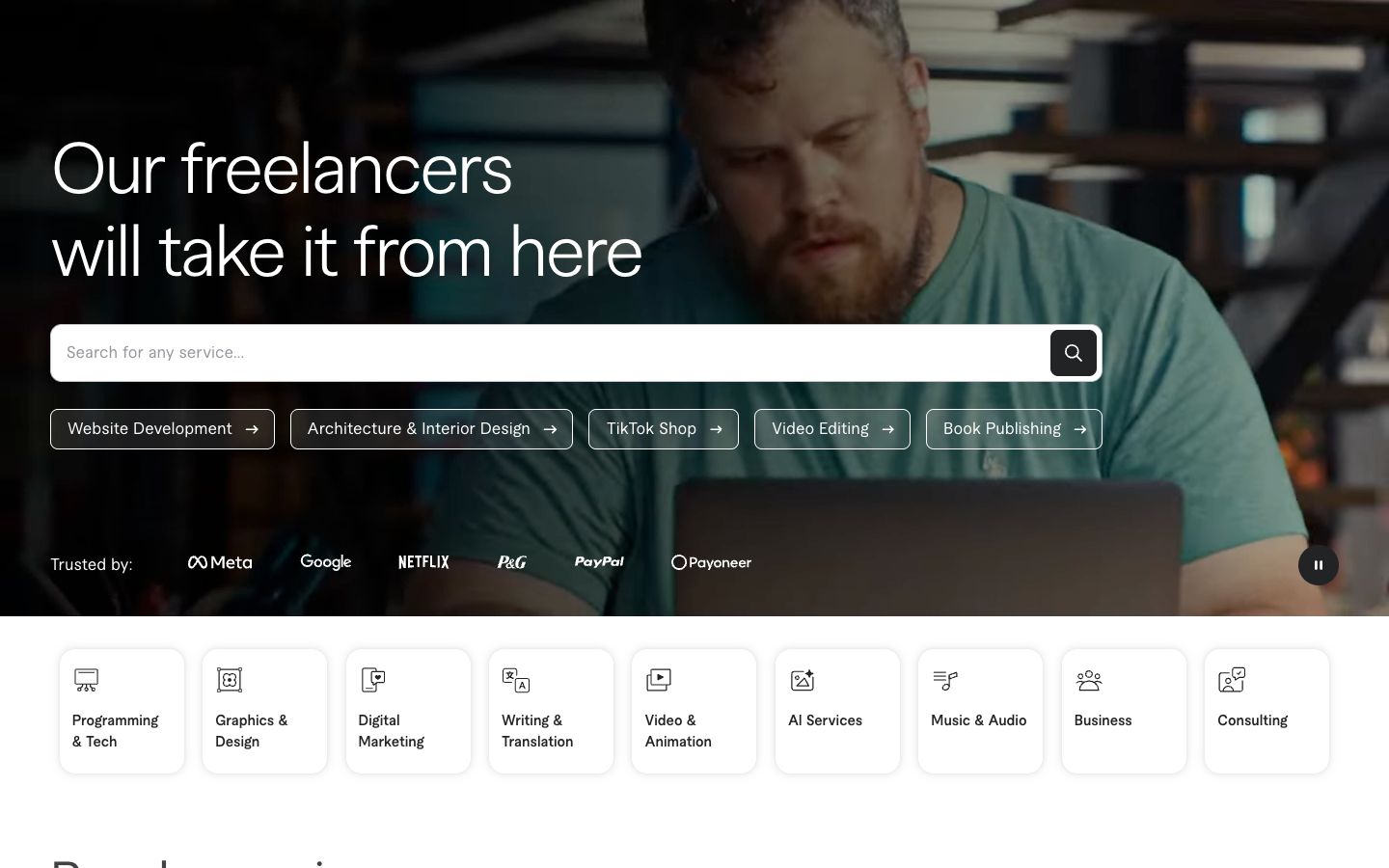
A marketplace connects many buyers with many sellers under one roof, taking a cut of each transaction rather than holding its own stock. Think seller listings, buyer reviews, and a payment system that splits money and pays out to third parties automatically. The hard part is chicken-and-egg growth: you need sellers to attract buyers and buyers to attract sellers. Fiverr is a clear example, matching freelancers with clients across thousands of service categories and handling escrow and disputes in the middle. Marketplaces are among the most complex builds on this list, so most people start with WordPress and a dedicated multi-vendor plugin rather than coding it from scratch.
Booking and appointment websites
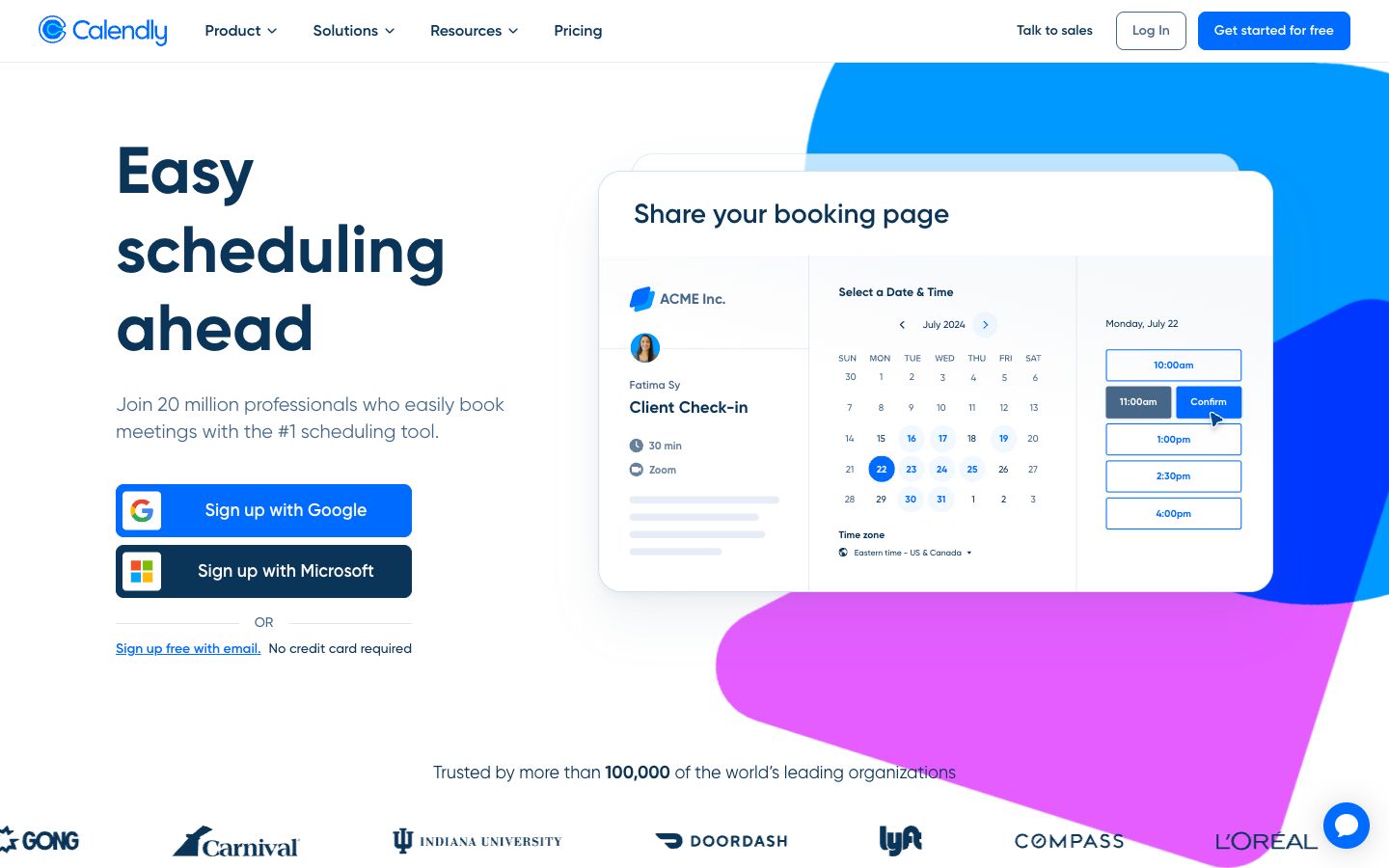
Booking sites let visitors reserve a time slot, a table, or a service without a single phone call or back-and-forth email. They pair a live calendar with payment collection and automatic reminders, which cuts no-shows and clears a surprising amount of admin off your plate. Calendly built its whole business around this one job, letting people grab open times from a shared link that syncs straight to your calendar. Salons, coaches, clinics, and consultants can add the same functionality through a builder’s booking tools, so the calendar sits right inside the site your customers already visit. Taking deposits at the time of booking is a small feature that quietly protects your schedule from last-minute cancellations.
Directory websites
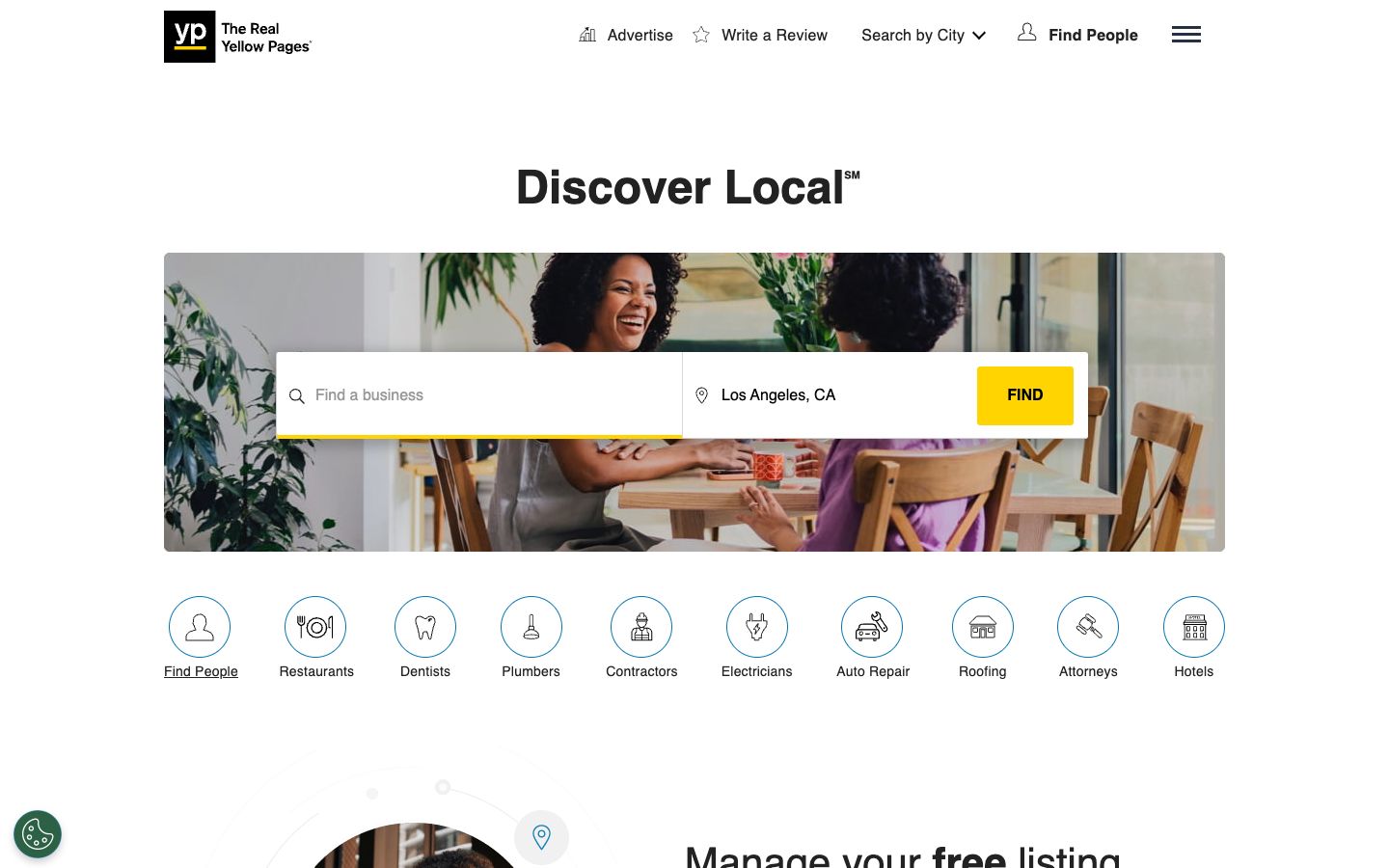
A directory organizes businesses, listings, or resources into a searchable database, often earning money through featured spots, paid listings, or lead fees. Filters, categories, and fast search matter far more here than flashy design, because people come to find one specific thing. Yellow Pages is the classic version, letting people search local businesses by category and location and then click through to each one. Niche directories work well too, from wedding vendors to software tools, and a directory plugin on WordPress handles the listings, search filters, and submission forms without custom code. The real work with a directory is keeping listings accurate and fresh, since an out-of-date entry sends people the wrong way and costs you trust fast.
Landing page websites
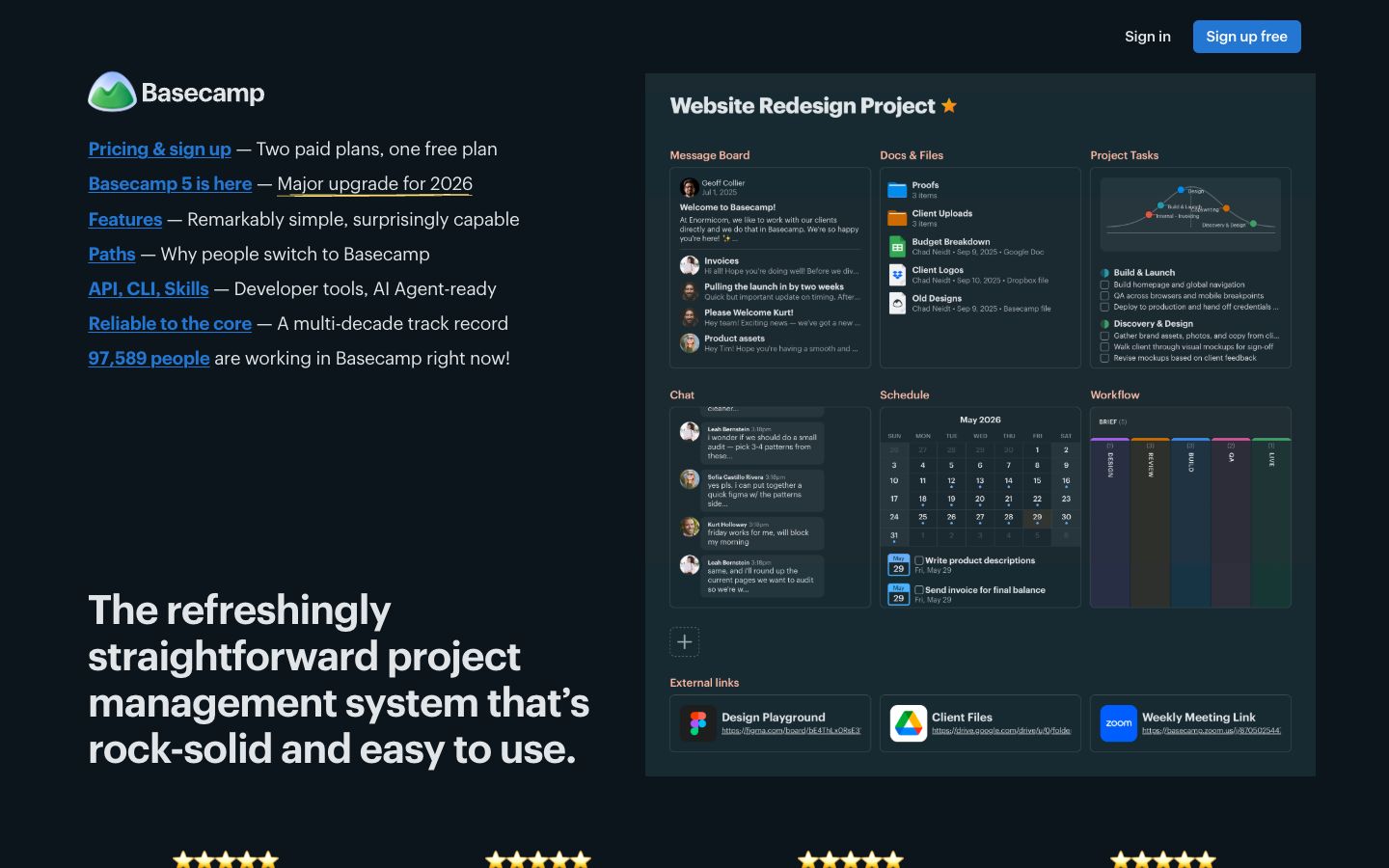
A landing page is a single, focused page built around one action: sign up, buy, or book a demo. There’s no wandering menu and no room to get lost, just a headline, a clear benefit, a bit of proof, and a button. That focus is exactly why marketers use them for ad campaigns, product launches, and email captures. Basecamp often runs pages like this to pitch its product with almost no distraction and one obvious next step. Because the scope is tiny, you can spin one up fast with one of the easier builders and be done in an afternoon, then test different headlines to see what converts.
Personal and creative websites
This group is about people rather than products. Whether you’re showing a body of work, building a name, or writing for an audience, these sites put you at the center. They reward personality and a clear point of view over corporate polish, and they’re often the first real website people build. The good news is they’re also among the quickest to launch, since the content is mostly you.
Portfolio websites
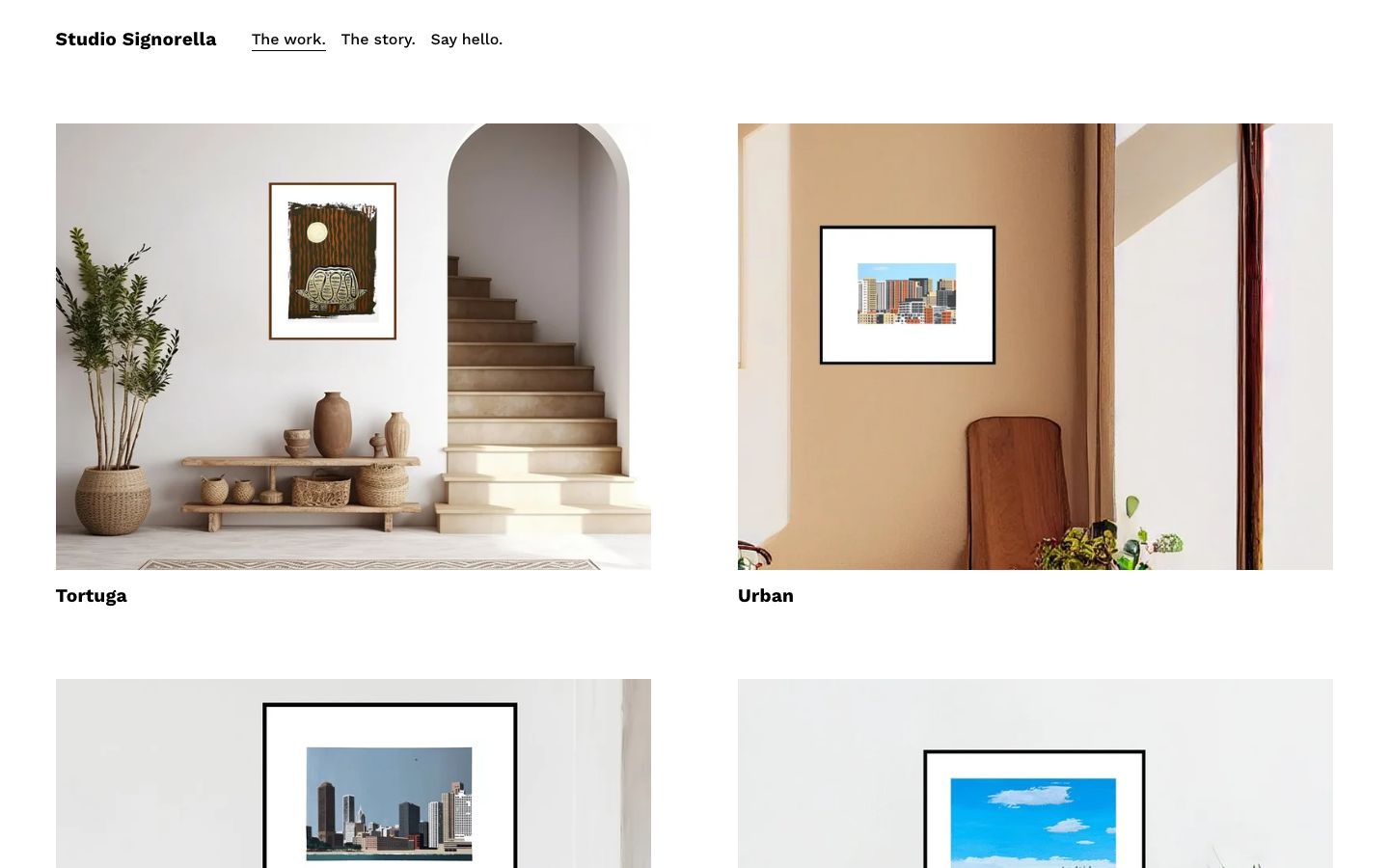
A portfolio puts your best work on display so clients and employers can judge it fast, without scrolling through a resume first. Photographers, designers, writers, architects, and developers all use them to turn a casual browse into a paid inquiry. The trick is curation: show your strongest six projects, not everything you’ve ever made. Studio Signorella shows how a clean gallery layout lets the work speak first, with just enough context to explain each piece. Visual builders shine here, since you can arrange images, videos, and case studies without wrestling with layout code, and swap in new work as you finish it.
Personal websites
A personal website is your corner of the internet, tied to your name rather than a business or a single project. It might collect your bio, your press mentions, your side projects, and a few ways to reach you. The point is to own the first result when someone searches your name, instead of leaving it to a stray social profile. Actor and activist Jane Fonda uses hers to gather her causes, writing, and public appearances in one clear spot. These sites are quick to build and easy to grow as your interests shift, so they age well over a career.

Blog websites
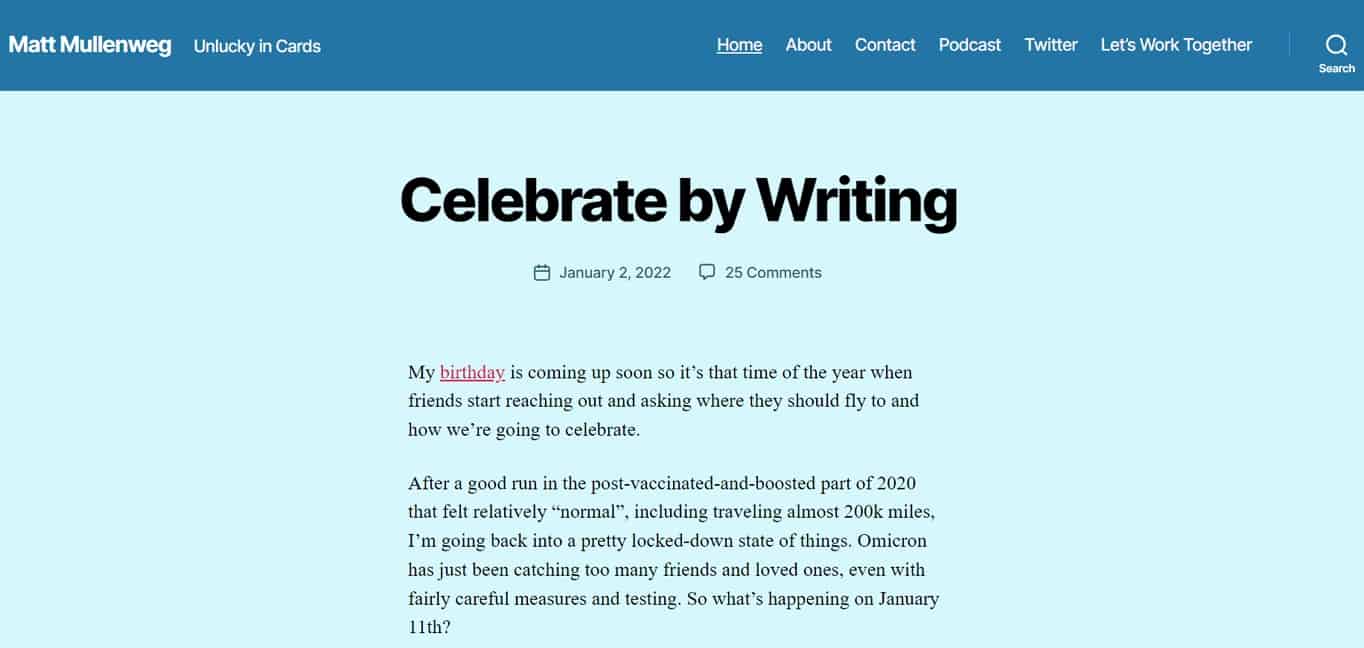
A blog publishes articles on a regular schedule, usually organized newest-first around topics you care about. It’s the backbone of content marketing and one of the most reliable ways to build an audience and rank in search over time. Blogs also make money through ads, affiliate links, and selling your own products once traffic grows. Automattic founder Matt Mullenweg runs a long-standing personal blog that shows the format at its most straightforward, with dated posts and plain writing. If writing is your focus, our walkthrough on starting a blog covers everything from picking a niche to publishing your first post.
Link-in-bio and creator websites
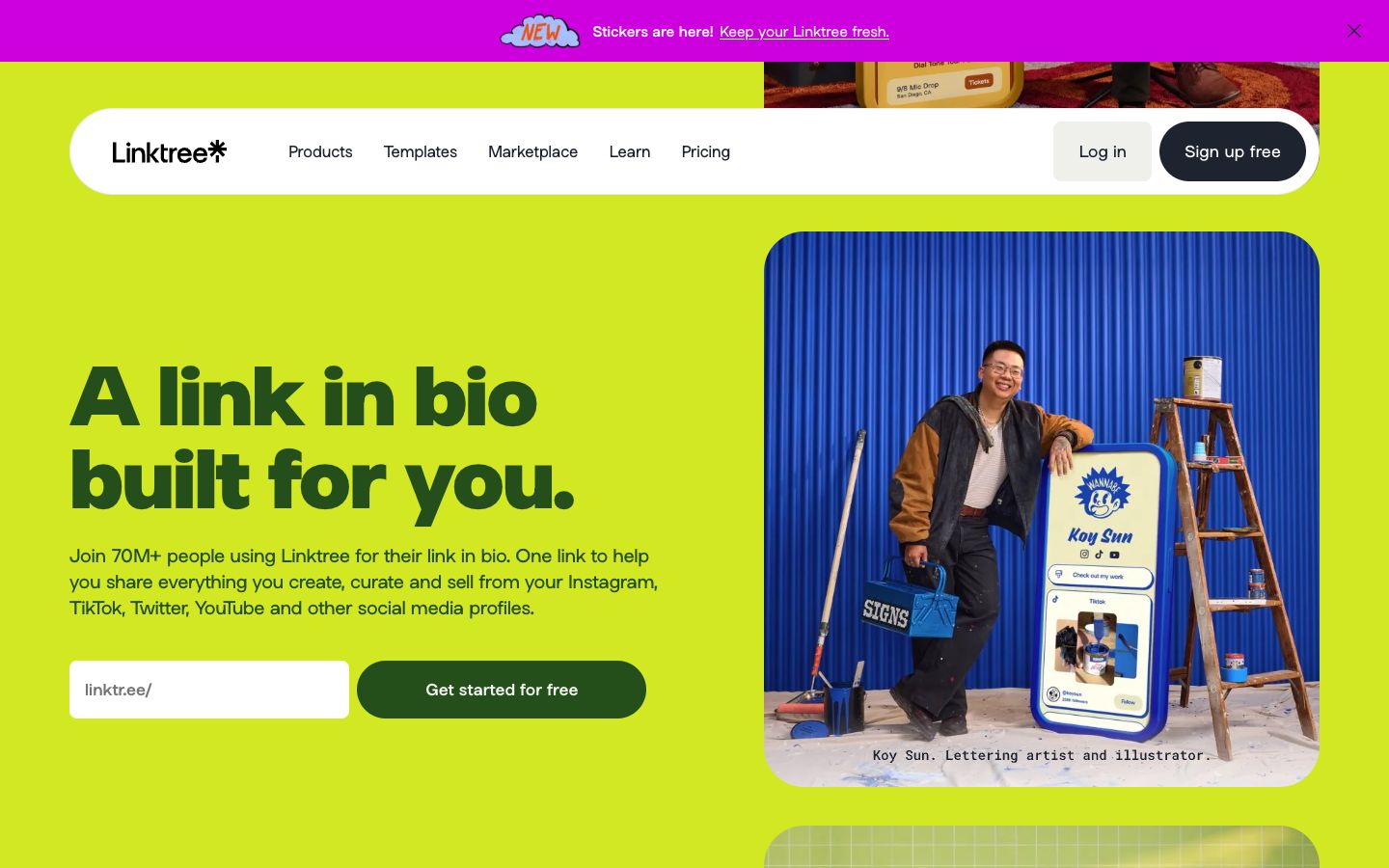
A link-in-bio site is a single page that funnels followers from a social profile to everything you offer: your shop, your latest video, your newsletter, your other accounts. Creators lean on them because most social apps allow just one clickable link in a bio, so that link has to do a lot of work. Linktree popularized the format with a stack of tappable buttons, and tools like Carrd and Beacons do the same job with a bit more design freedom. You can set one up in minutes with no design skills required, then update the links every time you post something new. For creators who outgrow the format, it often becomes the front door to a fuller personal site later.
Content and media websites
Content sites treat information itself as the product. They publish at volume, keep readers coming back with fresh material, and usually earn through ads, subscriptions, or affiliate revenue. Speed, clean organization, and a strong searchable archive matter as much as the writing, because readers judge a content site by how easily they can find the next thing to read. Consistency is the quiet ingredient that makes them grow.
Magazine and news websites
Magazine and news sites publish a high volume of editorial content across many authors, sections, and formats. They need strong category structure, fast load times, and a design that handles both quick breaking updates and long-form features without feeling cramped. Ad slots, subscriptions, and newsletters usually pay the bills. The New Yorker is a polished example, balancing reporting, essays, and cartoons under one roof with a distinctive voice. WordPress powers a large share of publications at this scale because it manages heavy content loads, multiple editors, and complex archives without buckling.

Entertainment websites
Entertainment sites are built to keep people watching, playing, or clicking, from streaming platforms to game portals to fan hubs. Interactivity and rich media drive the whole experience, so performance and smooth playback matter more than almost anything else. A slow page here means an instant bounce. Pluto TV streams free channels and on-demand shows through a browser-friendly interface that loads fast and keeps you clicking. Simpler entertainment sites, like a movie blog or a quiz page, run fine on WordPress, though heavy streaming or gaming usually calls for a custom build with serious infrastructure behind it.

Niche websites
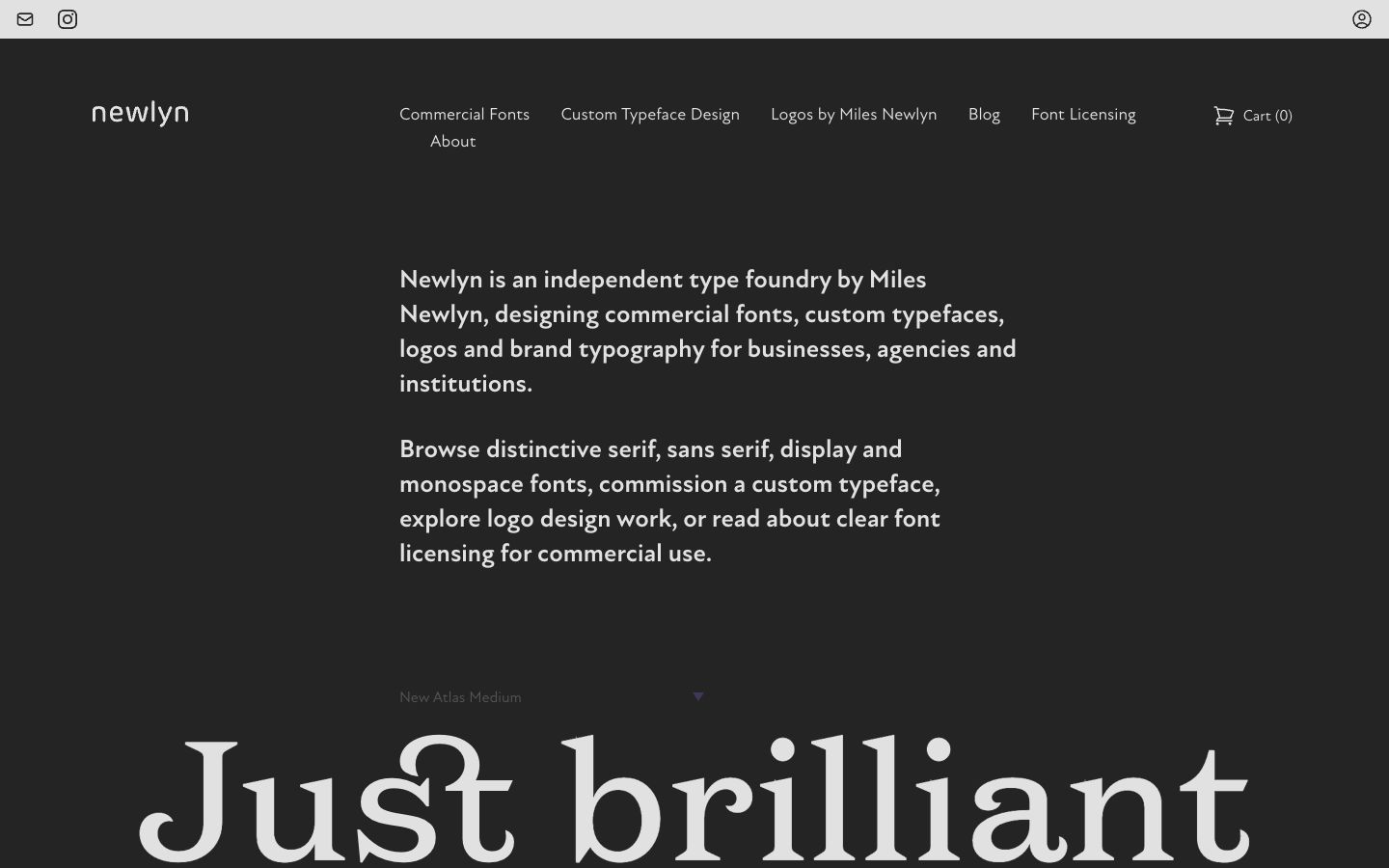
A niche website goes deep on one narrow topic, product line, or audience instead of trying to cover everything under the sun. That tight focus makes it far easier to rank in search, win a loyal following, and become the go-to name in a small corner of the web. Many niche sites earn through affiliate links, ads, or a single flagship product. Newlyn centers on a single tightly curated product world, which keeps its message sharp and its audience clear. A lightweight WordPress setup on affordable hosting is plenty to get a niche site off the ground, and you can scale up only if the traffic justifies it.
Community and learning websites
These sites bring people together to talk, contribute, or learn something. They depend on participation, so the design has to make signing up, posting, and coming back feel effortless. Many of them earn through memberships, course sales, or a mix of both, which makes engagement and revenue the same problem. Get people involved early, and the site starts to run partly on its own momentum.
Forum websites
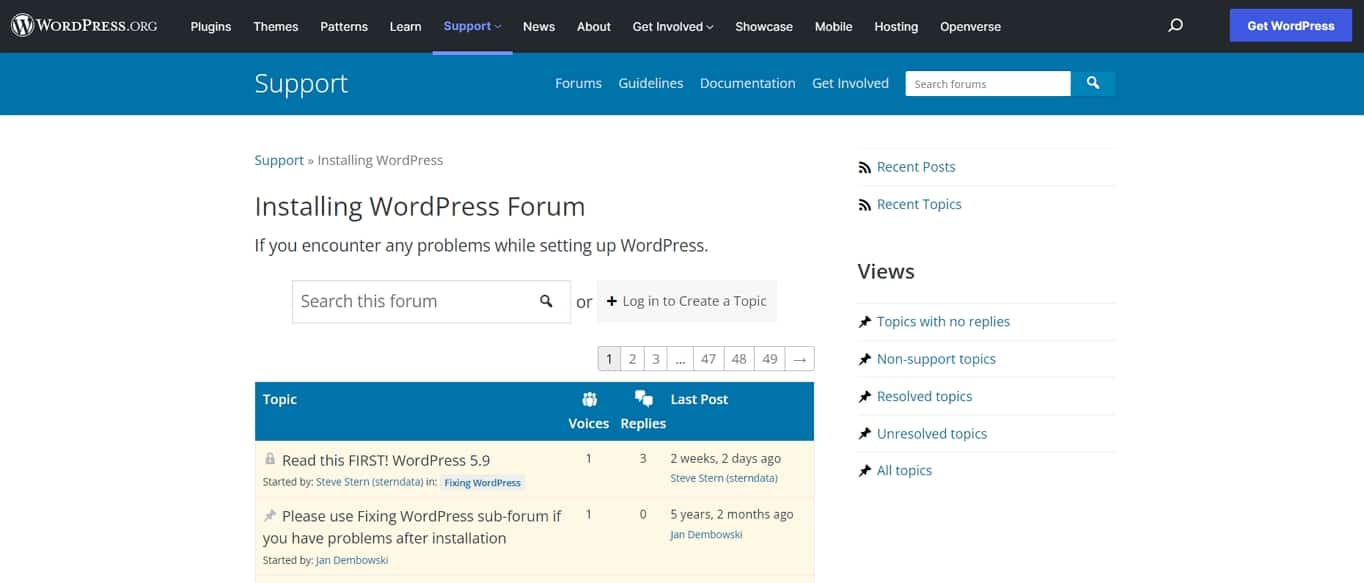
A forum is a discussion hub where members post questions, answers, and threads organized by topic and category. The content is created by the community rather than by you, which is powerful and demanding in equal measure. Good moderation, clear categories, and a bit of early seeding keep the conversation useful instead of chaotic. The WordPress.org support forums show how a large community can self-organize around shared problems, with volunteers answering thousands of threads. Adding a forum plugin to a WordPress site on reliable managed hosting gets you the same setup without building the software yourself.
Wiki websites
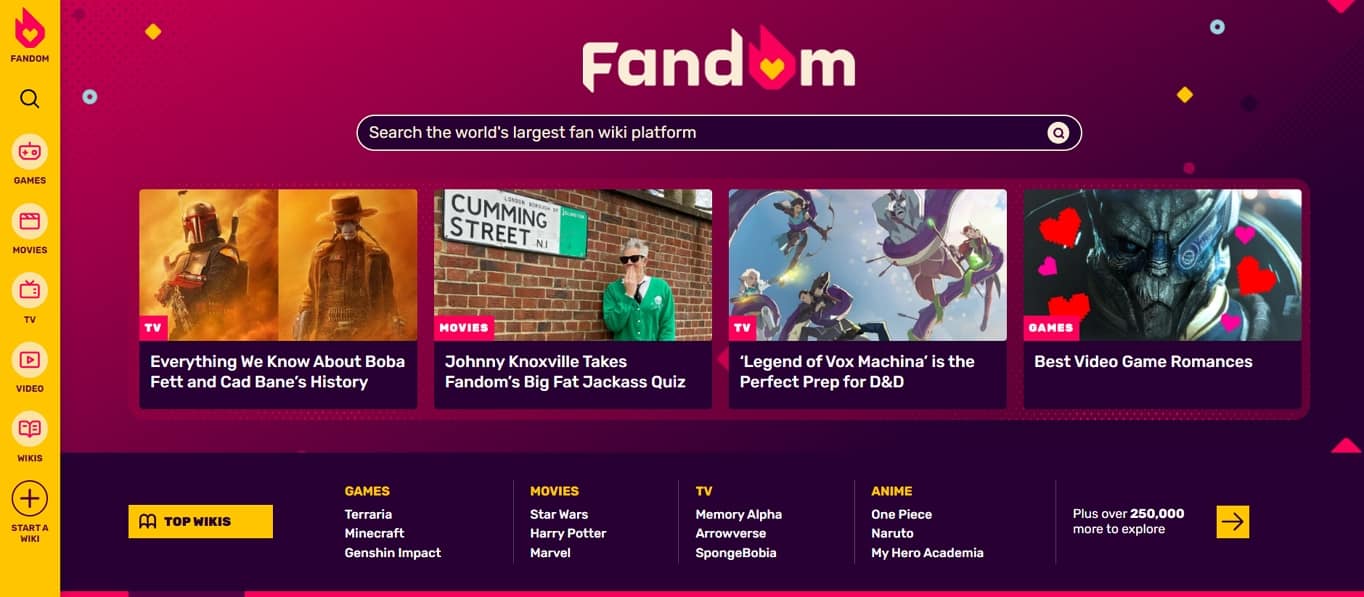
A wiki is a collaborative reference where many contributors add and edit articles, building a deep, interlinked knowledge base over time. Version history, cross-linking, and open editing hold it all together, so knowledge accumulates instead of scattering. They suit documentation, fan communities, and internal company handbooks equally well. Fandom hosts thousands of fan-run wikis covering games, shows, and films in exhaustive detail, all edited by the fans themselves. You can run one on dedicated wiki software like MediaWiki or approximate it with the right WordPress plugin if you want everything under one roof. The main challenge is quality control, so most established wikis lean on trusted editors and clear guidelines to keep the content accurate as it grows.
Membership websites
A membership site locks premium content, courses, or community behind a login, usually paid on a recurring monthly or yearly basis. It turns an audience into predictable revenue and rewards your most engaged fans with something they can’t get for free. The catch is that you have to keep delivering value, or people cancel. Skillcrush gates its tech courses and its supportive community this way, giving members a clear reason to stay subscribed. A membership plugin plus solid hosting is the standard recipe, and it scales cleanly as your member count grows from dozens to thousands.

Online course and educational websites
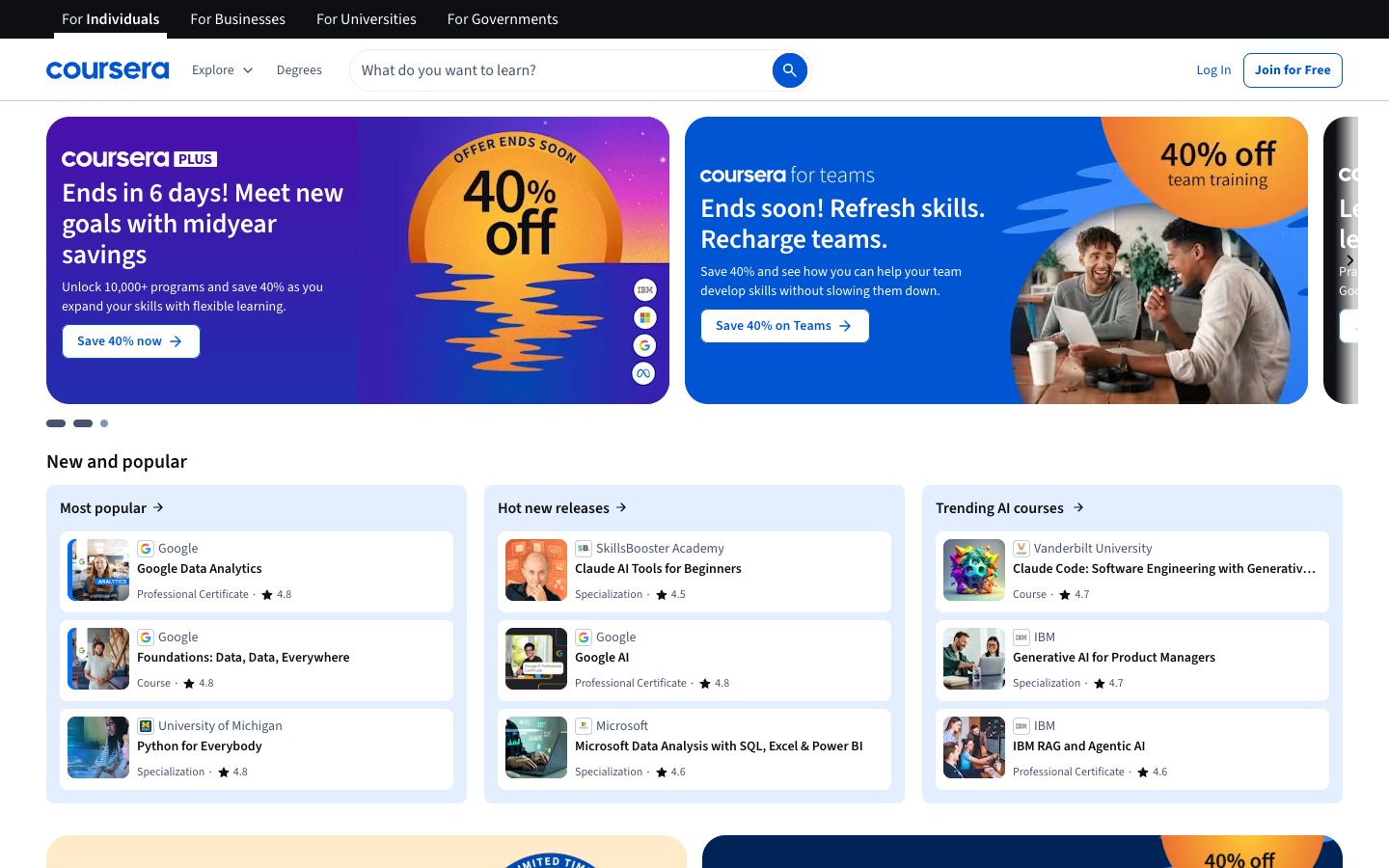
Course sites package lessons into structured modules, often with video, quizzes, progress tracking, and certificates at the end. They can teach anything from coding to cooking, and they sell either single courses or an all-access subscription. Because the value is clear, they’re one of the more profitable site types for people with knowledge to share. Coursera runs this model at massive scale, partnering with universities worldwide to offer both free and paid programs. On a smaller scale, a learning management plugin on WordPress gives you the lessons, drip content, and payments without writing custom code.
Apps and organization websites
This last group covers software, events, and mission-driven organizations. What ties them together is that the website is a tool serving something larger, whether that’s an application you use daily, a gathering you’re promoting, or a cause you’re rallying support for. The site is rarely the whole story here, so its main job is to point people toward the real action: sign in, register, or donate.
Web app and SaaS websites
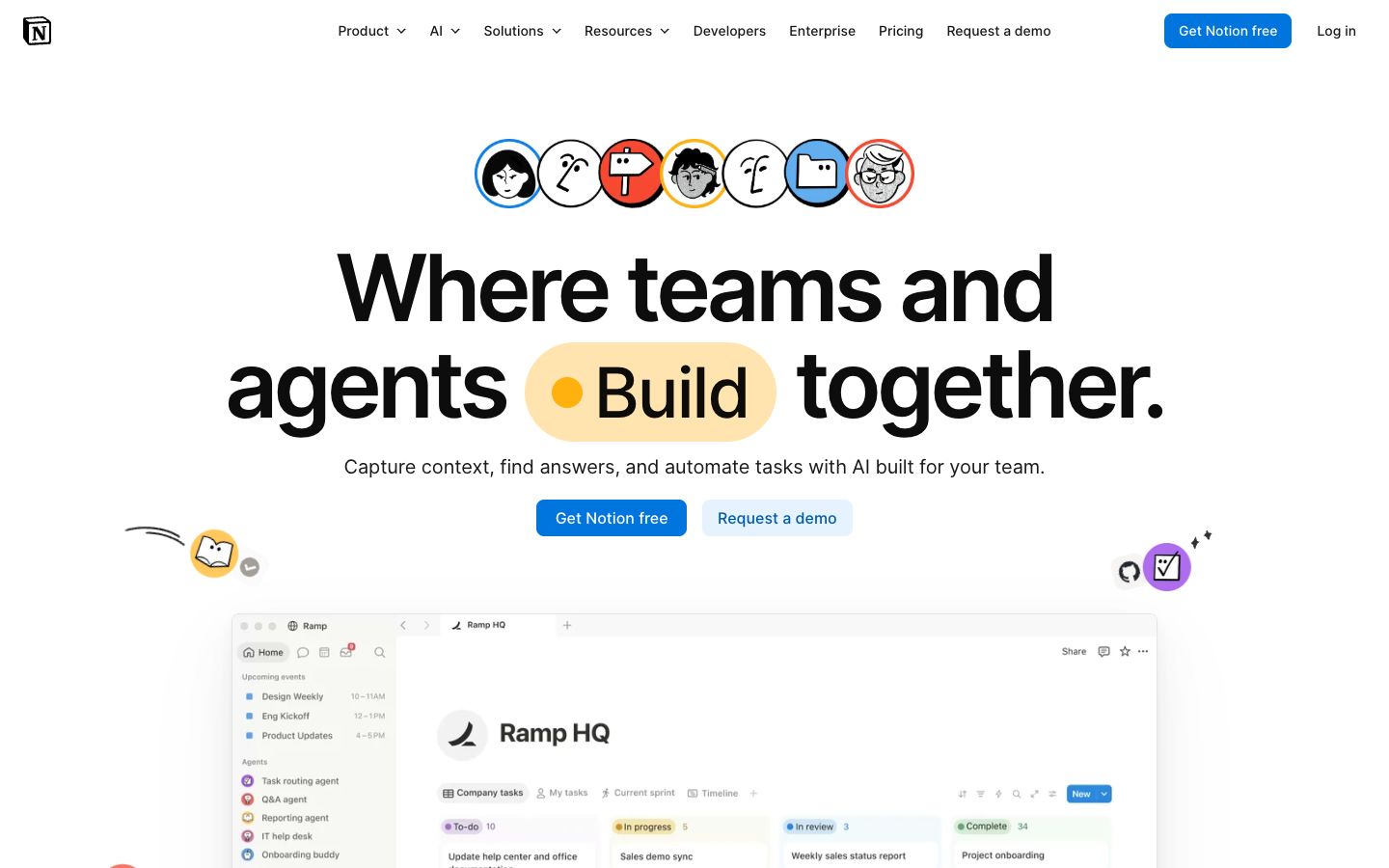
A web app is software you use right in the browser rather than downloading, and a SaaS company usually pairs the app itself with a marketing site that explains and sells it. The two often live at different addresses but share one brand and one login. This is the most technically demanding category, since the app has real logic, user accounts, and data behind it. Notion is a familiar case: a polished marketing site out front and a full workspace app behind the login. The app side needs custom development or a specialized framework, while the marketing site around it can run happily on a standard builder or WordPress. Founders often ship the marketing page first to gauge interest, then build the app once the signups justify the effort.
Event websites
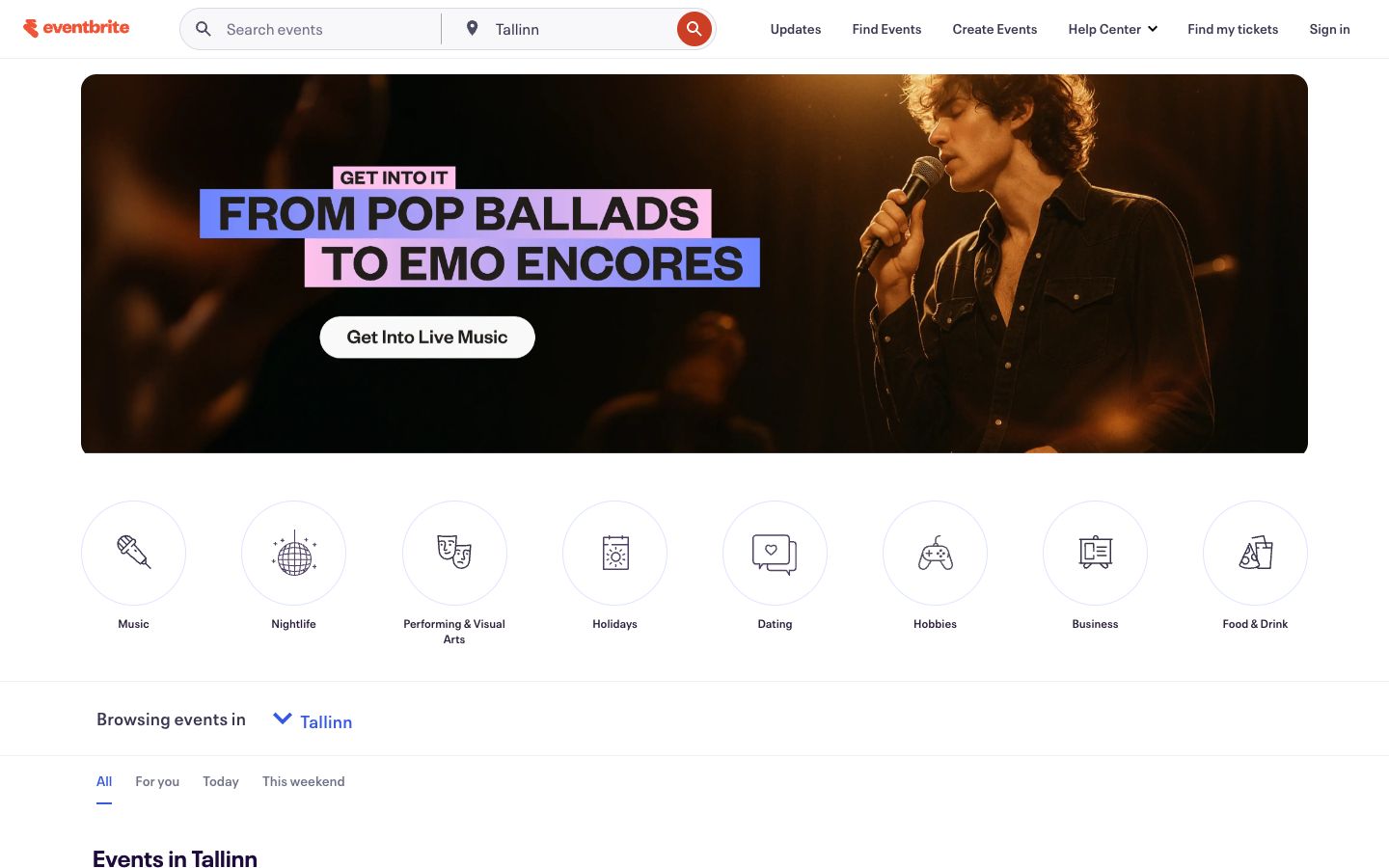
An event website promotes a conference, wedding, concert, or festival, and it often handles registration and ticketing too. Dates, a schedule, the speaker or guest lineup, directions, and a clear call to register are the essentials, ideally above the fold. Many are temporary by design, live for a season and then archived. Eventbrite is the go-to for discovery and ticket sales across countless events, handling payments and attendee lists in one place. For a single standalone event, a builder with built-in event features covers the whole job, from RSVP forms to a countdown timer.
Non-profit websites
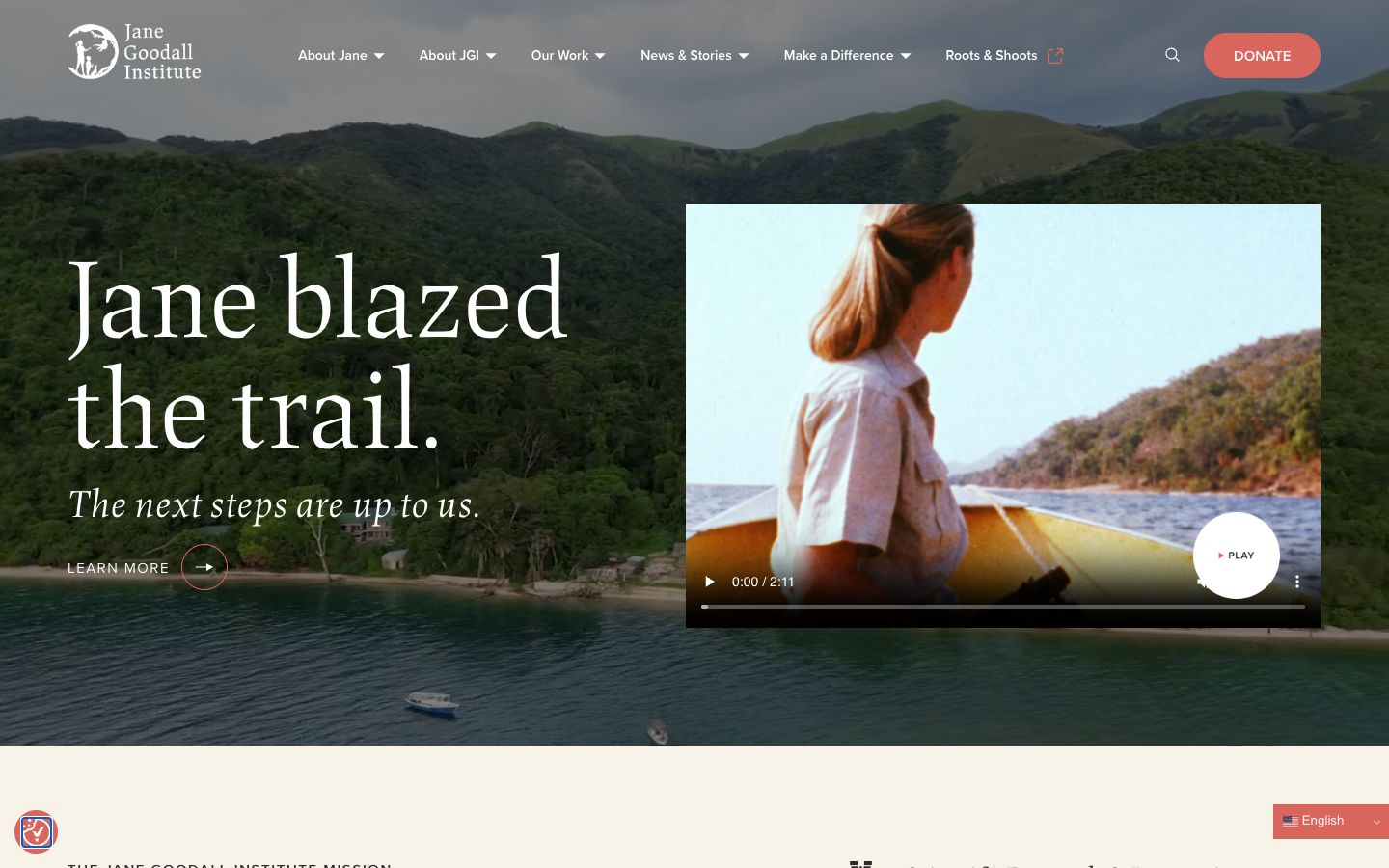
A non-profit site tells a cause’s story, collects donations, and recruits volunteers or supporters around a mission. Emotional storytelling paired with an obvious donate button does most of the work, backed by proof that the money makes a difference. Transparency pages and impact numbers build the trust that giving depends on. The Jane Goodall Institute combines its mission, programs, and giving into a clear, warm experience that makes it easy to act. Reliable hosting and a solid donation plugin are the two things worth getting right from the start, since a broken payment form costs real money.
How to choose the right type of website
Start with the goal, not the tool. Ask what a visitor should be able to do the moment they arrive: buy something, book a time, read your writing, hire you, join a community, or donate to a cause. That single answer usually points straight at one of the 20 types above, and sometimes at two, since plenty of sites blend a blog with a store or a portfolio with a booking page. Write your goal down in one plain sentence before you shop for anything, because a clear goal keeps you from paying for features you’ll never use.
Platform comes second. Once you know the type, the technical needs fall into place almost on their own. A store needs a real checkout and inventory, a magazine needs to handle heavy traffic and many authors, and a membership site needs gated logins and recurring billing. Hosted builders are the fastest route for most simple sites and ask nothing of you technically, while WordPress gives you more room to grow and a plugin for nearly anything unusual. The trade-off is roughly ease versus flexibility, and the right side of that line depends on how complex your type is and how comfortable you are tinkering. If you want to compare your options side by side, our roundup of the top website building tools lays out the strengths and weaknesses of each.
Budget comes last, and on purpose. It’s far easier to trim features than to force the wrong platform to do a job it was never built for, then pay again to migrate. Sort the goal first, match it to a type, then choose the tool that fits both your skills and your wallet. Done in that order, most people land on the right setup the first time.
Frequently asked questions
What are the main types of websites?
Websites fall into five broad categories. Business and commerce sites cover stores, booking pages, marketplaces, and directories. Personal and creative sites include portfolios, blogs, and personal pages. Content and media sites span magazines, news, and niche sites. Community and learning sites hold forums, wikis, courses, and memberships. Apps and organization sites round it out with SaaS products, event pages, and non-profits. Within those five groups sit the 20 specific types covered above, and many real-world sites combine a few of them into one project.
Which type of website is easiest to build?
A link-in-bio page or a single landing page is the easiest by a wide margin, since each is one page with one purpose and can go live in minutes. Small business sites and portfolios come next, because modern builders handle the layout, hosting, and mobile version for you. The harder builds are marketplaces, membership sites, and anything with custom software, which need extra plugins, careful setup, or a developer. If you want the fastest possible start, get your site online with a hosted builder now and expand into a bigger type later once you know what you need.
Can a website be more than one type?
Yes, and most successful sites are more than one. A small business often runs a blog to pull in search traffic, a course creator might add a membership tier for ongoing revenue, and an ecommerce store frequently pairs its shop with content and an email signup. The healthy approach is to pick the primary goal first, build the whole site around that one job, then layer in the secondary functions as you grow. Trying to be everything at launch usually makes a site that does nothing well.
What platform should I use?
For most people it comes down to a hosted website builder or WordPress. Builders like Wix or Squarespace are quicker to learn and need zero technical skill, which suits simple sites and anyone who wants to be live this week. WordPress takes a little more setup but scales further and handles complex types like membership sites or online courses with the right plugins. There’s also a fast-growing crop of AI-powered website builders that generate a starter site from a few prompts, which can shave hours off the first draft before you customize it by hand.
How much does it cost to build a website?
A basic site can run under 100 dollars a year once you add up a domain and a simple builder plan, while a full ecommerce or membership site with premium themes, plugins, and payment fees can reach several hundred dollars or more per year. Costs scale with complexity, the features you bolt on, and whether you build it yourself or hire help. A one-page portfolio and a multi-vendor marketplace sit at opposite ends of that range. For a full breakdown by site type and platform, see our guide on website pricing before you set a budget, so you plan for the real number rather than the sticker price.