The website-builder space in 2026 has more good options than ever, and the bar keeps rising. AI now writes the first draft of your site inside most of these tools: you type a few sentences about your business, and you get a working layout with copy and images you can edit. That used to be the hard part. It isn’t anymore.
This guide is for anyone who wants a professional site without hiring a developer or learning to code. We tested all eight builders hands-on, paid for the plans, and built real pages on each one. Our verdict: Wix is the best all-around builder for most people, with Hostinger the best value and Shopify the best for selling.
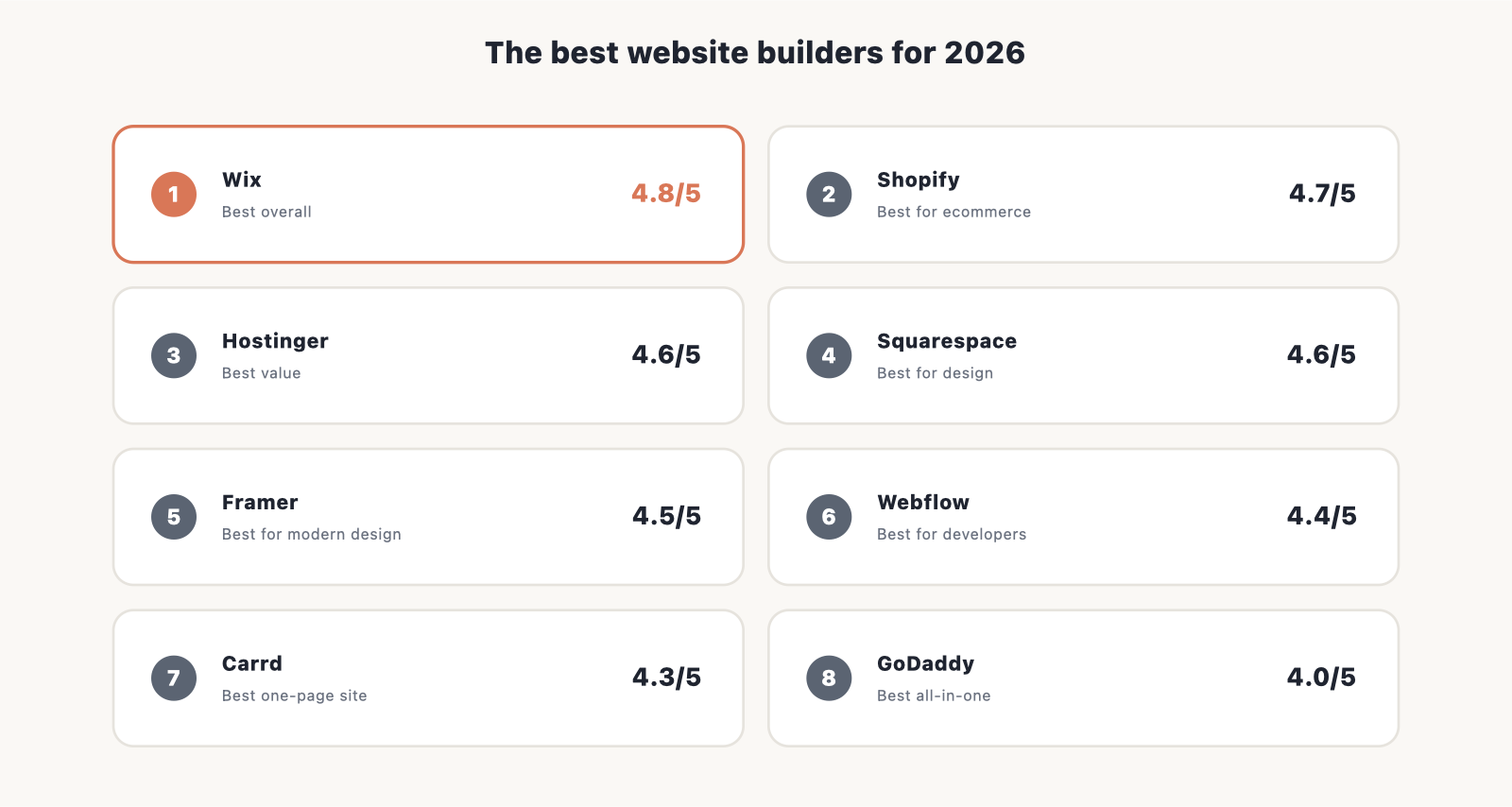
The best website builders for 2026 at a glance
- Best overall: Wix
- Best for ecommerce: Shopify
- Best value: Hostinger Website Builder
- Best for design and portfolios: Squarespace
- Best for modern, animated sites: Framer
- Best for designers and developers: Webflow
- Best one-page and link-in-bio: Carrd
- Best all-in-one: GoDaddy
| Builder | Rating | From | Free option | Best for | Ecommerce |
|---|---|---|---|---|---|
| Wix | 4.8/5 | $17/mo | Free plan | All-around sites | Yes (Core $29) |
| Shopify | 4.7/5 | $29/mo | 3-day trial | Online stores | Yes (core purpose) |
| Hostinger | 4.6/5 | $2.78/mo | 14-day trial | Best value, first sites | Yes (basic) |
| Squarespace | 4.6/5 | $16/mo | 14-day trial | Design & portfolios | Yes |
| Framer | 4.5/5 | $10/mo | Free plan | Modern, animated sites | Limited |
| Webflow | 4.4/5 | $15/mo | Free Starter | Designers & developers | Yes (Standard $29) |
| Carrd | 4.3/5 | $19/year | Free plan | One-page & link-in-bio | No |
| GoDaddy | 4.0/5 | $9.99/mo | Free plan | All-in-one + domains | Yes (~$20.99) |
How we test website builders
We don’t rank these from a spec sheet. We sign up and pay for each builder, build a real small-business site on it, and score what we find against weighted criteria. That means going through the AI setup flow, swapping templates, wiring up a contact form, connecting a domain, and pushing the editor until something breaks. Each builder gets a score out of five, and the weighting reflects what actually matters when you live inside one of these tools day to day.
- Ease of use: 30%
- Features and flexibility: 25%
- Templates and design: 20%
- Value for money: 15%
- Support and reliability: 10%
Scores are revisited as products and prices change, so a builder that ships a better editor or raises its prices moves in the rankings.
The 8 best website builders, reviewed
1. Wix: best overall
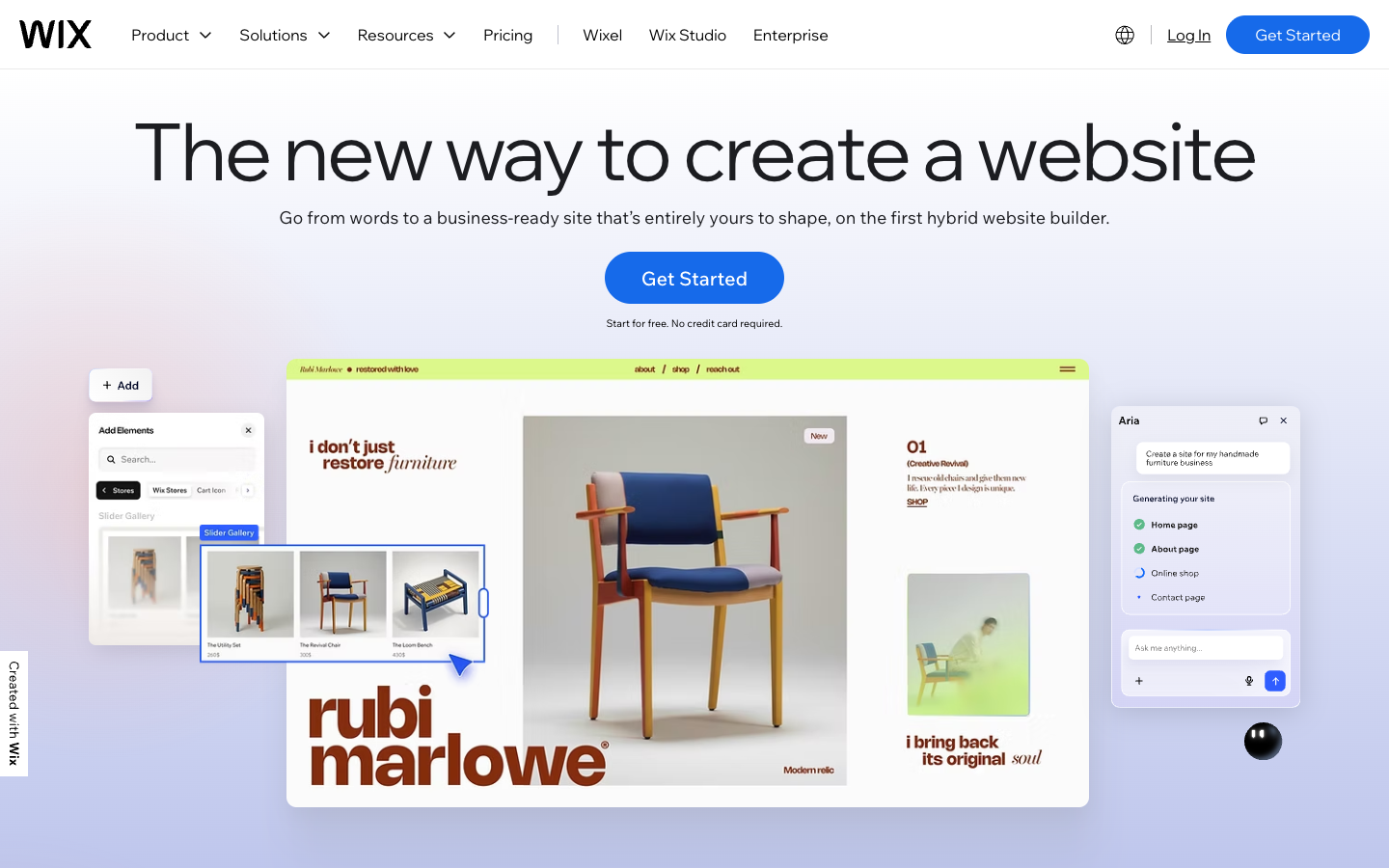
Rating: 4.8/5 · Best for: almost anyone who wants one tool that does it all · From: $17/mo
Wix is the builder we point most people to first, because it covers the widest ground without forcing you into a niche. You get the classic Wix Editor for drag-and-drop control, Wix Studio if you design sites for clients, and an AI Site Generator that spins up a starter site from a few prompts. The one catch that bites people: once you publish, you cannot swap templates without rebuilding the page, so choose carefully up front.
Key features
- Wix Editor plus Wix Studio for agencies and pros
- AI Site Generator builds a first draft from a prompt
- 900+ templates across blogs, business sites, and stores
- App Market for adding bookings, chat, and more
- Handles content sites and ecommerce on one platform
Pricing: A permanent free tier runs your site on a Wix subdomain with Wix ads. Paid plans start at Light $17/mo on annual billing, and Core $29/mo adds a real store with a 0% Wix transaction fee. (As of 2026, check the live page for current prices.)
Pros: Most flexible all-rounder, huge template library, free tier to test on.
Cons: No template switching after publish; advanced design takes time to learn.
Try Wix free and see how far the starter site gets you.
2. Shopify: best for ecommerce
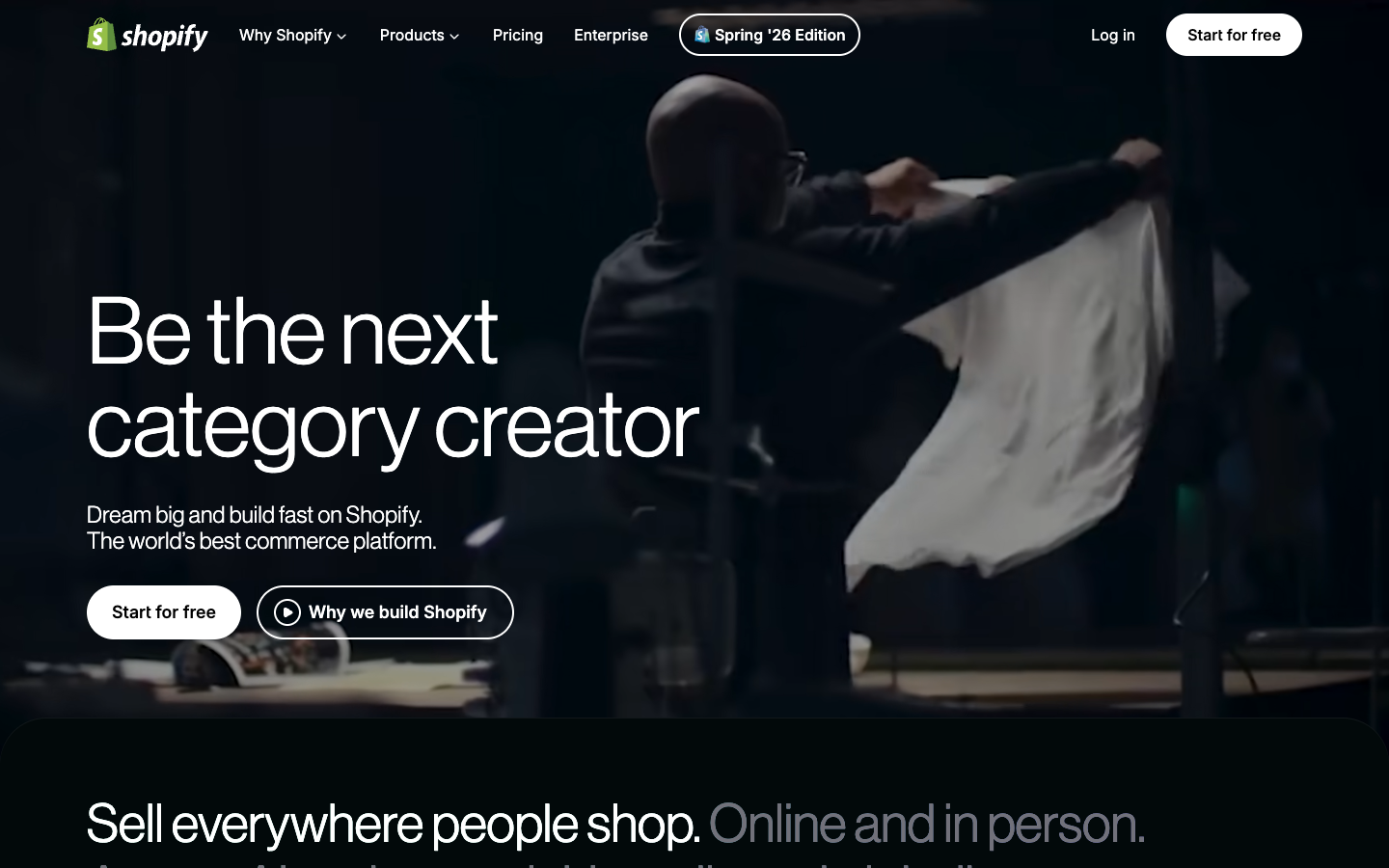
Rating: 4.7/5 · Best for: anyone whose main goal is selling, from one product to thousands · From: $29/mo
If the site exists to sell, Shopify is the leader for good reason. It handles inventory, payments, shipping, taxes, point of sale, and multichannel selling in one place, and it scales from a single product up to enterprise. The Horizon theme system, an AI store builder, and the Sidekick assistant speed up setup. It is overkill for a content-only site, and you pay every month even when the store is tiny.
Key features
- Full commerce stack: inventory, payments, shipping, taxes
- Point of sale and multichannel selling built in
- Horizon themes plus an AI store builder
- Sidekick AI assistant for store tasks
- Scales from one product to enterprise volume
Pricing: Basic is $29/mo on annual billing, or $39 month to month, after a 3-day trial and then $1/mo for three months. Every plan can sell. Use Shopify Payments and there is no extra platform fee, with card processing at 2.9% + 30c on Basic; outside gateways add up to 2%.
Pros: Best-in-class selling tools that scale with you.
Cons: Too much for a simple content site; monthly cost even for a small store.
Start a Shopify trial and build a test store before you commit.
3. Hostinger Website Builder: best value
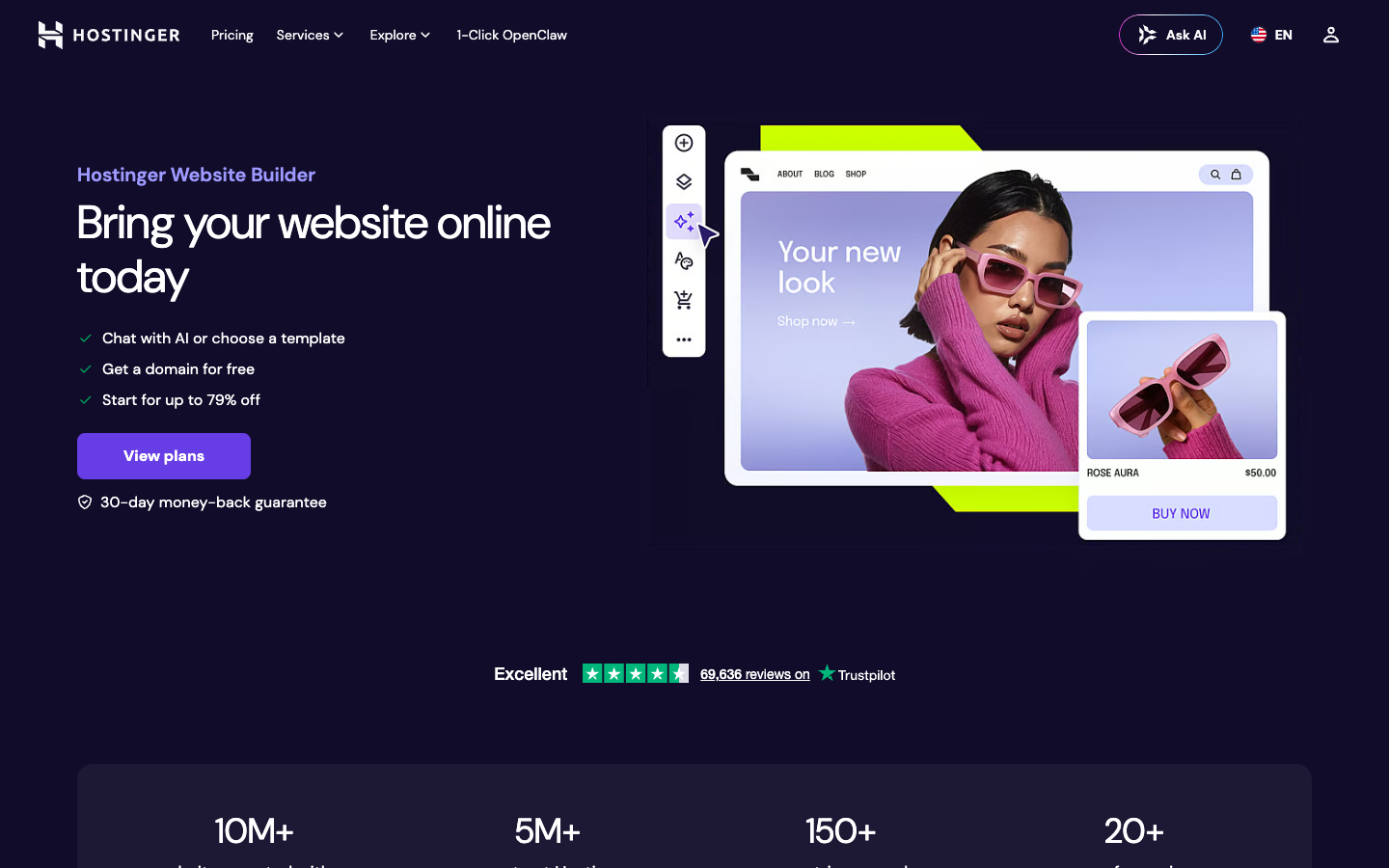
Rating: 4.6/5 · Best for: beginners on a tight budget who want hosting bundled in · From: $2.78/mo
Hostinger is the cheapest builder we can recommend without wincing. The Premium plan bundles hosting and a free domain for the first year, and the drag-and-drop editor plus Hostinger’s AI tools (including the Horizons generator) get a clean site live fast. It is less design-flexible than Wix or Squarespace, and the headline price has strings attached, but for a first site at this cost it is hard to beat.
Key features
- Hosting plus a free domain for year one, all in one plan
- Drag-and-drop editor built for beginners
- Horizons AI generator and other AI helpers
- 150+ templates with built-in marketing tools
- Lightweight store for selling a few products
Pricing: The Premium plan is $2.78/mo through our link, but that rate is billed up front on a 48-month term and renews at $10.99/mo. You get a free domain for year one and 0% transaction fees. Read the renewal line before you commit.
Pros: Lowest entry price, free domain, hosting included.
Cons: Long upfront term to hit the headline rate; less design freedom than the top tier.
See Hostinger plans and check the renewal price before you buy.
4. Squarespace: best for design and portfolios
Rating: 4.6/5 · Best for: creatives, photographers, and restaurants who want it to look polished out of the box · From: $16/mo
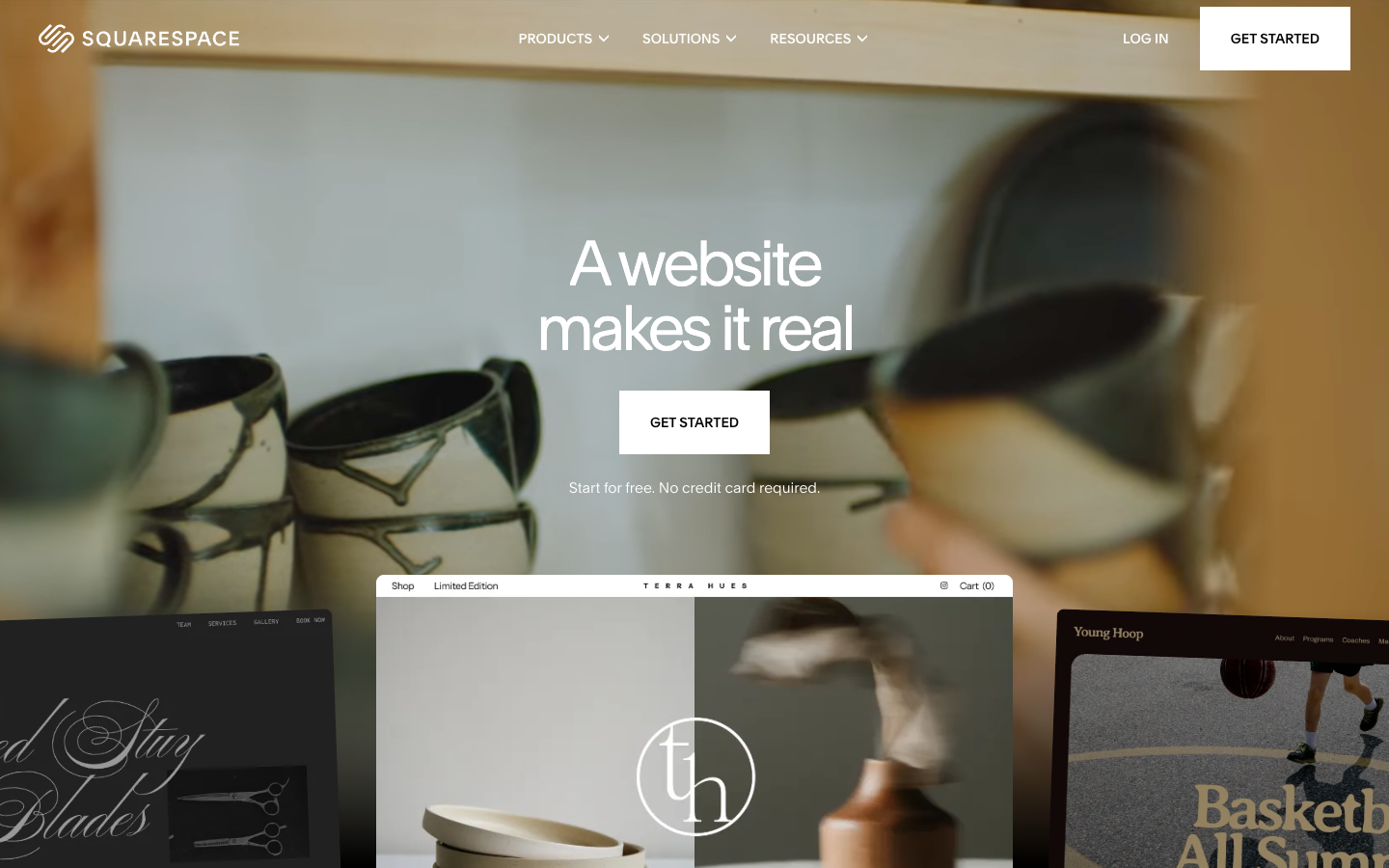
Squarespace has the best-looking templates of any builder, full stop. If design matters more to you than tinkering, you can pick a template and have something that looks professional in an afternoon, helped along by the Blueprint AI onboarding. The trade-off is fewer third-party add-ons than Wix, and it costs more than the budget options. The company went private in 2024 and has kept shipping.
Key features
- The most polished template designs in this roundup
- Blueprint AI onboarding to set up your first site
- Strong built-in blogging
- Commerce available from the entry plan
- Clean editor aimed at design-first users
Pricing: Basic is $16/mo on annual billing, or $25 month to month. There is a 14-day free trial but no permanent free tier. You can sell from the entry plan, which carries a 2% commerce fee; higher commerce plans drop that to 0%.
Pros: Best templates anywhere, strong blogging and commerce.
Cons: Fewer extensions than Wix; pricier than budget builders.
Try Squarespace free for 14 days and test a template with your own content.
5. Framer: best for modern, animated sites
Rating: 4.5/5 · Best for: landing pages, marketing sites, and slick animated portfolios · From: $10/mo
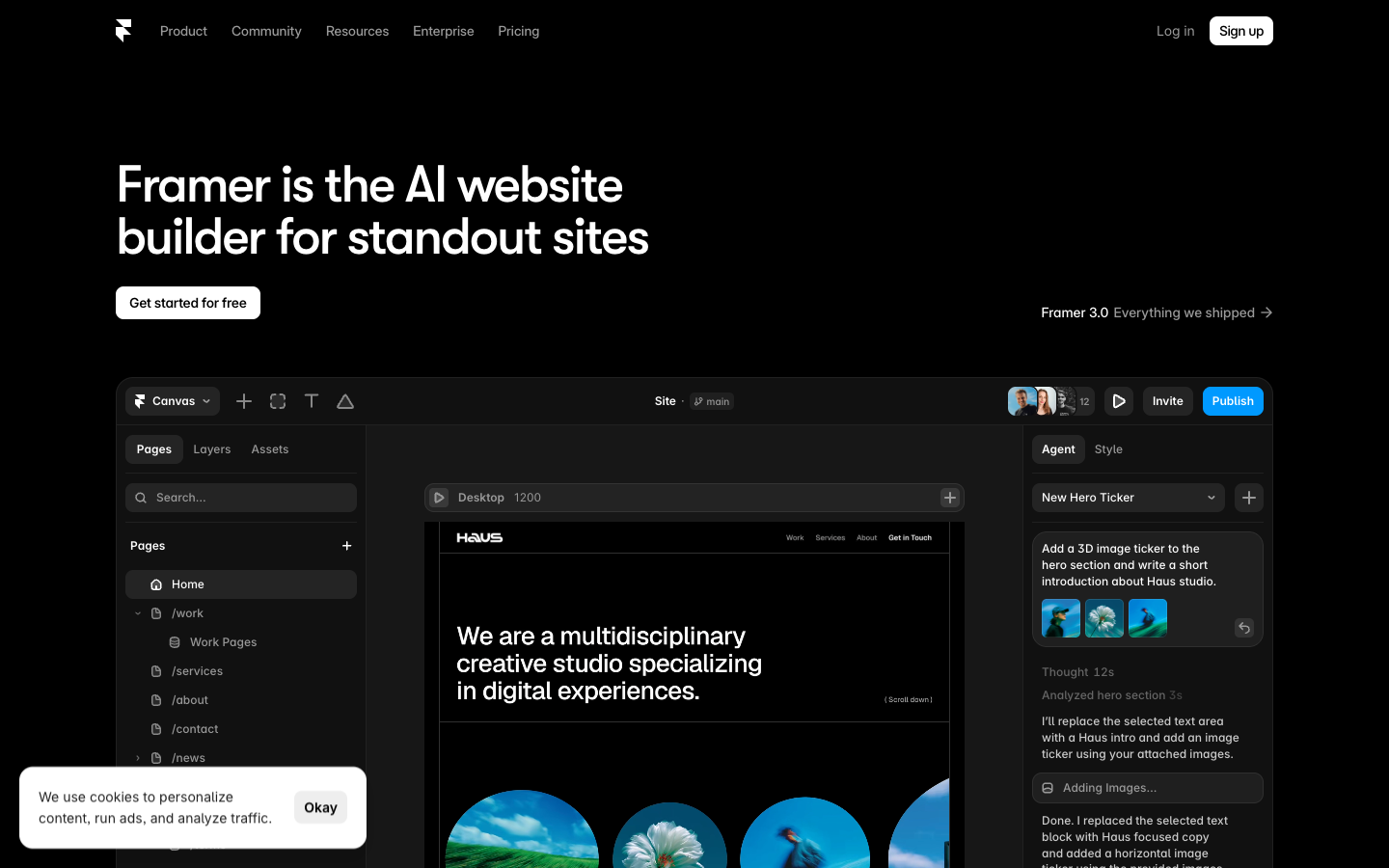
Framer has climbed fast and is now one of the more popular design-led builders. It shines on landing pages, marketing sites, and portfolios that need motion and polish, and its AI generation plus clean output make it quick to start. The limit is scope: it is lighter on ecommerce and large-CMS sites than the all-rounders, so reach for it when looks and speed matter more than a sprawling catalog.
Key features
- Design-led editor built for modern, animated sites
- Strong for landing pages and marketing sites
- AI generation to start a layout fast
- Clean, fast output
- Free custom domain on yearly plans
Pricing: A permanent free tier runs on a framer.website subdomain. Basic is $10/mo on annual billing, with a free custom domain on yearly plans, and Pro runs $30/mo.
Pros: Excellent for animation and polish, quick to launch, free tier.
Cons: Lighter on ecommerce and big content sites.
Try Framer free and build a one-page site to feel the motion tools.
6. Webflow: best for designers and developers
Rating: 4.4/5 · Best for: people who think like designers and want near-code control · From: $15/mo
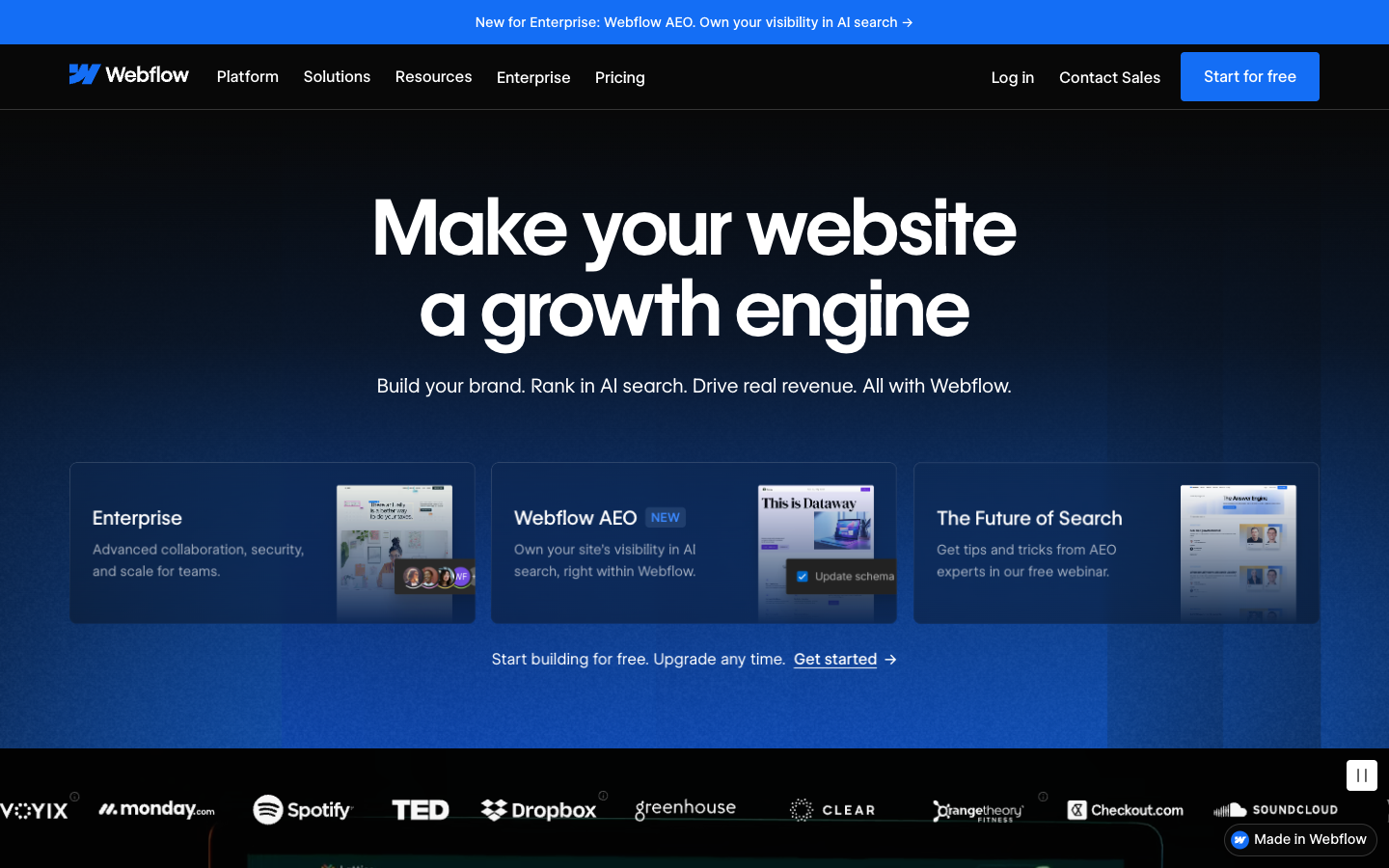
Webflow gives you design control that gets close to writing code, but on a visual canvas, and it exports clean code if you need it. The CMS is powerful, and a 2025 AI Site Builder plus a plan simplification in May 2026 lowered the on-ramp a little. Be honest with yourself first: this has the steepest learning curve here, and it rewards people who already think in layouts, classes, and breakpoints.
Key features
- Near-code design control on a visual canvas
- Clean, exportable code
- Powerful CMS for structured content
- AI Site Builder added in 2025
- Simplified plans as of May 2026
Pricing: A permanent free Starter tier runs on a webflow.io subdomain. Basic is $15/mo on annual billing, or $23 month to month, and Standard at $29/mo adds ecommerce with a 2% fee; higher plans drop the fee to 0%.
Pros: Deepest design control, clean code output, strong CMS.
Cons: Steepest learning curve; built for designer-minded users.
Try Webflow on the free Starter tier and see if the canvas clicks for you.
7. Carrd: best for one-page sites and link-in-bio
Rating: 4.3/5 · Best for: a single landing page, a link-in-bio, or a simple profile · From: $19/year
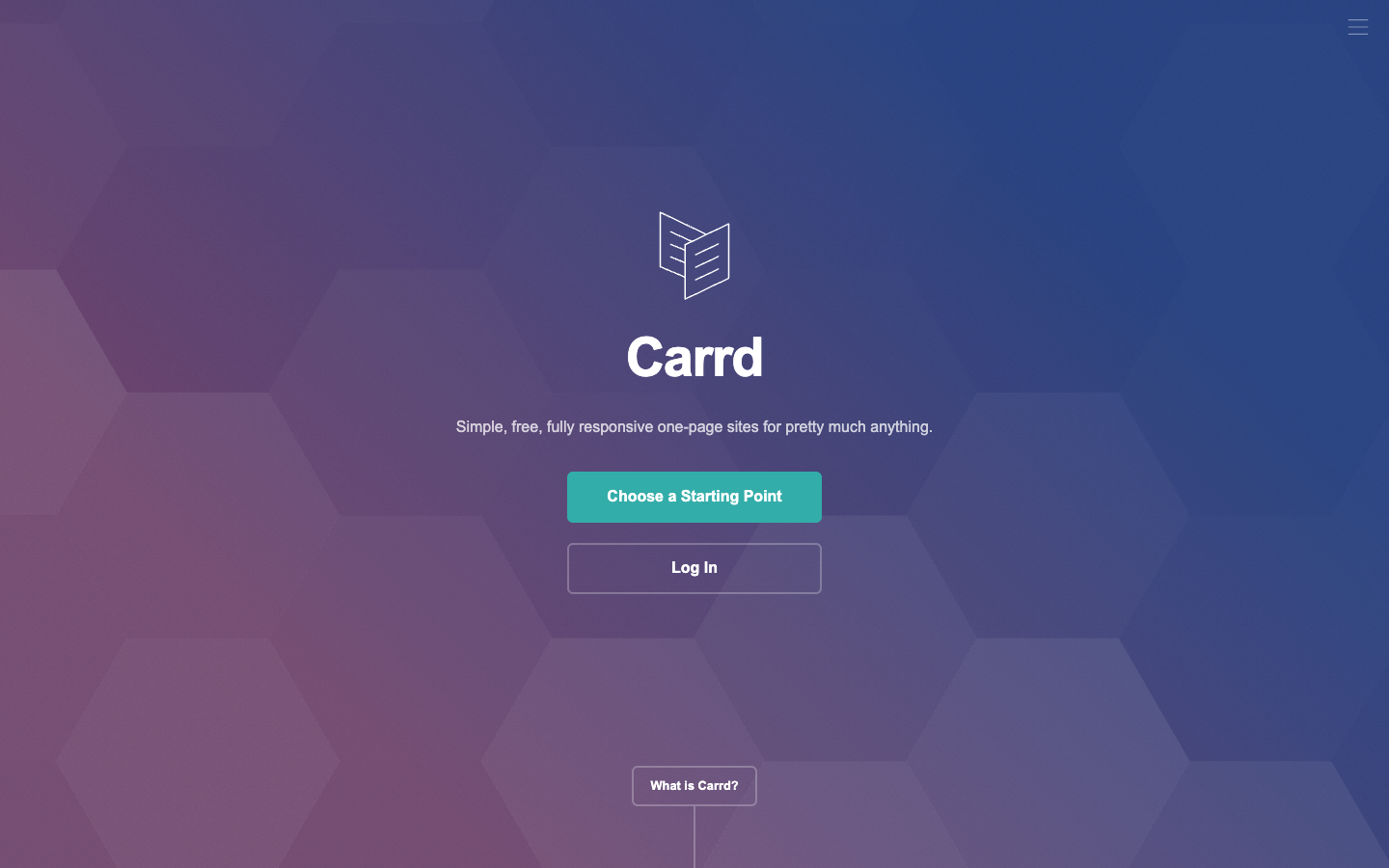
Carrd does one thing and does it well: dead-simple single-page sites. It is perfect for a link-in-bio, a personal profile, or a quick landing page, and it is remarkably cheap. The output is clean and fast. By design it is one page only, so it is the wrong tool for a multi-page site or a real store, but for what it sets out to do nothing else touches the price.
Key features
- Single-page sites, link-in-bio, and simple landing pages
- Clean, fast-loading output
- Custom domains on the Pro tier
- Forms and Stripe widgets for payments
- Free tier for up to three sites
Pricing: The free tier covers up to three sites with Carrd branding. Pro starts at $19 per year (note: per year, not per month) after a 7-day trial, and adds custom domains, forms, and Stripe widgets.
Pros: Cheapest pick here, fast and simple, free tier.
Cons: One page only; not for multi-page sites or stores.
Try Carrd free and build a one-page site in minutes.
8. GoDaddy: best all-in-one (site, domain, marketing)
Rating: 4.0/5 · Best for: people who already buy domains there and want everything under one login · From: $9.99/mo
GoDaddy makes sense when convenience beats craft. If you already register domains with them, the builder keeps your site, email, and marketing in one account, and the Airo agentic AI assembles a starter site, a logo, and marketing copy from your business details. The design ceiling is lower than Wix or Squarespace, so you are trading flexibility for a fast, tidy setup.
Key features
- All-in-one site, domain, email, and marketing
- Airo agentic AI builds a starter site and logo
- Marketing copy generated from your business details
- One login if you already use GoDaddy for domains
- Commerce tools for a basic store
Pricing: Plans start at $9.99/mo on annual billing, and there is a free plan with GoDaddy branding if you want to test it first. The Commerce plan runs around $20.99/mo.
Pros: Convenient bundle, fast AI setup, all under one account.
Cons: Lower design ceiling; less flexible than the top builders.
See GoDaddy plans if you already keep your domain there.
How to choose the right website builder
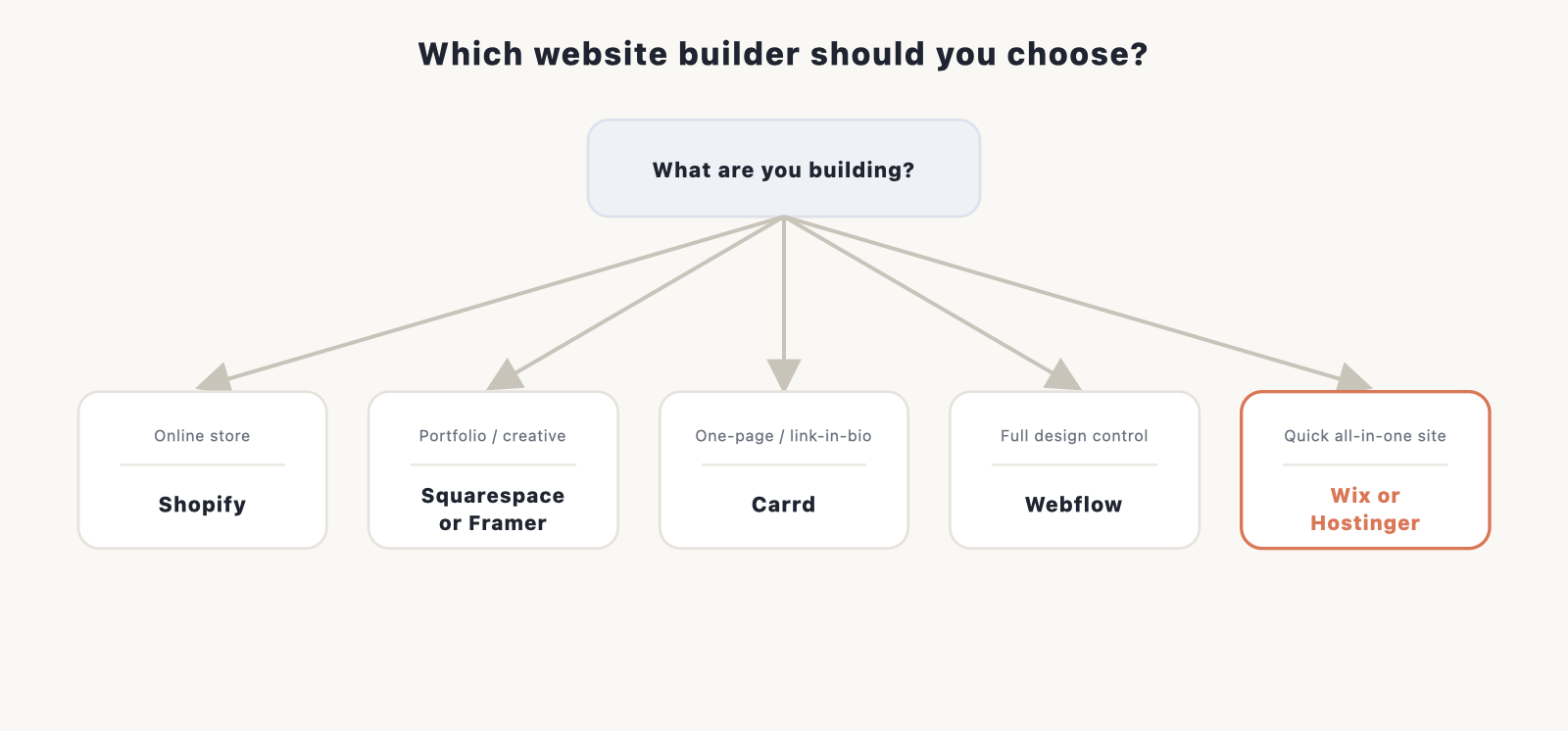
The best builder for you depends on one thing more than any other: what you’re building. A photographer’s portfolio, a 200-product store, and a one-page link hub all want different tools, and the “best overall” pick isn’t automatically right for each. Start from the type of site you need, then check it against your budget and how much you care about owning the thing long term.
If you have not settled on what kind of site you need, it helps to browse 20 types of websites with examples first.
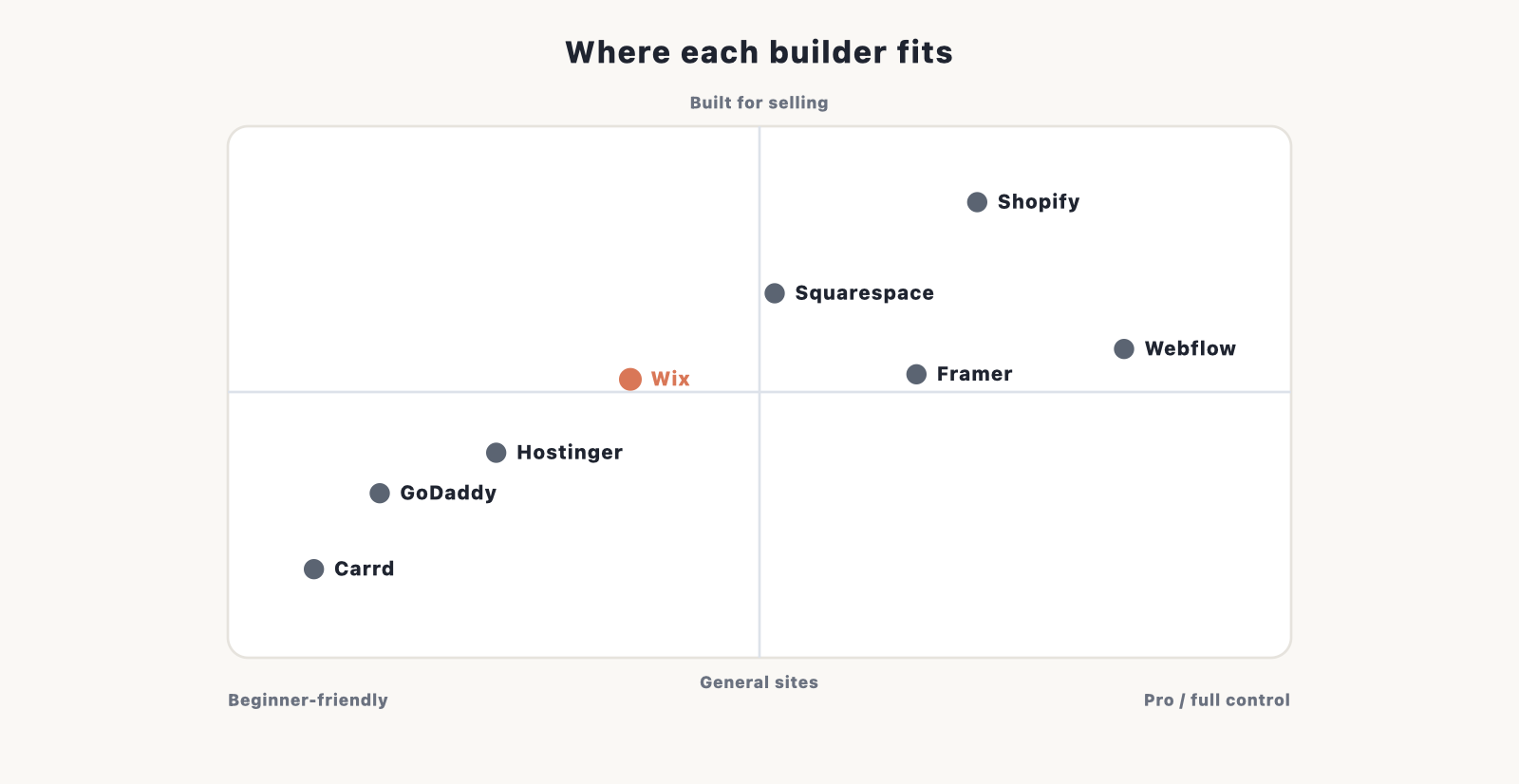
- Online store: Shopify, or Wix or Squarespace if you only sell a few products
- Portfolio or creative site: Squarespace or Framer
- One-page site or link-in-bio: Carrd
- Full design or developer control: Webflow
- Quick all-in-one site: Wix, Hostinger (best value), or GoDaddy
Budget comes next. Free plans exist on most of these, but they put a builder subdomain and ads on your site, which is fine for testing and wrong for a business. A real site needs a paid plan and your own domain, so the true cost is the builder’s monthly fee plus around $10 to $15 a year for the domain. We break the full math down in our website cost guide.
One more thing people miss: a website builder is rented space, not property. Your site is built with that platform’s blocks, and moving off one usually means rebuilding from scratch somewhere else. If you want to own your site outright and keep it portable, self-hosted WordPress is the alternative worth weighing, and our guide to creating a website walks through that route.
What about AI website builders?
AI site generation is now built into most of these tools, and Wix, Hostinger, Squarespace, and GoDaddy will all generate a starter site from a prompt before you touch the editor. On top of that, a new wave of AI-first builders has shown up that treat the prompt as the main way you work, not a head start. We cover those separately in our guide to the best AI website builders.
Frequently asked questions
What is the best website builder in 2026? Wix is the best builder for most people, scoring 4.8/5 in our testing. Hostinger Website Builder is the best value at $2.78/mo, and Shopify is the one to pick if your main goal is selling.
Are website builders good for SEO? Yes. All the major builders cover the basics: custom titles and meta descriptions, clean URLs, image alt text, mobile-friendly pages, and a sitemap. How much control you get varies, and Webflow and Wix give you the most.
Can I move my site to another platform later? Mostly no. Website builders are closed systems, so you can export your text and images but not the site itself, and you usually rebuild on the new platform. That’s why ownership matters when you choose.
Website builder or WordPress? Pick a builder if you want something easy and fully hosted, with setup and updates handled for you. Pick WordPress if you want to own your site and have the biggest plugin library available.
Do I need to know how to code? No. All eight builders are visual and no-code, so you work by dragging blocks, editing text in place, and clicking through settings. Webflow gets closer to raw code than the rest, but you still don’t have to write any.
How much does a website builder cost? Free plans exist, but they brand your site with a subdomain and ads. A real site runs about $10 to $30 a month depending on the builder, plus around $10 to $15 a year for a domain. See our full cost breakdown for the details.
What about free website builders? Fine for testing an idea, not for a real business. Free plans put the builder’s subdomain in your address, show ads you don’t control, and cap features like ecommerce and storage. Once the site is real, you’ll want a paid plan and your own domain.
The verdict
Wix is the builder we’d hand to most people, since it balances an easy editor with enough depth to grow into. Pick Hostinger if budget is the priority, Squarespace if design matters most, and Shopify if you’re selling. Webflow and Framer are the ones to reach for when you want real design control and don’t mind a steeper start. Still undecided? Our how to build a website guide helps you settle the builder-versus-WordPress question before you commit.
Disclosure: some links on this page are affiliate links, which means we may earn a commission at no extra cost to you. This never affects our rankings.